

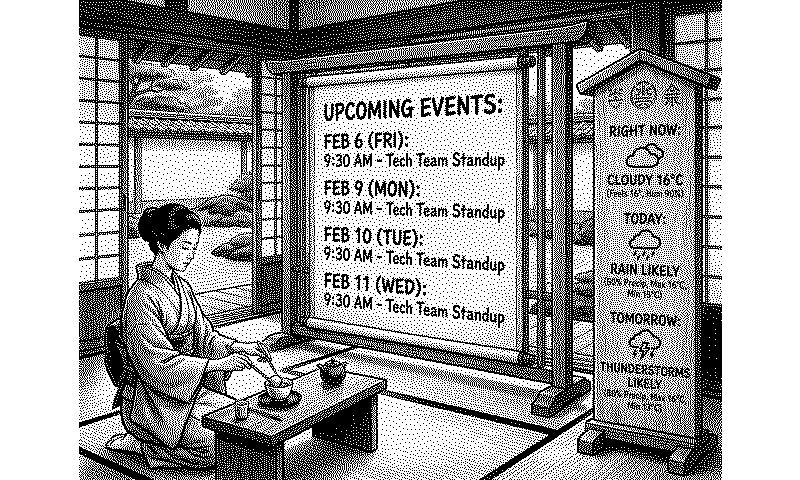

Nano Banana Dashboard
Data to artistic scenes
Customizable options
Gemini API Key
Your Google Gemini API key. Get one at aistudio.google.com
Example: AIza...
Model
Flash is faster and cheaper. Pro generates higher quality images.
Data Source 1 (optional)
Select a plugin to include in your scene
Data Source 2 (optional)
Data Source 3 (optional)
Show all 12 options
Custom Text (optional)
Add your own text to display in the scene (e.g. a quote, greeting, reminder, or personal message)
Example: e.g. 'Good morning!' or 'Carpe Diem' or 'Remember to hydrate'
Data Instructions
Tell the AI which data to feature and what to skip (e.g. 'Show temperature and calendar events prominently, ignore humidity')
Example: Show weather and calendar prominently, skip minor stats
Visual Scene
Choose a background theme for your data (optional — data is always the priority)
Style Additions (optional)
Add custom details to the visual style (e.g. 'include a surfer on the waves' or 'use Japanese woodblock print style')
Example: e.g. include a cat somewhere in the scene
Aspect Ratio
Choose the image aspect ratio for your display
Color Palette
(Experimental) Asks the LLM to try to match your display's color palette
Override Prompt (Power User)
Write your own prompt from scratch. When filled, all creative fields (Visual Scene, Style Additions, Custom Text, Data Instructions, Color Palette) are ignored. Data sources 1/2/3 still flow in as JSON, and image-based plugins still attach as reference images. Only aspect ratio still applies (sent at the API level) — describe any color preferences directly in your prompt if you want them.
Example: e.g. A vintage bus station departure board listing each upcoming event as a destination
Your TRMNL data, redrawn as a picture by Google's Gemini image models (the ones nicknamed Nano Banana). Pick up to 3 of your other plugins as data sources, and Gemini turns their data into a scene: a newspaper front page, a chalkboard cafe menu, a mission control room, and more.
You bring your own Gemini API key from Google AI Studio, with billing set up, and pick Flash, Flash 2.5 or Pro. Then shape it: add your own text, say which data to feature, choose a scene or Random, add style notes, and set the aspect ratio. Power users can write the whole prompt. A new image is only made when your settings or data change.













Knowledge base Learn about this plugin in our knowledge base
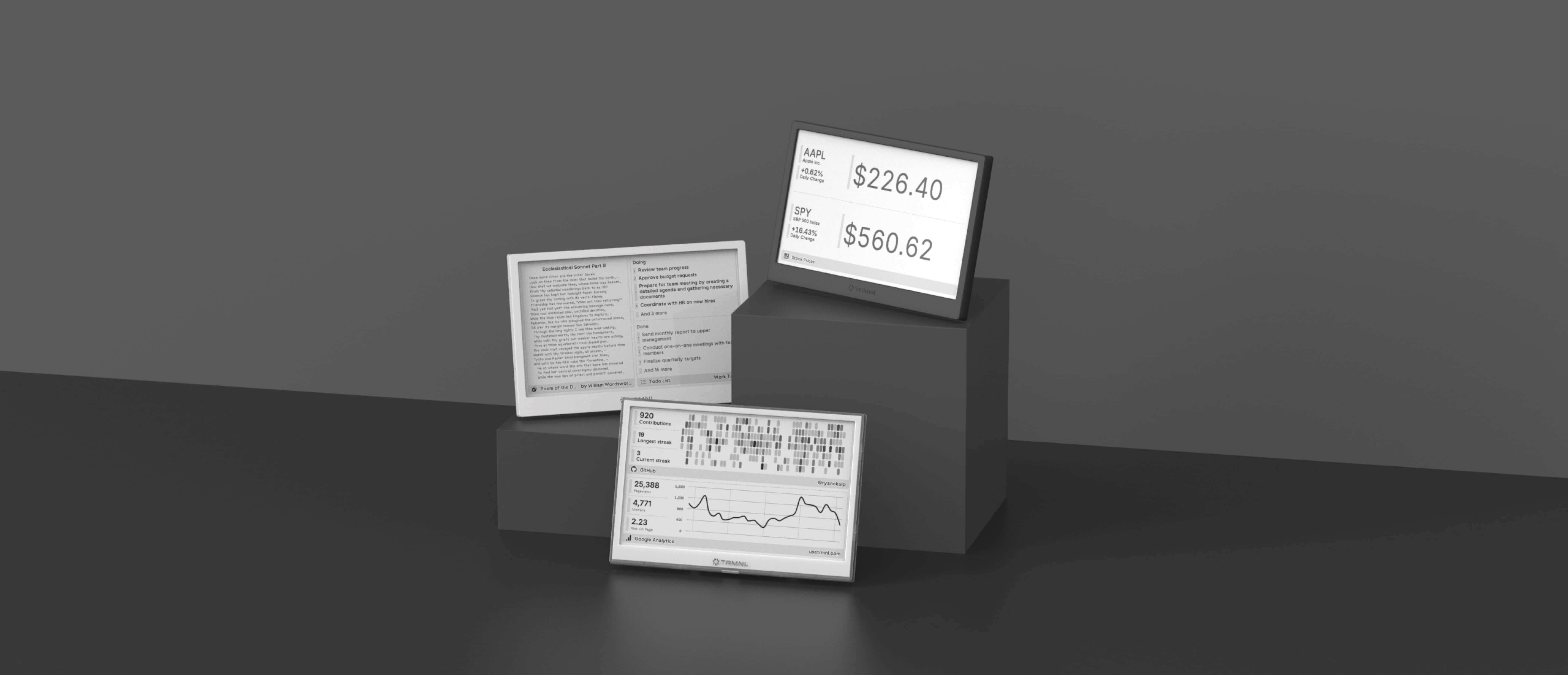
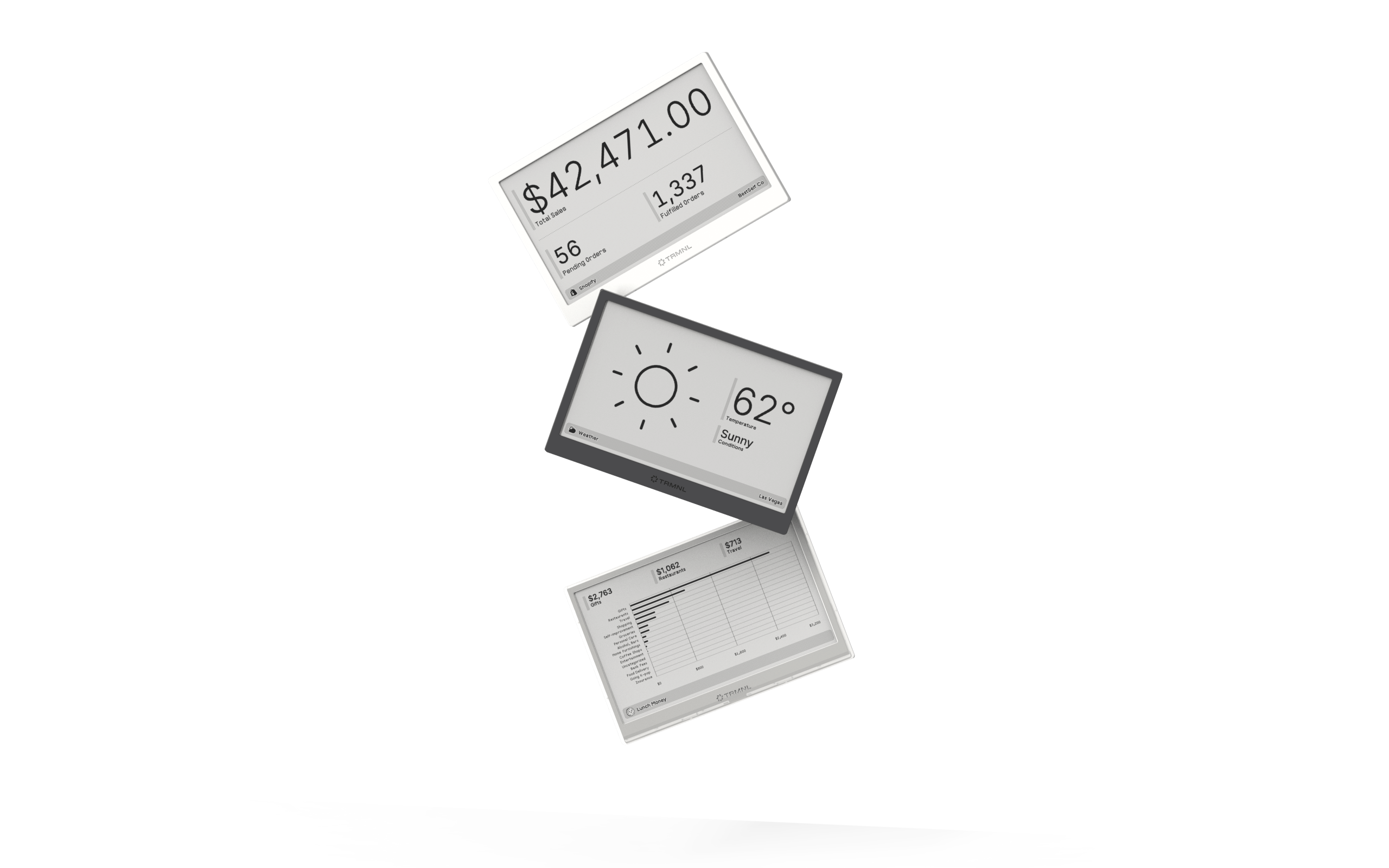
Connect your favorite apps
Our growing library supports work and personal needs, from your daily calendar to upcoming movies. New tools are added weekly.
