


Mazévo
Room bookings on a door sign
Customizable options
Data Provider
How do you prefer to import bookings to TRMNL?
API URL
Shown in Mazévo under System > API Keys.
Example: https://<yourorganization>
API Key
Create one in Mazévo under System > API Keys.
Example: a44ef0f3f942e1247095c6056f24921z
iCal Feed URL
The iCal link of a calendar under Settings > Calendars in Mazévo.
Example: https://gomazevo.com/feeds/asdfqwerty1234
Room
The room this device sits outside of.
Show all 12 options
Room ID
Only when the Room list cannot load. The room's numeric ID in Mazévo.
Example: 6553
Display Name
Overrides the room name shown as the heading.
Example: Apple River
Time Format
Select preferred time format.
Time Zone Override
(Optional) overrides your TRMNL account-level setting.
Show finished bookings?
List today's bookings that already ended.
Available Label
Replaces "Available" when the room is free.
Example: Please visit the information desk to book this room
Footer Note
One line at the bottom of the sign.
Example: Please do not touch the screen. Book this room in Mazévo.
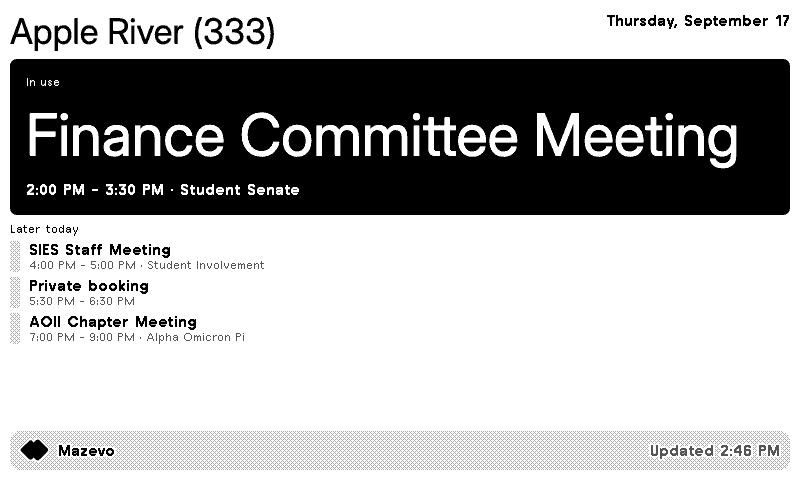
Turn a TRMNL ePaper display into a room sign for any space you book in Mazévo. At a glance it says whether the room is in use, with the current booking's name and time, or that it's available and until when. The rest of today's bookings sit below.
Connect with a Mazévo API key and API URL, which supports organization and private bookings, or with a Mazévo calendar's iCal feed, which shows event names and times only. Pick the room the display sits outside. Then make it yours: swap the room name for your own heading, change the "Available" label, add a one-line note at the bottom, show or hide bookings that already ended, and use 12 or 24 hour time. Private bookings show as private, no names.










Connect your favorite apps
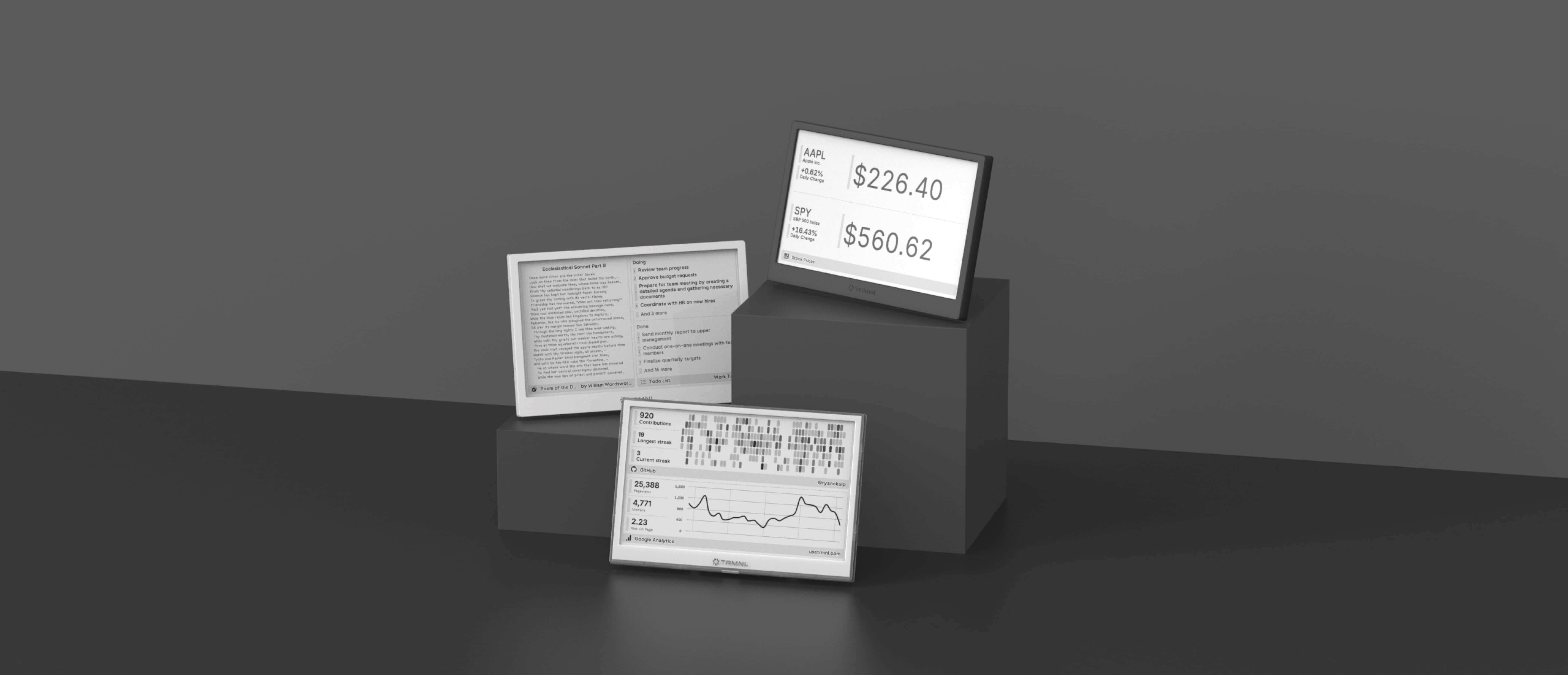
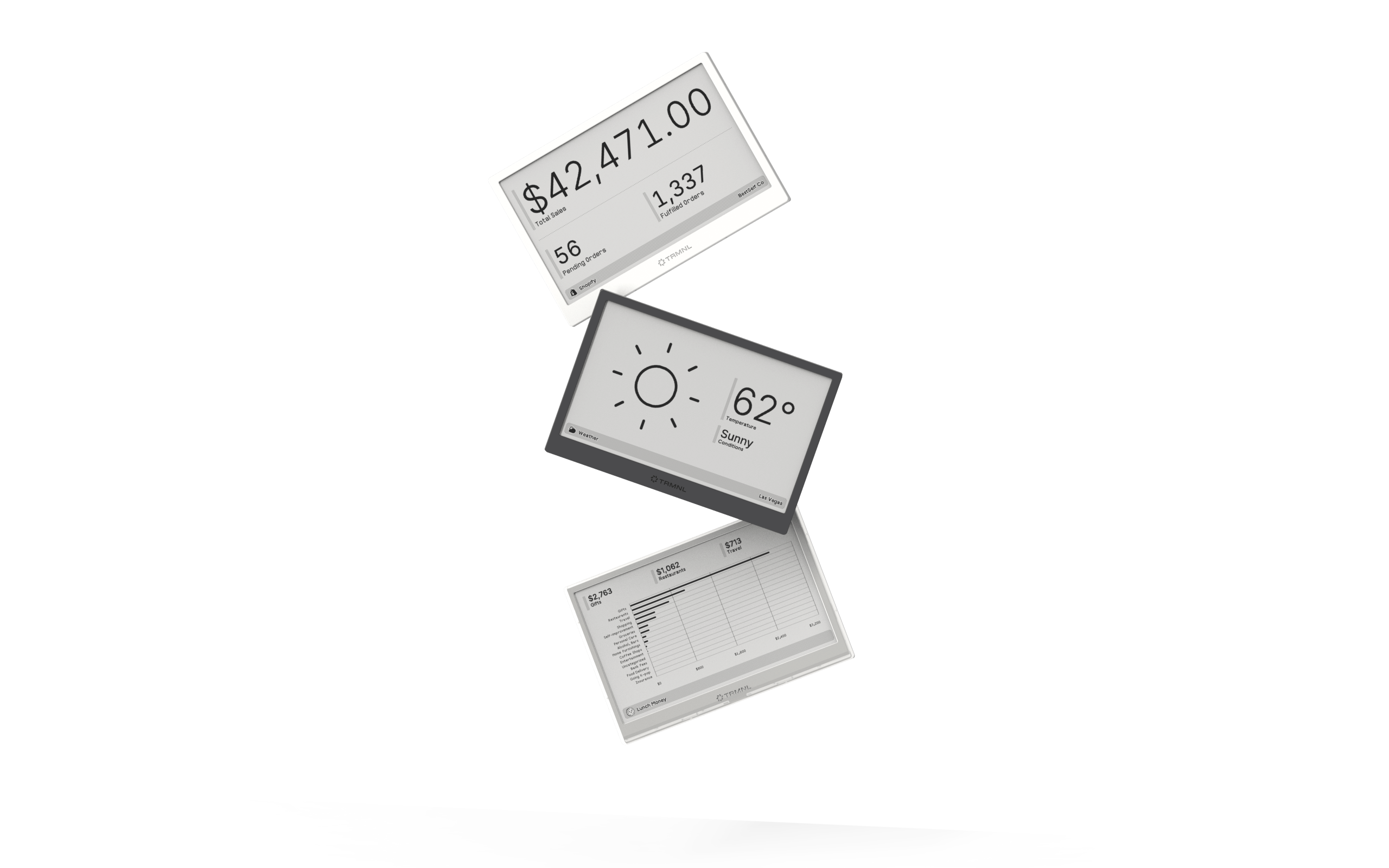
Our growing library supports work and personal needs, from your daily calendar to upcoming movies. New tools are added weekly.
