

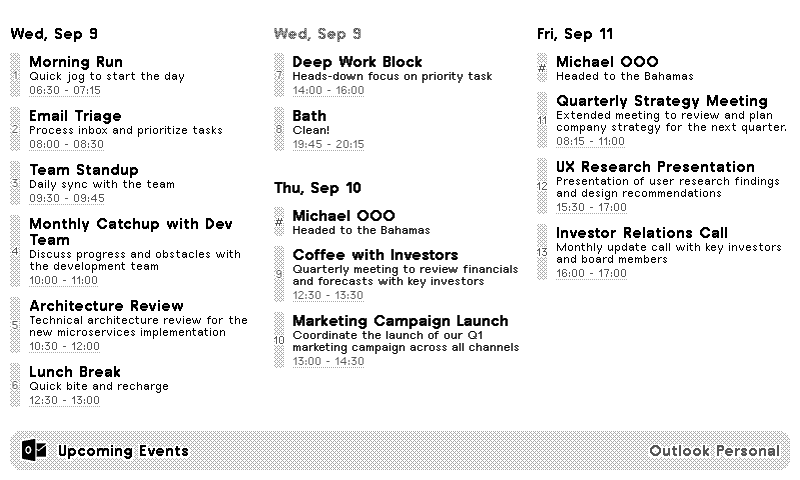
Default
Schedule
Week
Three Day Week
Month
Today Only
Outlook Calendar
Know your upcoming schedule
Customizable options
Calendar
Select the calendar to display. Leave empty to fetch the default calendar.
Layout
How do you want to visualize events?
Time Format
Select preferred time format.
Date Format
Select prefered date heading format. Used in Default, Agenda, Schedule + Week layouts.
Custom Date Format
Strftime format string. Used when Date Format is set to Custom.
Example: e.g. %A %-d %B
Show all 27 options
Time Zone Override
(Optional) overrides your TRMNL account-level setting.
Include event time
Whether or not to show an event's start/end time.
Include description
Whether or not to show a preview of the event details.
Include past events?
Whether or not to show events that already ended. Week and Month layouts always show all of today. Recommend disabling for Month layout.
Colorize events
Whether to show calendar colors on event blocks.
Month header?
Whether you want to see the month and year above the grid.
Fixed week?
Whether you want to see columns for previous week days.
Week start day
Which day of the week should be the first?
Rolling advancement
Advance the rolling month grid a week at a time (current week stays the top row) or daily (today always lands in the top-left corner).
Fixed start time?
By default, the week's earliest event time will be used as an anchor. Override that here.
Fixed end time?
By default, the week's latest event end time will be used as an anchor. Override that here.
Ignored Phrases
Ignore events with these words or phrases
Example: personal errand
Event Status Filter
Whether to see all events, or only those you accepted.
Quadrant columns
Number of columns to display events in quadrant view.
Zoom mode?
Whether or not to increase event title font sizes and start/end time label contrast.
Show week numbers?
Display ISO week numbers in month and week layouts.
Show current time indicator?
Display a line marking the current time.
Time indicator layer
Should the time indicator appear above or behind event blocks?
Time indicator span
Should the time indicator line span just the current day or the full week?
Highlight today?
Visually emphasize today's date in the calendar with an inverted label.
Shade weekends?
Fill Saturday and Sunday columns with a gray background in week and month layouts.
Vertical Alignment
Whether the calendar content should be aligned to the top, center, or bottom.
Your Outlook calendar, on a TRMNL ePaper display. Sign in with your Microsoft account and choose which calendars to show. Leave it blank and we'll use your default calendar.
Pick a layout: today's agenda, the next few days, a week or work week, a month grid, or a minimal schedule. Show event times and descriptions, use 12 or 24 hour time, hide events with certain words in them, and show only events you accepted. Week and month views can shade weekends, highlight today, and show week numbers. And if you block out your day hour by hour, a current time line keeps you honest.









Knowledge base Learn about this plugin in our knowledge base
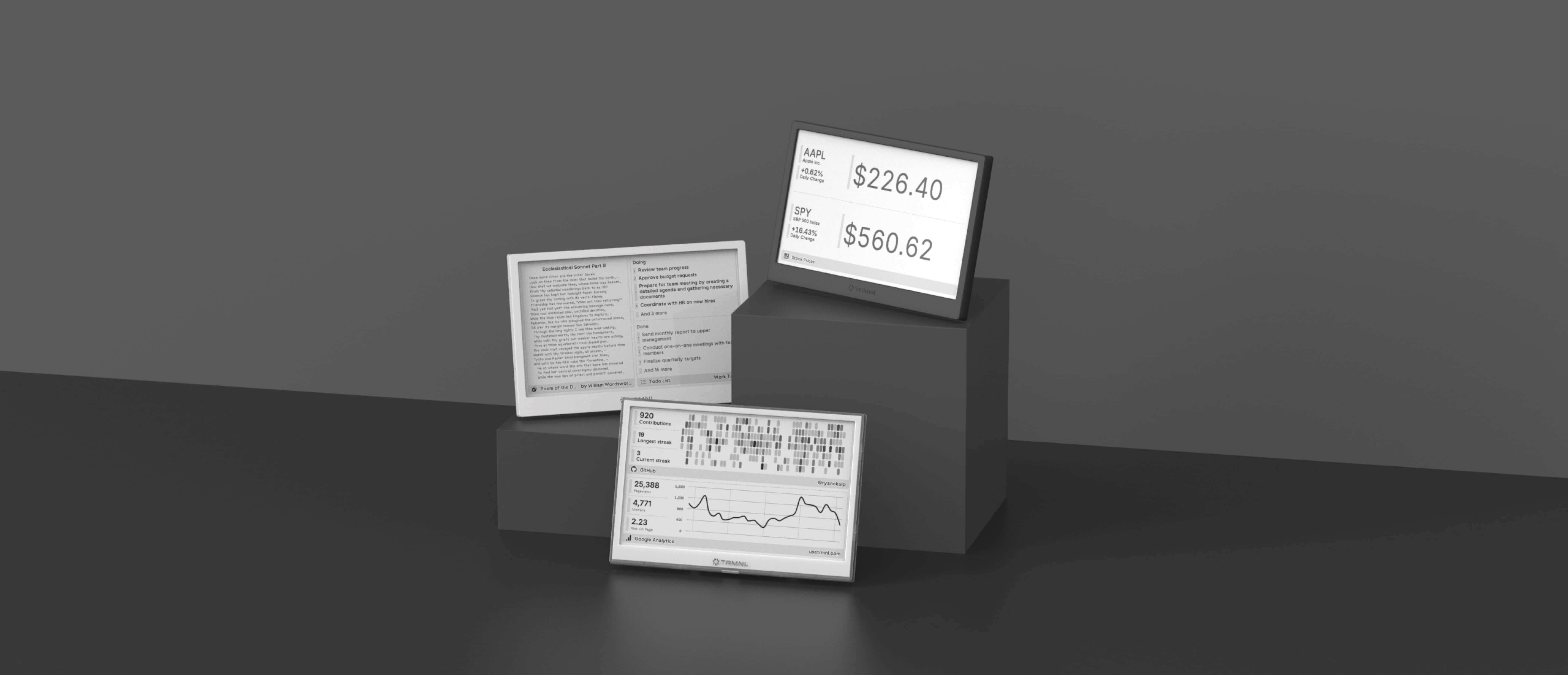

Connect your favorite apps
Our growing library supports work and personal needs, from your daily calendar to upcoming movies. New tools are added weekly.
