


Image Display
NO. 8 MOST POPULAR PLUGIN
Display any image
Customizable options
Image Address
Enter your image URL. For best results, match your source image's aspect ratio to the display slot — images are center-cropped to fit by default.
Example: https://example.com/image.png
Image Fit
How the image fills the display area.
Crop Position
Which part of the image stays in frame when Cover crops it.
Background Color
Fill color for empty space around the image when using Contain fit.
Allow self-signed certificate
Fetch from this server even when TRMNL cannot verify its HTTPS certificate, for example a home server with a self-signed certificate.
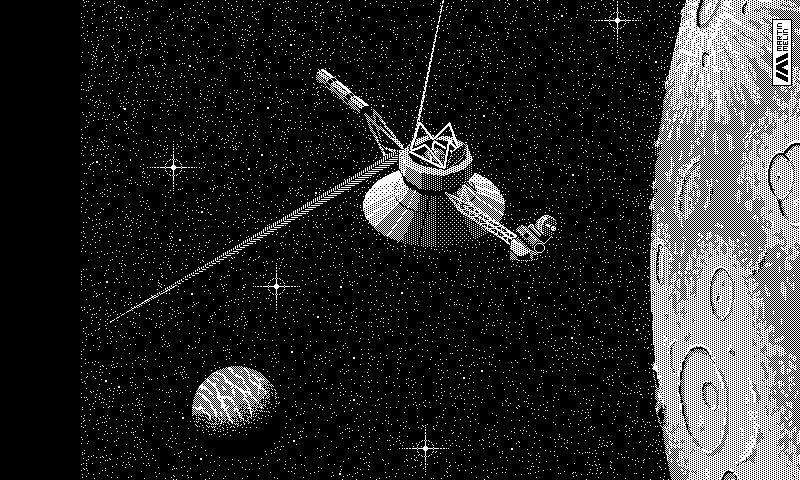
Any image on the web, on a TRMNL ePaper display. Enter an image address and TRMNL converts it to fit your screen. Add more addresses, 1 per line, and you get a random one on each refresh. Google Drive share links work as is, so Drive can be your image host.
Use it for a photo, a chart or dashboard another system spits out, or a camera snapshot. Cover the screen, fit inside it with a background color around it, or stretch to fill. Hosting on a home server with a self-signed certificate? Let TRMNL fetch it anyway. And if your server sends ETag or Last-Modified headers, TRMNL only redraws when the image actually changes.















Knowledge base Learn about this plugin in our knowledge base
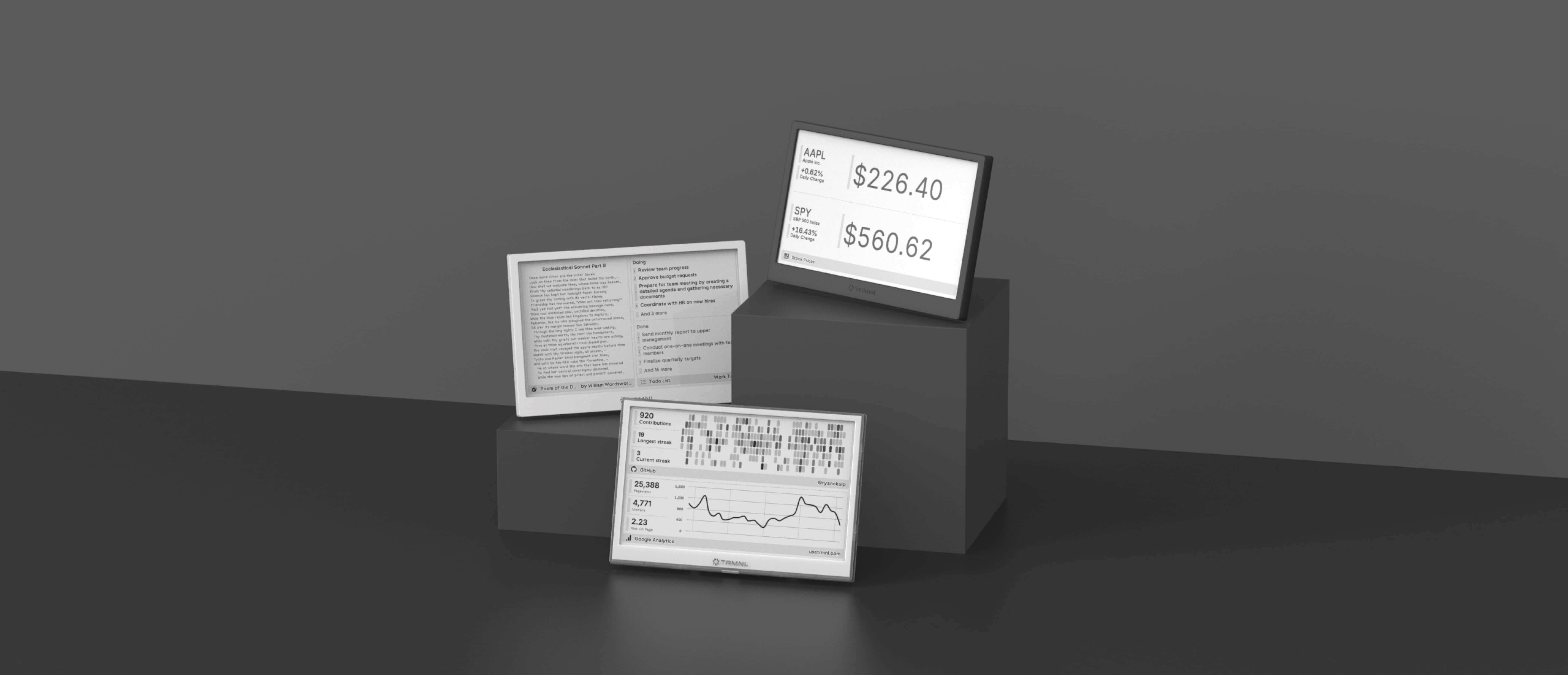
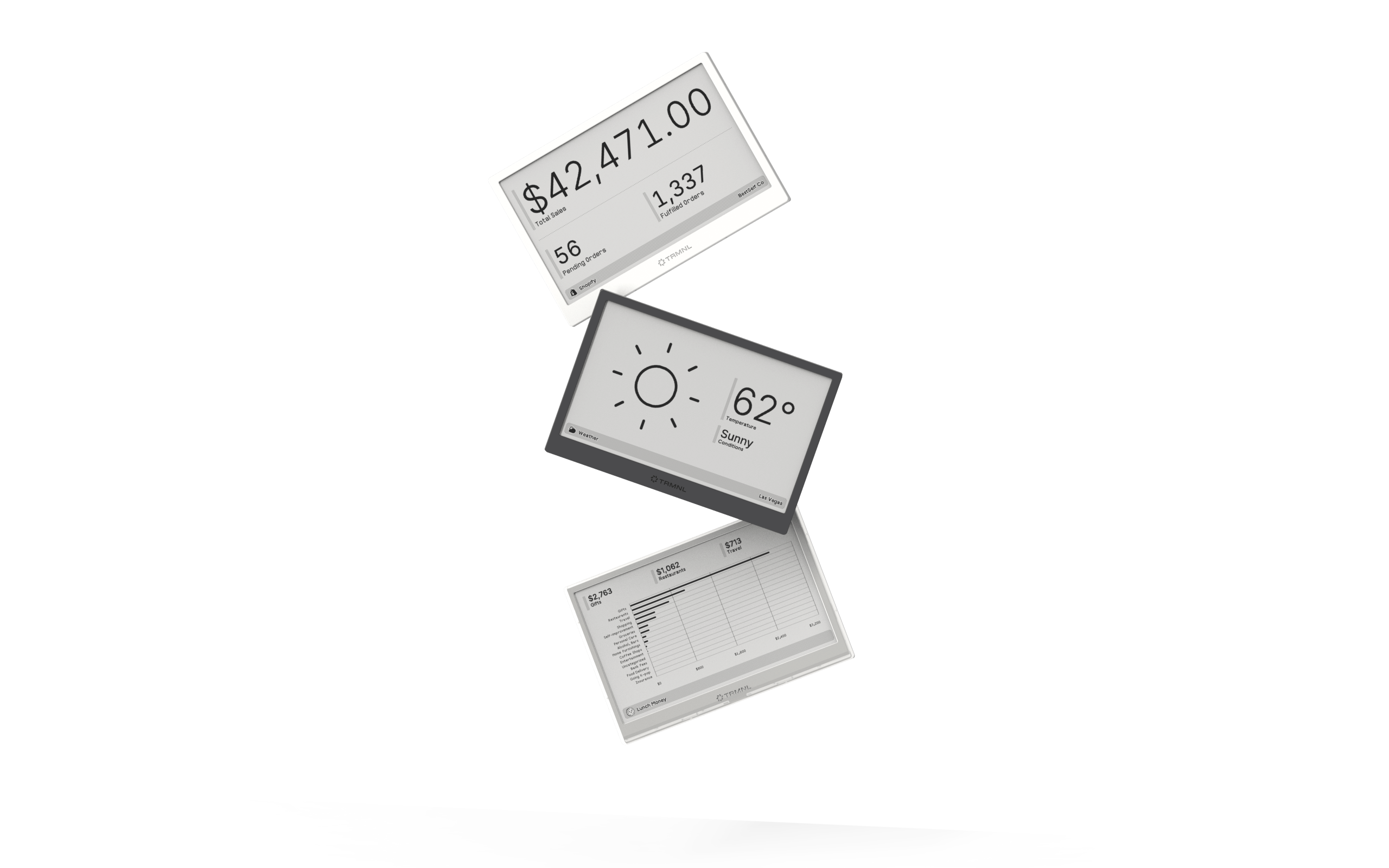
Connect your favorite apps
Our growing library supports work and personal needs, from your daily calendar to upcoming movies. New tools are added weekly.
