

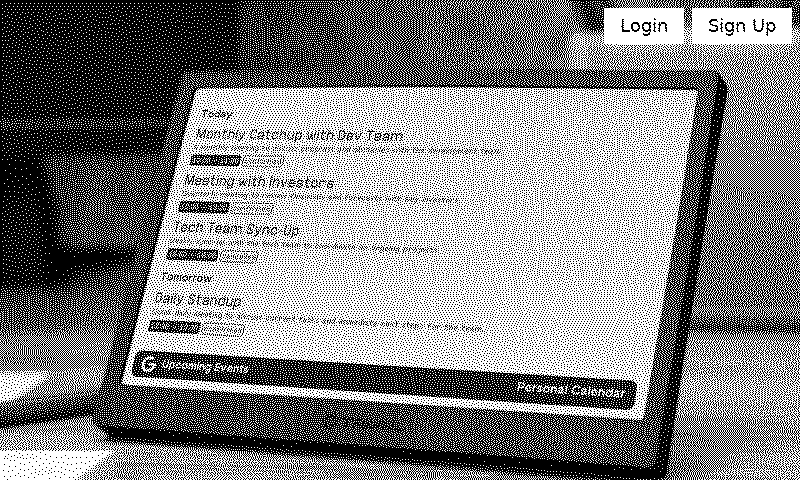

Screenshot
Snap a website
Customizable options
URL
Website to screenshot
Example: https://my-dashboard.com
Headers
What HTTP headers should be included?
Example: authorization=bearer xxx&content-type=application/json
Use absolute source paths?
When enabled, TRMNL will fix relative paths like /photo.jpg to yoursite.com/photo.jpg.
Always refresh?
Re-render every cycle even when the page's HTML is unchanged. Useful for JavaScript dashboards and SPAs whose HTML is static but whose data renders client-side.
Any public web page, on a TRMNL ePaper display. Paste in the address and we'll grab the page and capture it as an image. A sports score page, a status board, your kid's lunch menu, all fair game.
Does the page need a login token? Add HTTP headers. We fix relative links to stylesheets, scripts and images so the page looks like it does in your browser (you can switch that off). If the page's HTML hasn't changed, we skip the redraw. For dashboards that load their data with JavaScript, turn on always refresh so you get a new capture every time. Tip: set your browser to 800x480 first to see what TRMNL sees.









Knowledge base Learn about this plugin in our knowledge base
Connect your favorite apps
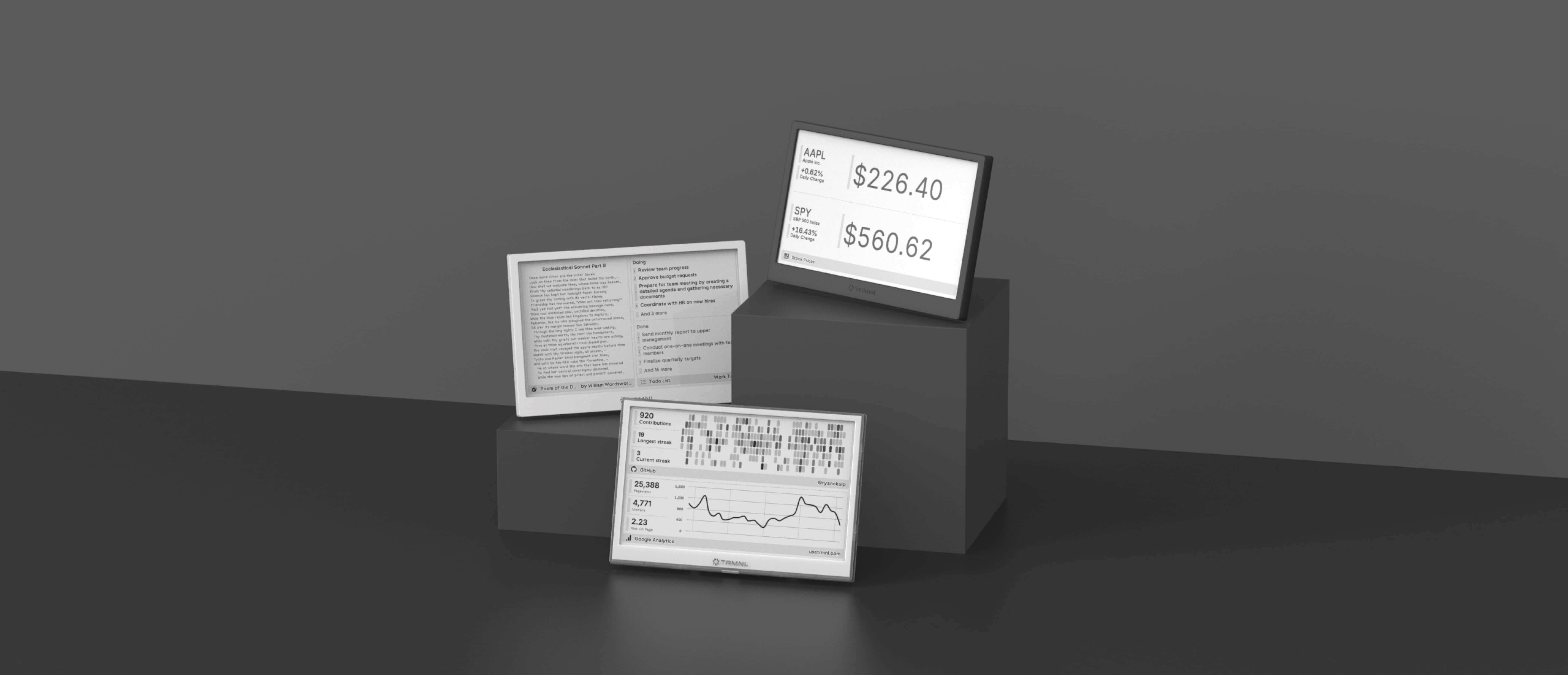
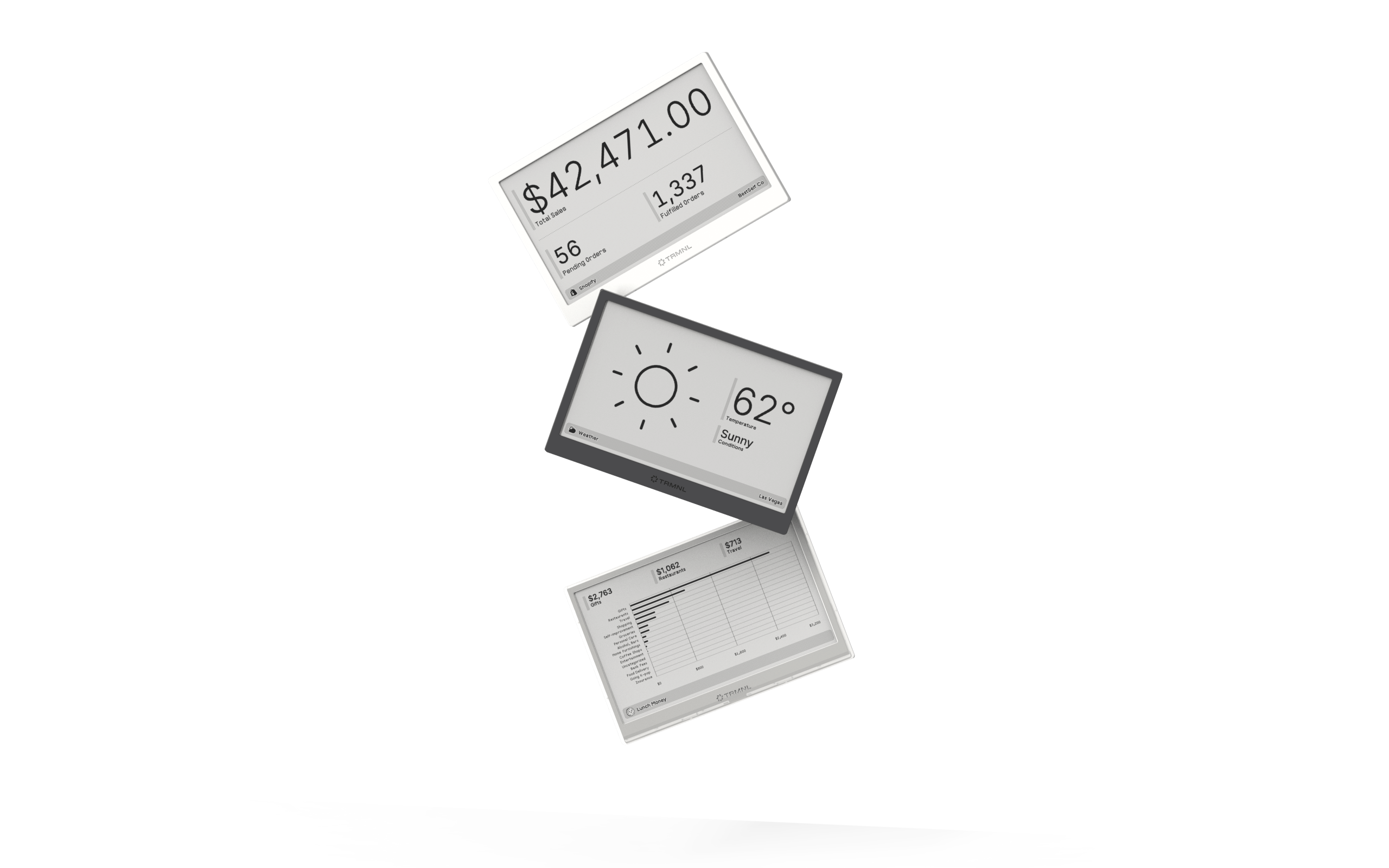
Our growing library supports work and personal needs, from your daily calendar to upcoming movies. New tools are added weekly.
