


Both Counters
Only Days Left
Progress Bar Only

Days Left Until...
NO. 6 MOST POPULAR PLUGIN
Arbitrary countdown clock
Customizable options
Start Date
When should this counter begin?
Example: yyyy-mm-dd
End Date
When should this end?
Example: yyyy-mm-dd
Show days passed?
If "yes" is selected, a count-up number will be included.
Show days remaining?
If "yes" is selected, a count-down number will be included.
Show today's date?
If "yes" is selected, today's date is shown under the progress bar.
Show all 7 options
Show target date?
If "yes" is selected, the end date is shown under the progress bar.
Date Format
How today's date and the target date are written.
A countdown to any date, on a TRMNL ePaper display. A launch, a trip, a due date, a wedding. Set a start date and an end date, and the screen shows the days passed, the days left, and a progress bar of how far you've come.
Only care about 1 number? Hide the days passed or the days left. Counting down to more than 1 thing? Add the plugin once per date.







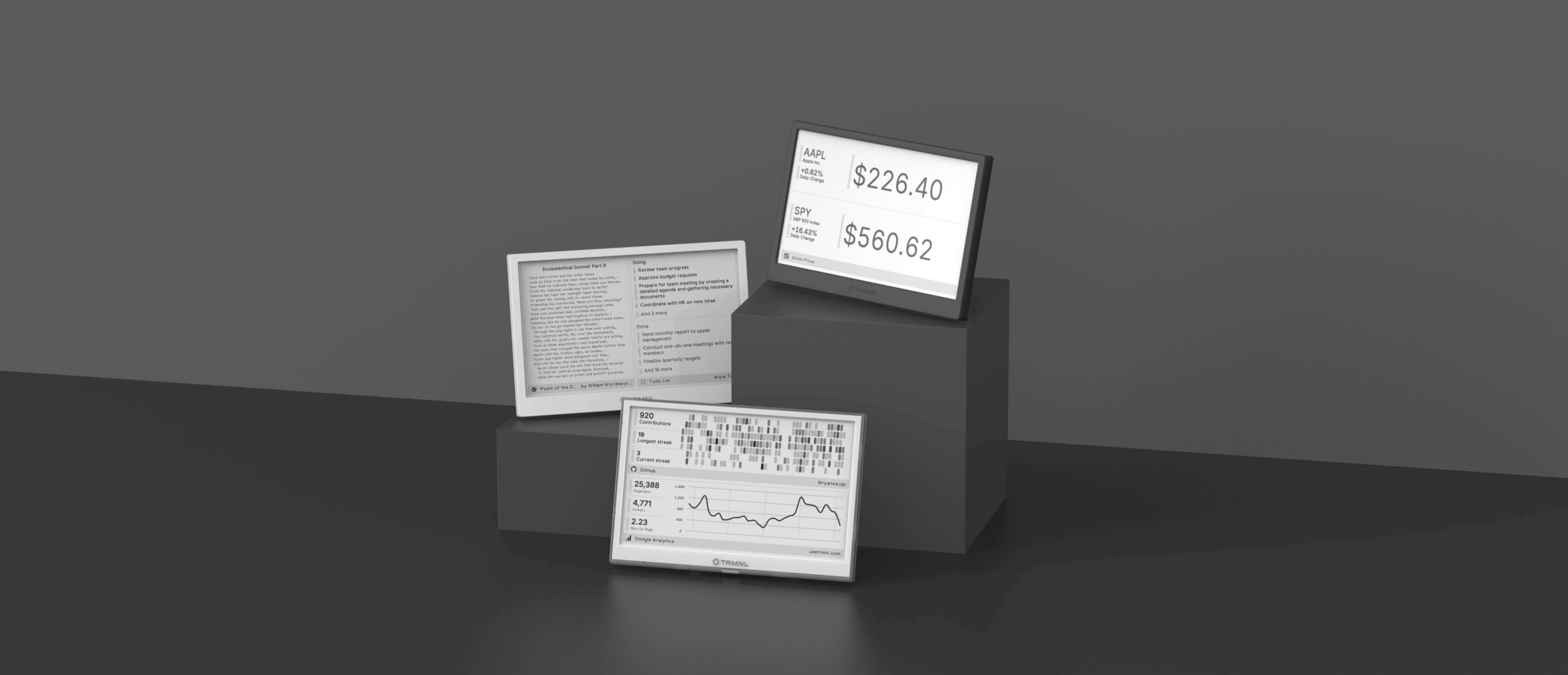
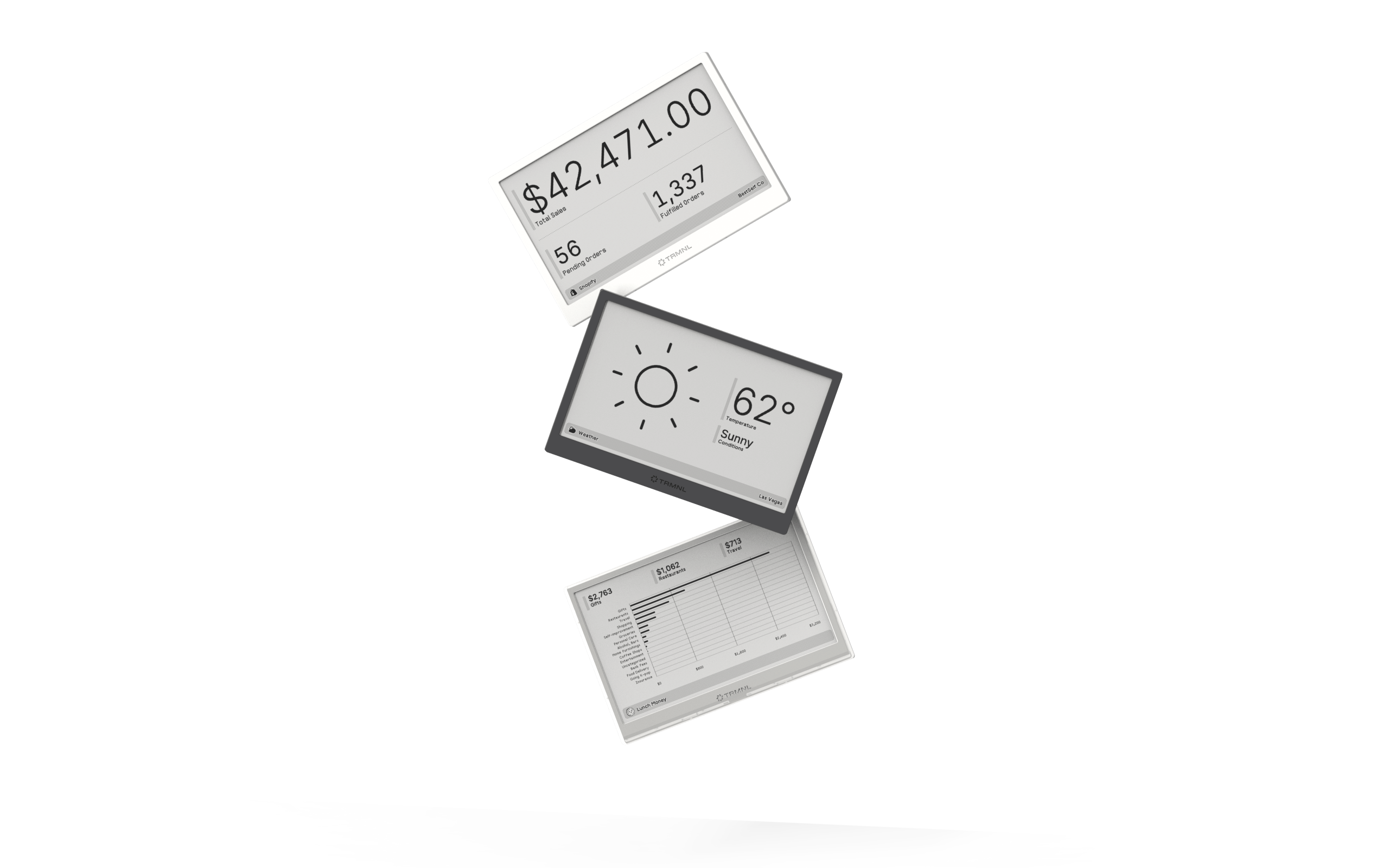
Connect your favorite apps
Our growing library supports work and personal needs, from your daily calendar to upcoming movies. New tools are added weekly.
