

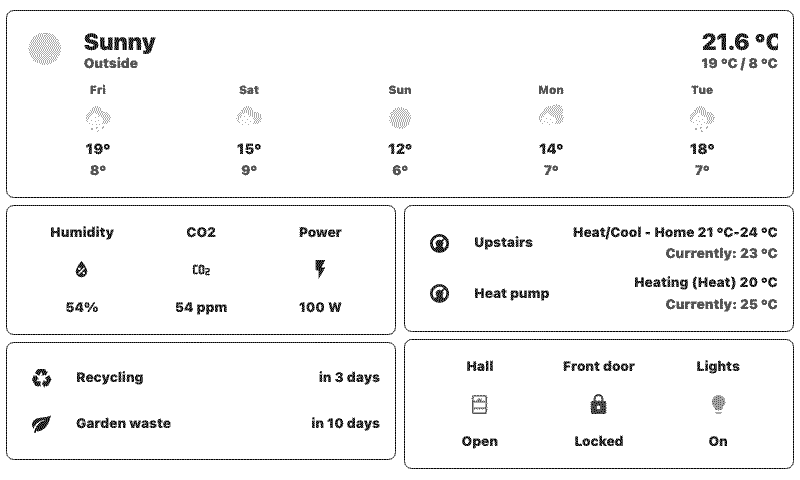
Home Assistant Screenshot
Your dashboards from Home Assistant
Customizable options
Skip Device Validation (Danger Mode)
When enabled, skips device-specific image validation. Use if you are sure that your device does support the image you are uploading.
Mashups Image Fit Mode
How images display in mashups. Cover fills the area but may crop. Contain shows the full image but may have empty space.
Background Color
Fill color for empty space around the image when using Contain fit.
Validate Upload For
Validate uploads against this device model's dimensions and color depth. Device default uses your current device.
Your Home Assistant dashboards, on a TRMNL ePaper display. This plugin pairs with the TRMNL HA add-on, which screenshots your dashboards inside your own network, preps them for ePaper, and sends them to a private webhook URL the plugin gives you. Nothing reaches into your network from outside.
Install the add-on from the Home Assistant add-on store, or run it as its own container if you use Home Assistant in Docker. Create a schedule in the add-on, pick your device preset, and paste in the webhook URL. Back in TRMNL, choose whether the image fills its space or shows in full when it shares the screen with other plugins, and which color fills any empty space around it.











Knowledge base Learn about this plugin in our knowledge base
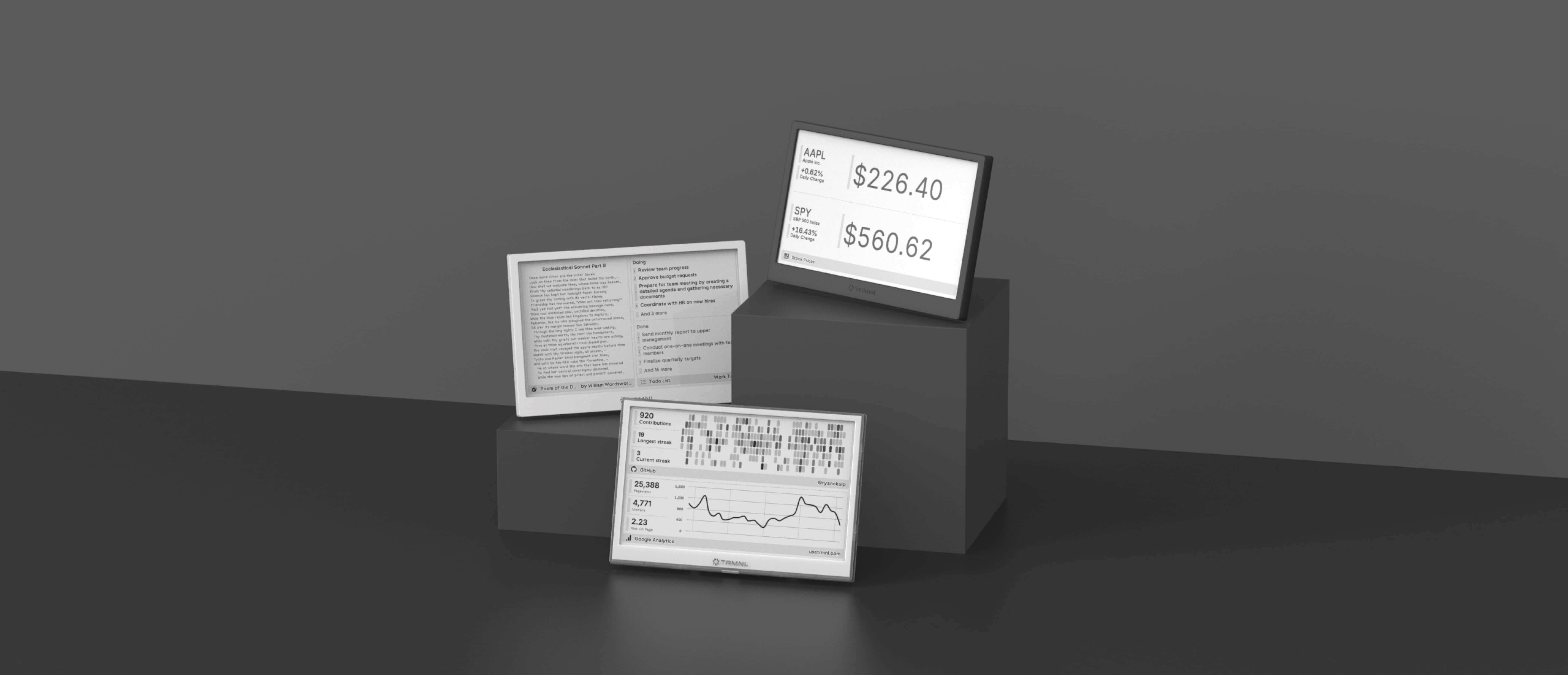
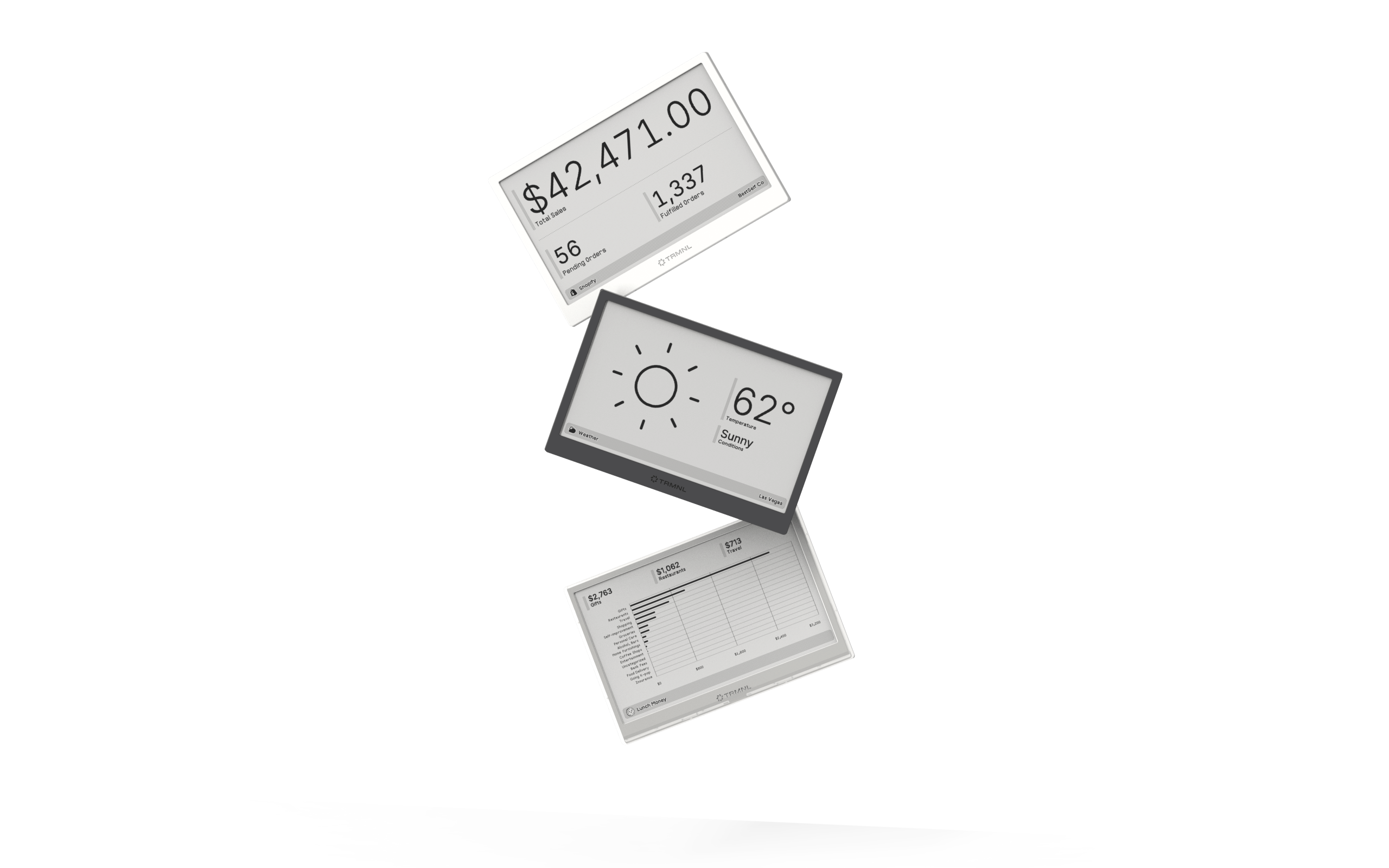
Connect your favorite apps
Our growing library supports work and personal needs, from your daily calendar to upcoming movies. New tools are added weekly.
