


Google Drive (photos)
Display random photos
Customizable options
Share Folder Access
Share your Google Drive folder with this email address (Viewer access)
Folder URL
Paste the Google Drive folder URL after sharing it with the service account above
Example: https://drive.google.com/drive/folders/2DFDUpO8_4UHb2DyDkMUN4wtLiSYvhaIZ
Image Fit
How the image fills the screen
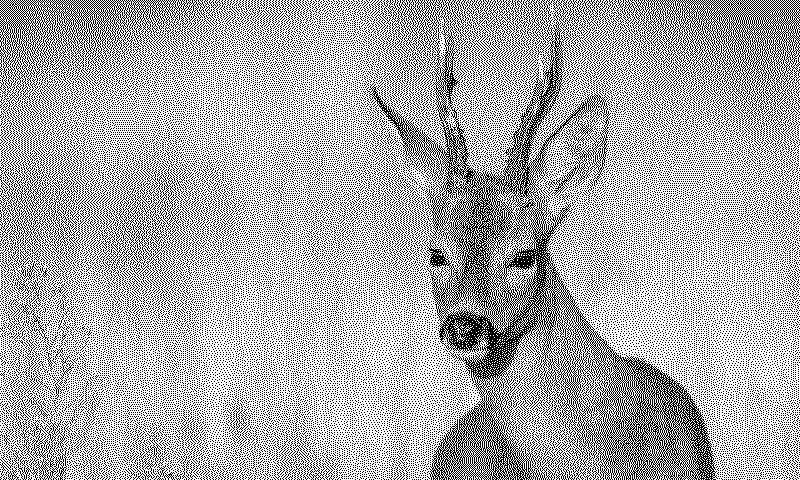
Turn a Google Drive folder into a photo frame for your TRMNL ePaper display. Each refresh picks a random image from the folder: JPEG, PNG, GIF, BMP, WebP or TIFF.
No Google sign in needed. Share the folder with the TRMNL email address shown in the settings, as a Viewer, then paste in the folder's link. TRMNL only sees what you share. Photos sitting directly in that folder join the rotation, subfolders don't. Choose Cover to fill the screen (edges may get cropped) or Contain to show the whole image with space around it.














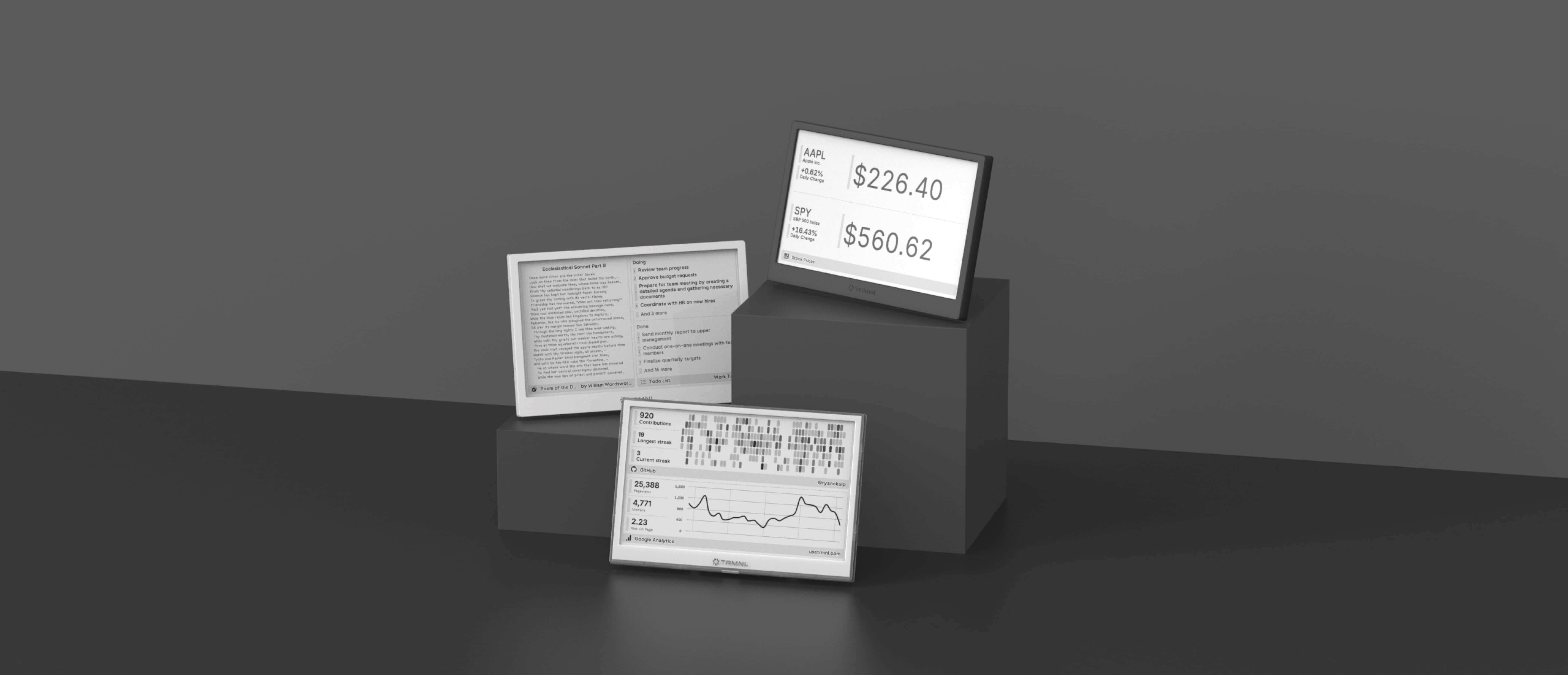
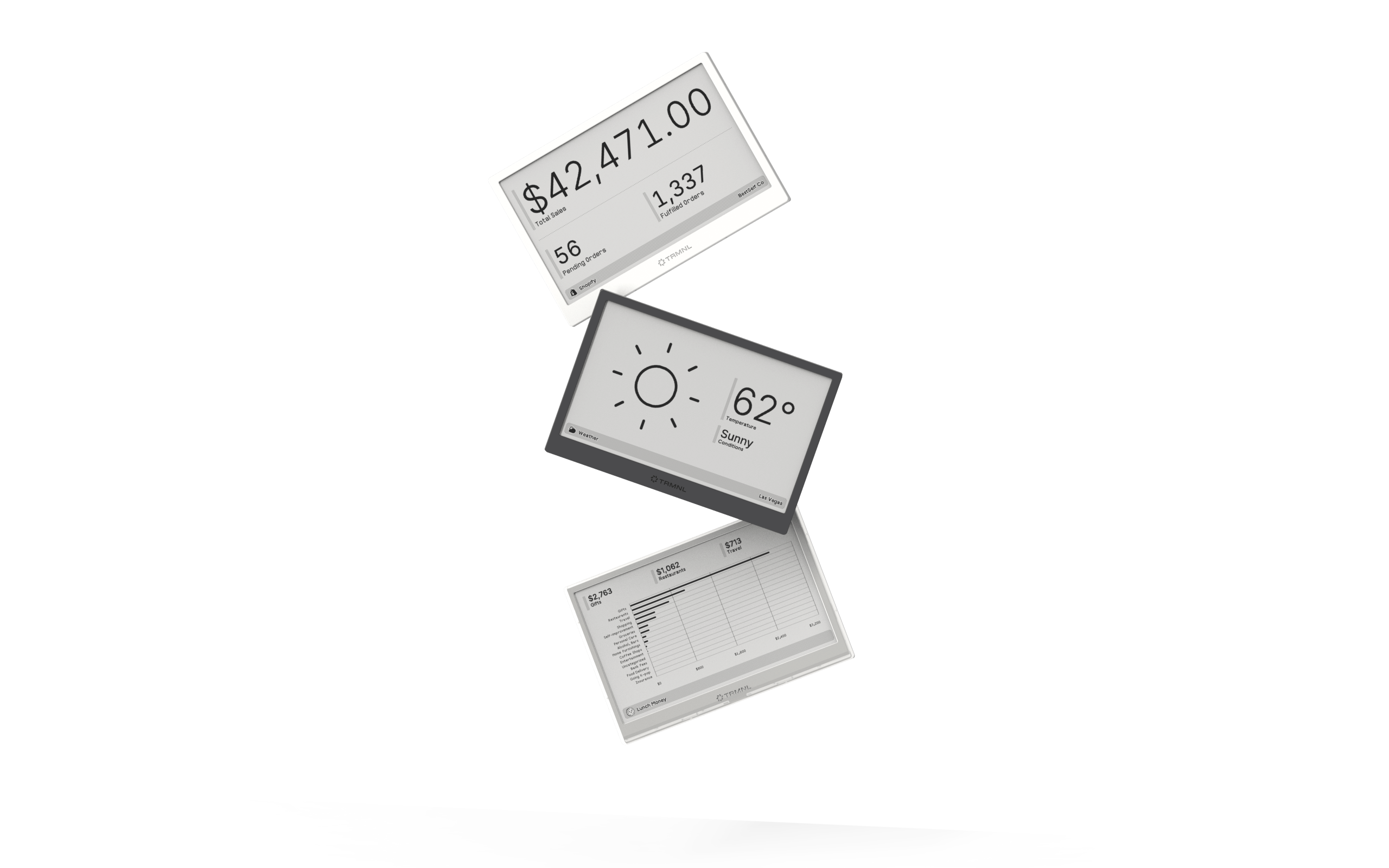
Connect your favorite apps
Our growing library supports work and personal needs, from your daily calendar to upcoming movies. New tools are added weekly.
