

Todoist
Todo list management app
Customizable options
Custom Query Mode
Build your own Todoist query to filter tasks.
Custom Query
Build your own Todoist query to filter tasks.
Todoist Project
Select Todoist Project
Sort/Grouping
How to group tasks in the task list.
Sort/Sorting
How to sort tasks in the task list.
Show all 13 options
Sort/Direction
The direction to sort tasks in the task list.
Completed Tasks
To show completed tasks in the task list.
Filter/Date
Filter tasks by date in the task list.
Filter/Deadline
Filter tasks by deadline in the task list.
Filter/Priority
Filter tasks by priority in the task list.
Filter/Label
Filter tasks by labels.
Filter/Assignee
Choose which tasks to show based on assignee.
Vertical Alignment
Whether tasks should be aligned to the top, center, or bottom.
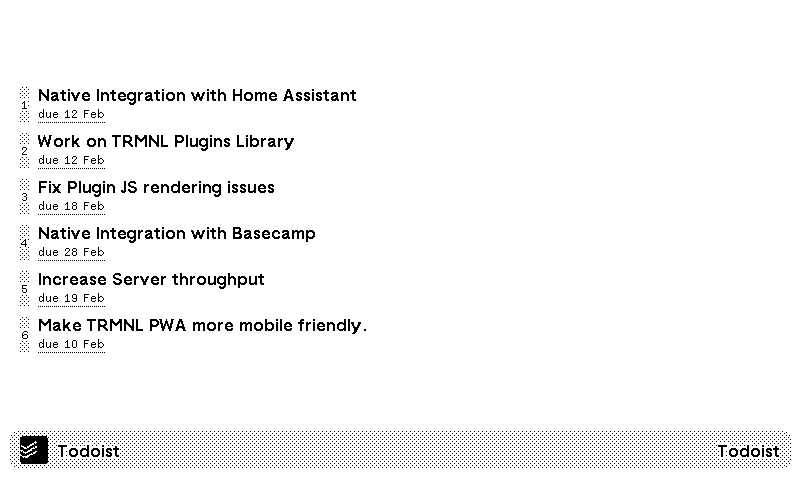
Your Todoist tasks, on a TRMNL ePaper display. Connect your Todoist account, pick a project or the Today or Upcoming view, and the screen lists your tasks with their due dates.
Group tasks by date, deadline, priority or label, and sort by name, date, deadline, priority or your own manual order. Filters narrow the list by due date or deadline (anywhere from today to the next 30 days), by priority, by label, or by who the task is assigned to. Already fluent in Todoist filter queries? Switch on custom query mode and write your own.









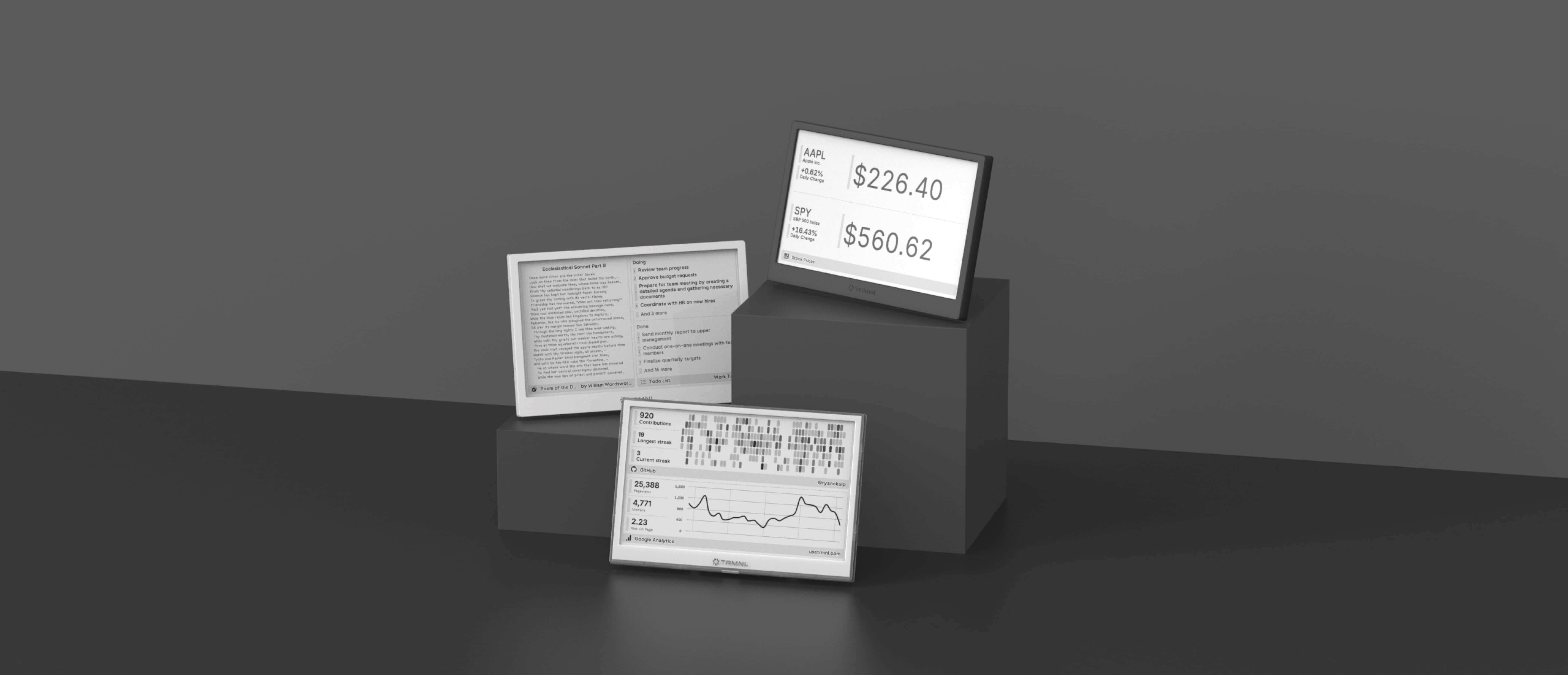
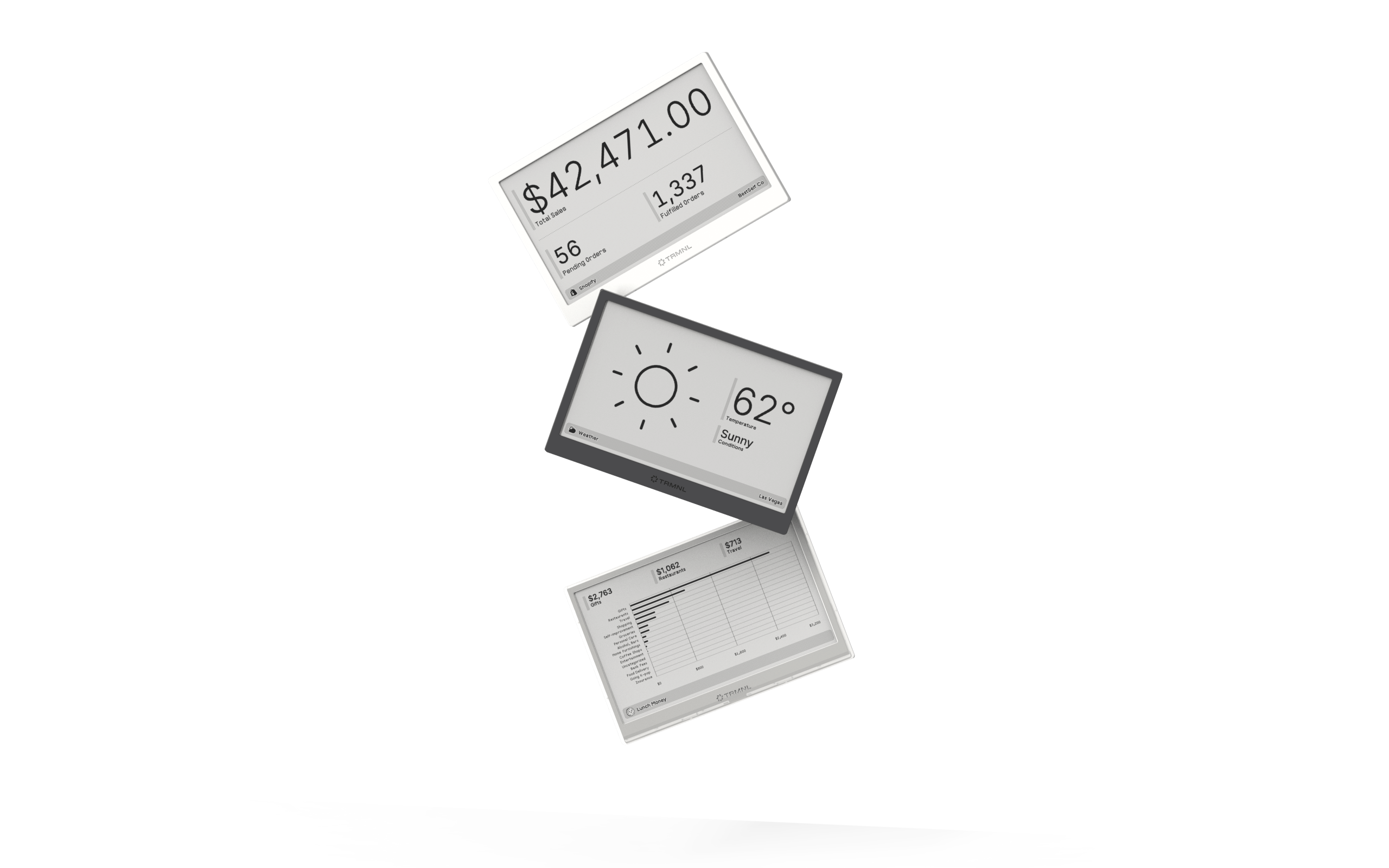
Connect your favorite apps
Our growing library supports work and personal needs, from your daily calendar to upcoming movies. New tools are added weekly.
