

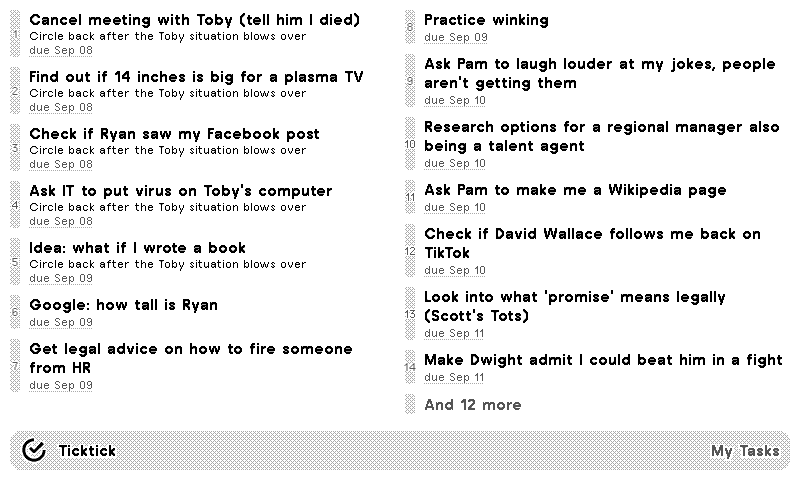
Default
Subtasks

TickTick
Personal task management
Customizable options
Ticktick Project
Select Ticktick Project
Vertical Alignment
Whether tasks should be aligned to the top, center, or bottom.
Your TickTick tasks, on a TRMNL ePaper display. Connect your TickTick account, then pick the list you want to see, or your Inbox. Tasks show with their due dates, sorted by what's due first, and subtasks sit indented under their parent task.
Choose whether the list lines up at the top, center or bottom of its space. TickTick only shares task lists with other apps, so calendar, habits, Pomodoro and the Eisenhower Matrix stay in TickTick.












Knowledge base Learn about this plugin in our knowledge base
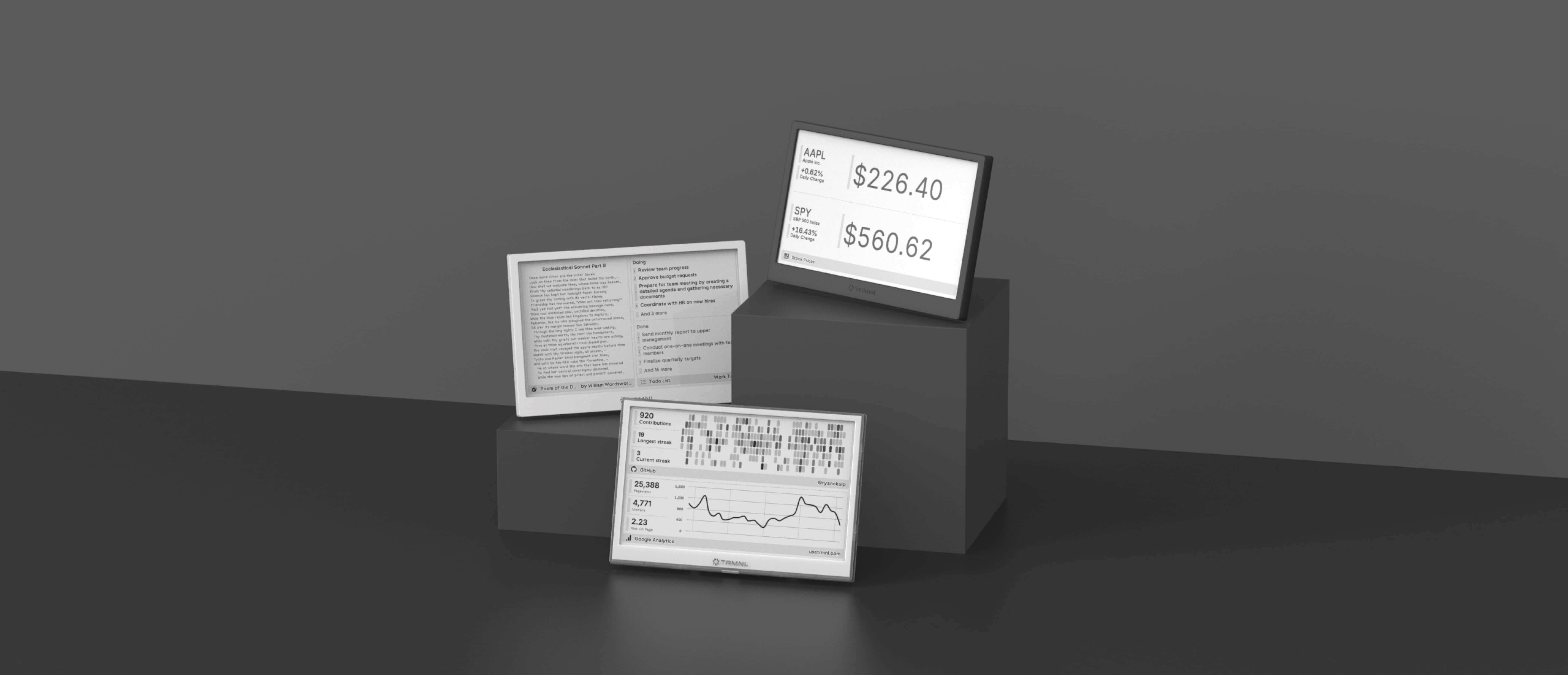
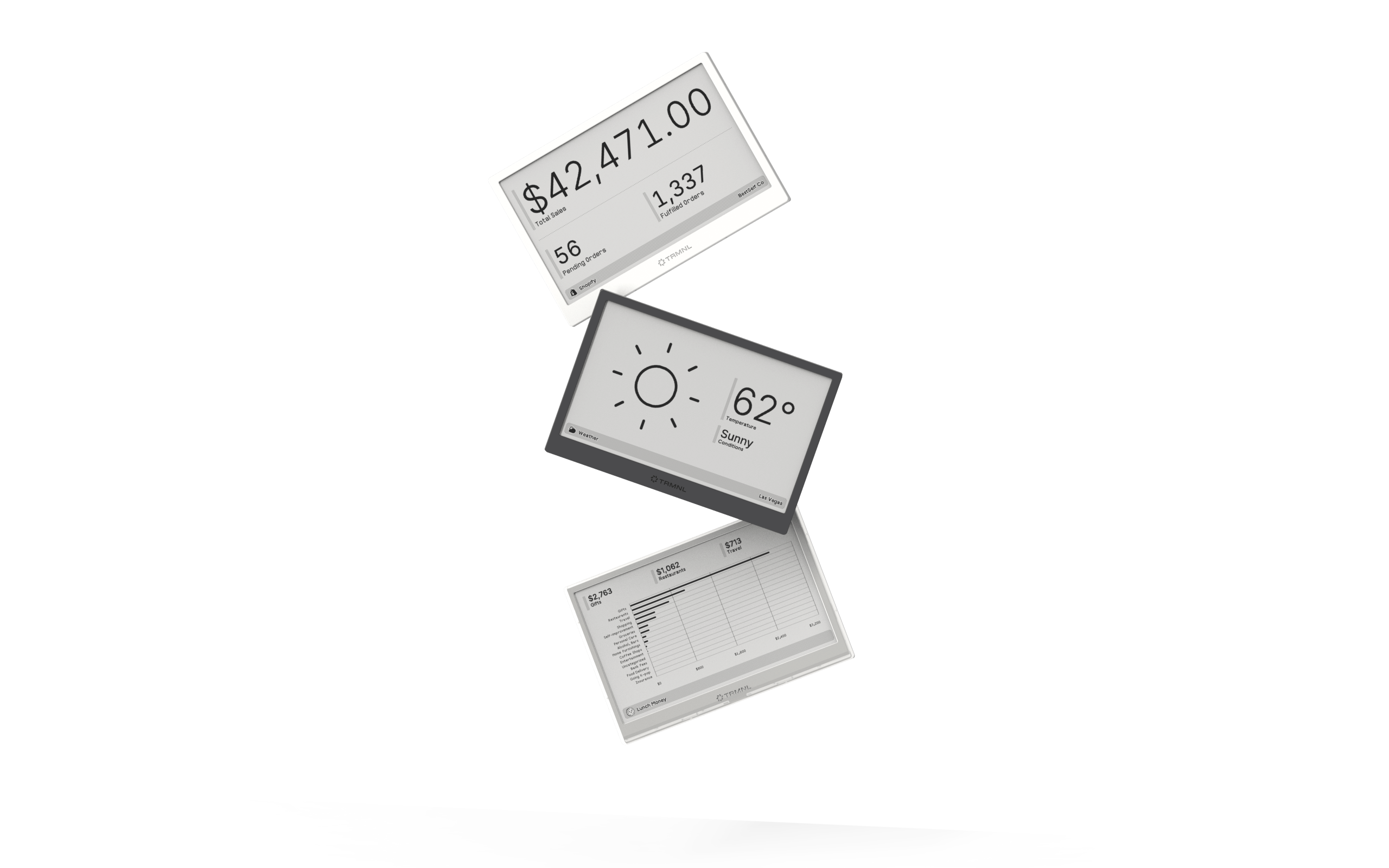
Connect your favorite apps
Our growing library supports work and personal needs, from your daily calendar to upcoming movies. New tools are added weekly.
