


PurpleAir
Air quality from PurpleAir sensor
Customizable options
Sensor ID
PurpleAir sensor index number
Example: 12345
Read Key (Private Sensors)
Read key if your sensor is private
API Key
PurpleAir API Key
Example: ABC123-DEF456-GHI789
Data Type
Select which data to display
Temperature Unit
Temperature display unit
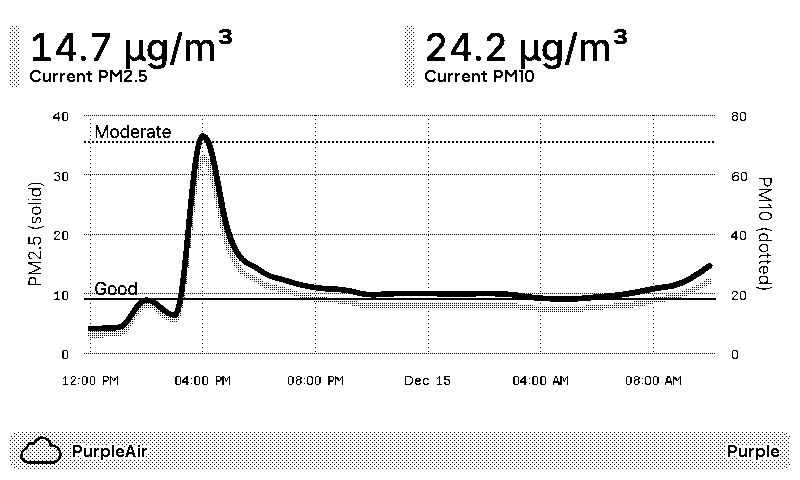
Readings from a PurpleAir sensor, on a TRMNL ePaper display. Use your own sensor or any public one on the PurpleAir map. Enter its sensor ID and a PurpleAir API key, plus a read key if the sensor is private.
Choose what to show. Air quality gives you current PM2.5 and PM10, with a chart of the last 24 hours marked against the EPA air quality levels, from Good to Very Unhealthy. Temperature and humidity shows those 2 instead, in Fahrenheit or Celsius. We only ask PurpleAir for what changed since the last refresh, so your free API credits last a long time.











Knowledge base Learn about this plugin in our knowledge base
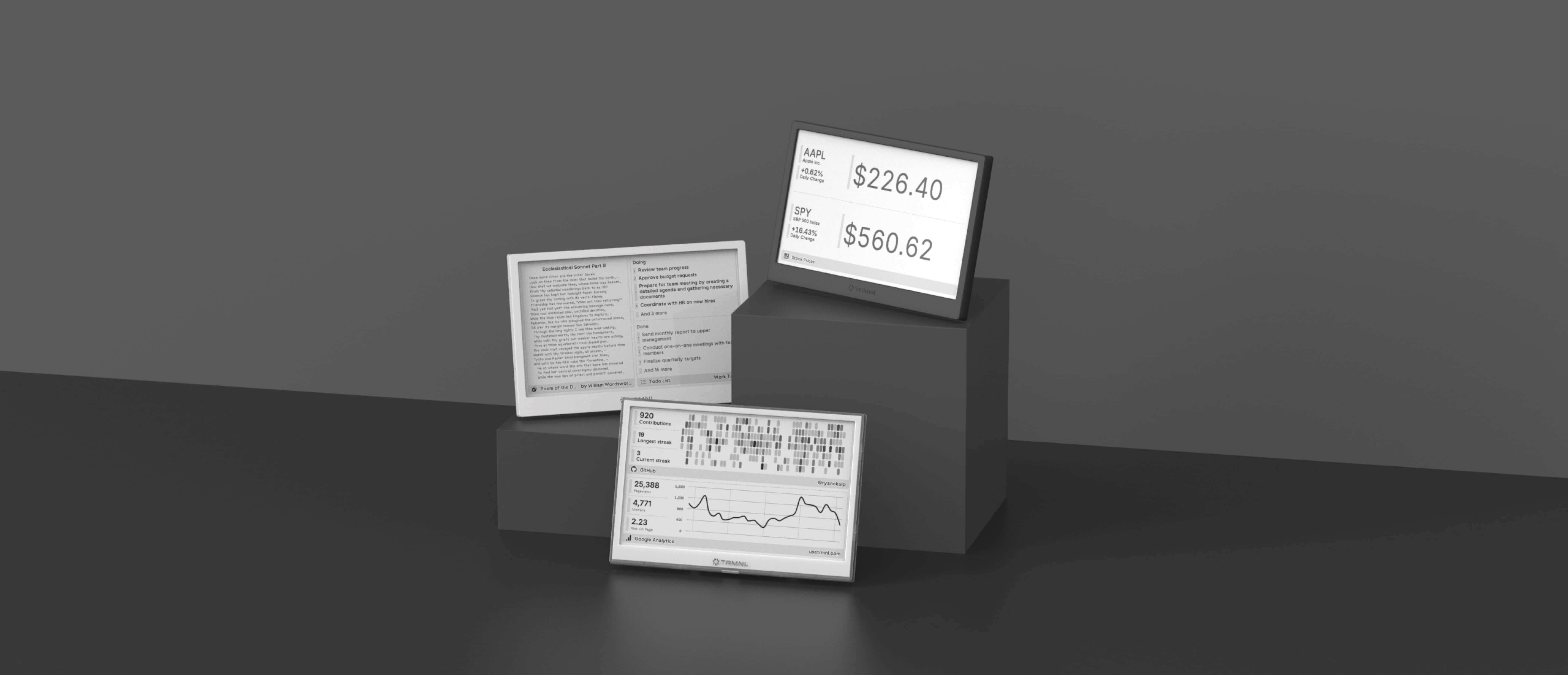
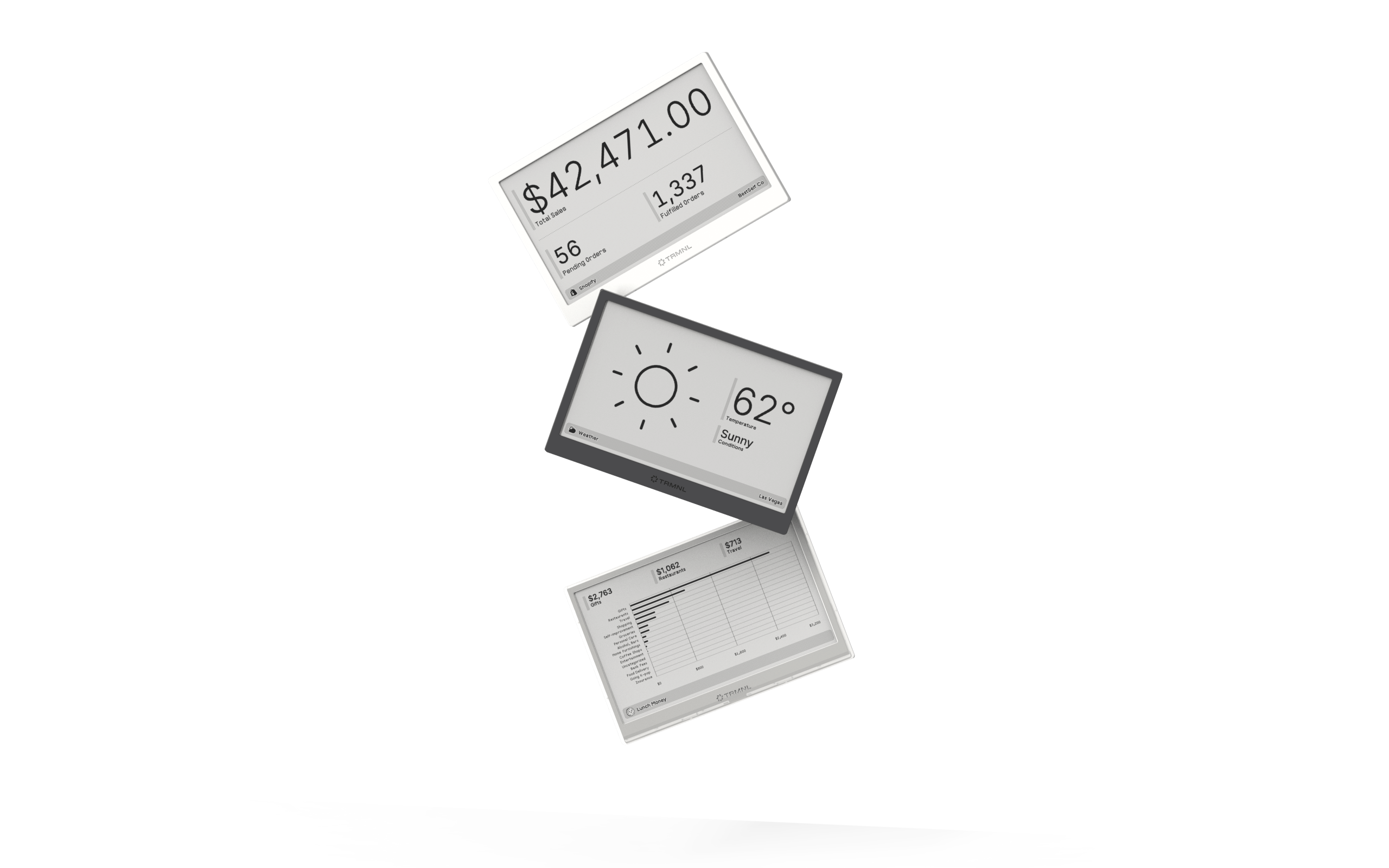
Connect your favorite apps
Our growing library supports work and personal needs, from your daily calendar to upcoming movies. New tools are added weekly.
