

Family Home
Energy
Air Quality
Security
Lighting
Media
Battery Panel
Insights
Homey
Smart home devices from Homey
Customizable options
Push URL
Or push directly from a Homey app or HomeyScript — no account link needed
Homey
Which Homey to display
Zone
Show one room, or all
Insights chart
Which recorded reading the Insights view charts
Chart range
How far back the Insights chart reaches
Show all 6 options
View
What the screen shows
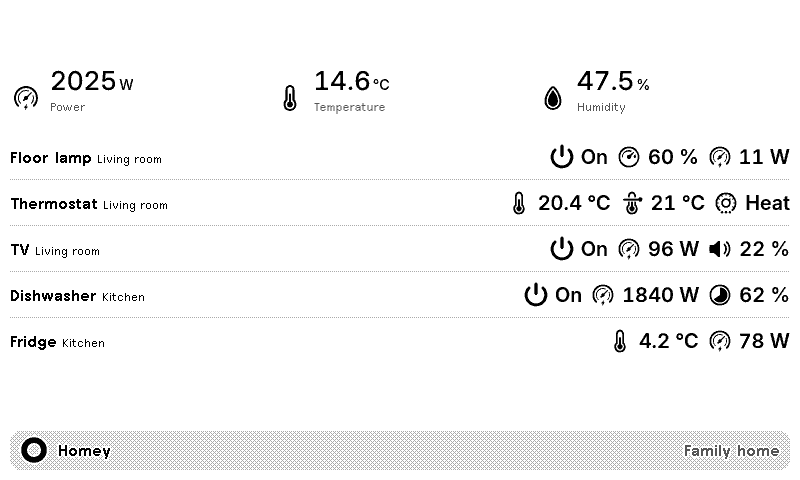
Your Homey smart home, on a TRMNL ePaper display. Overview leads with readings like power, temperature and humidity, lists any active alarms, then shows your devices. Batteries lists every battery device, emptiest first. Insights charts one recorded reading over the last hour, day, week or month.
There are 2 ways to get data across. Install the TRMNL app for Homey (or a HomeyScript) and paste in the plugin's Push URL. Or link your Homey account so TRMNL reads from Homey's cloud, then pick which Homey to show. Show every zone, or just one room. This plugin also powers the Homey recipes in the TRMNL catalog.

Pollen Forecast (US)
Pollen count for any zip code

Netatmo Weather Station
Premium weather data

Weather Underground
Show information from Weather Underground
PurpleAir
Air quality from PurpleAir sensor

Powerwall Energy Usage
Tesla Powerwall Energy Site Tariff Usage









Knowledge base Learn about this plugin in our knowledge base
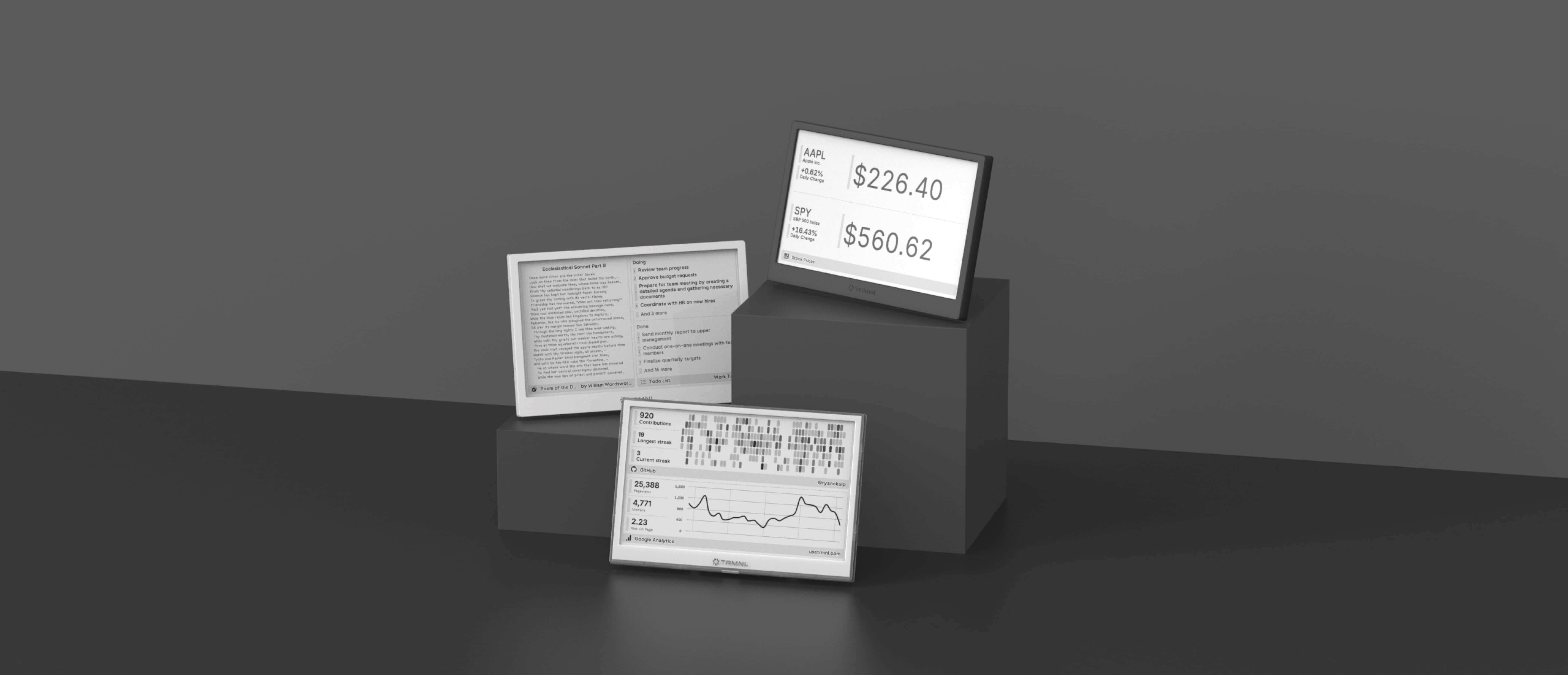
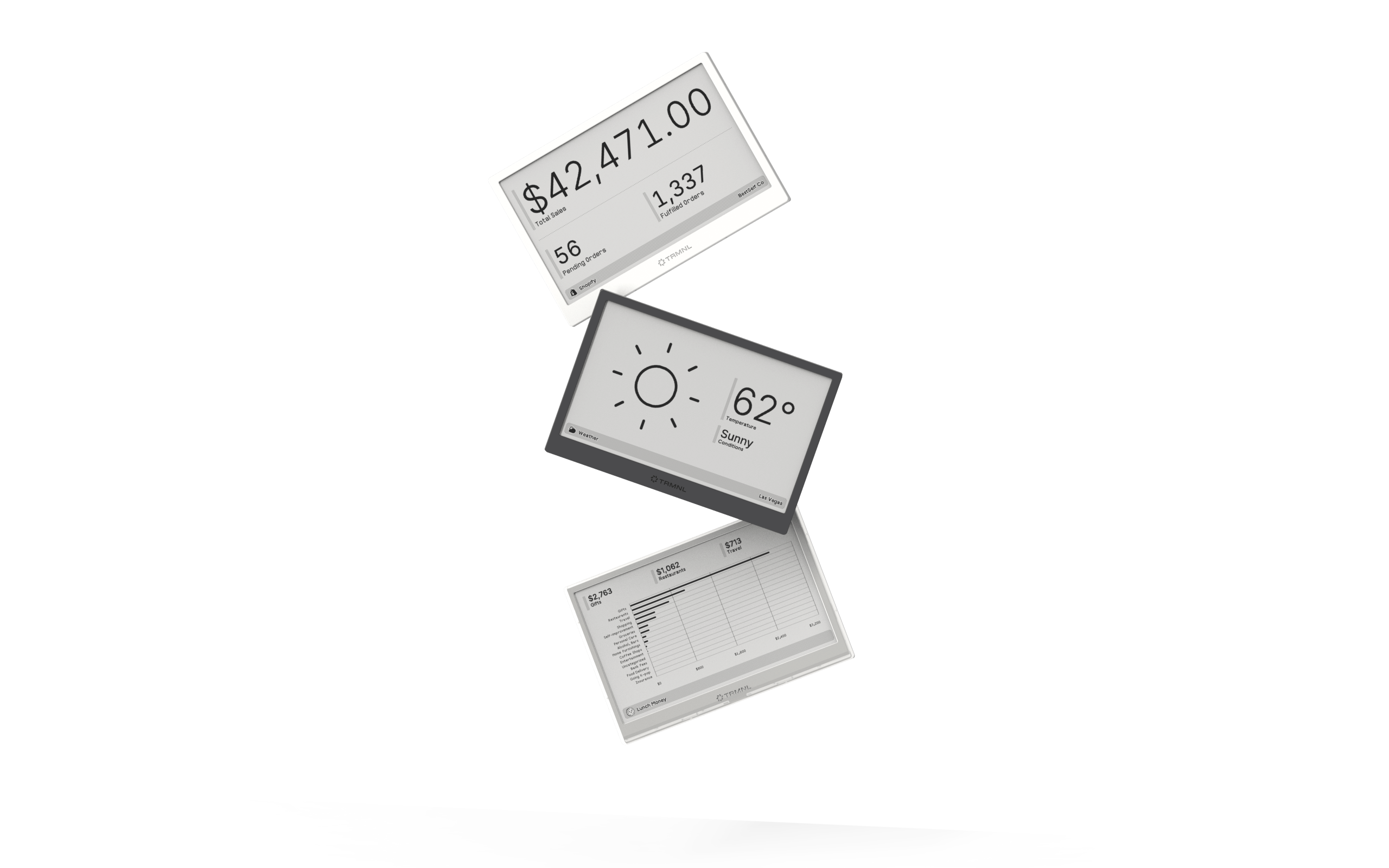
Connect your favorite apps
Our growing library supports work and personal needs, from your daily calendar to upcoming movies. New tools are added weekly.
