

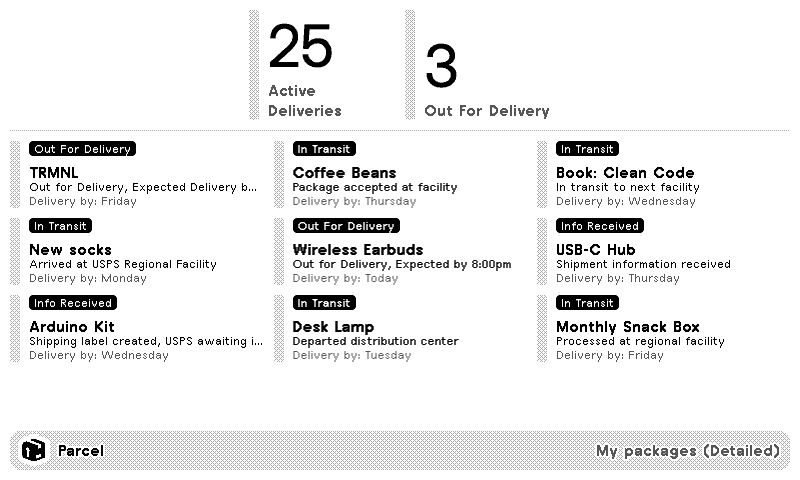
Detailed
Compact

Parcel
Package tracking
Customizable options
API Key
Generate at https://web.parcelapp.net/
Example: _foobar123
Filter mode
Select which deliveries to display
Style
How much information to display for each delivery
Empty State
When there are no deliveries, should the screen be shown?
Your package deliveries from the Parcel app, on a TRMNL ePaper display. Each delivery shows its status, like in transit or out for delivery, its name, the latest tracking event, and when it's expected: today, tomorrow, a weekday or a date.
You need a paid Parcel subscription. Sign in at web.parcelapp.net, create an API key, and paste it in. Show active deliveries or recent ones, pick Detailed or the Compact style that drops the tracking event, and decide what happens when nothing's on the way: show the empty screen, or skip it.








Knowledge base Learn about this plugin in our knowledge base
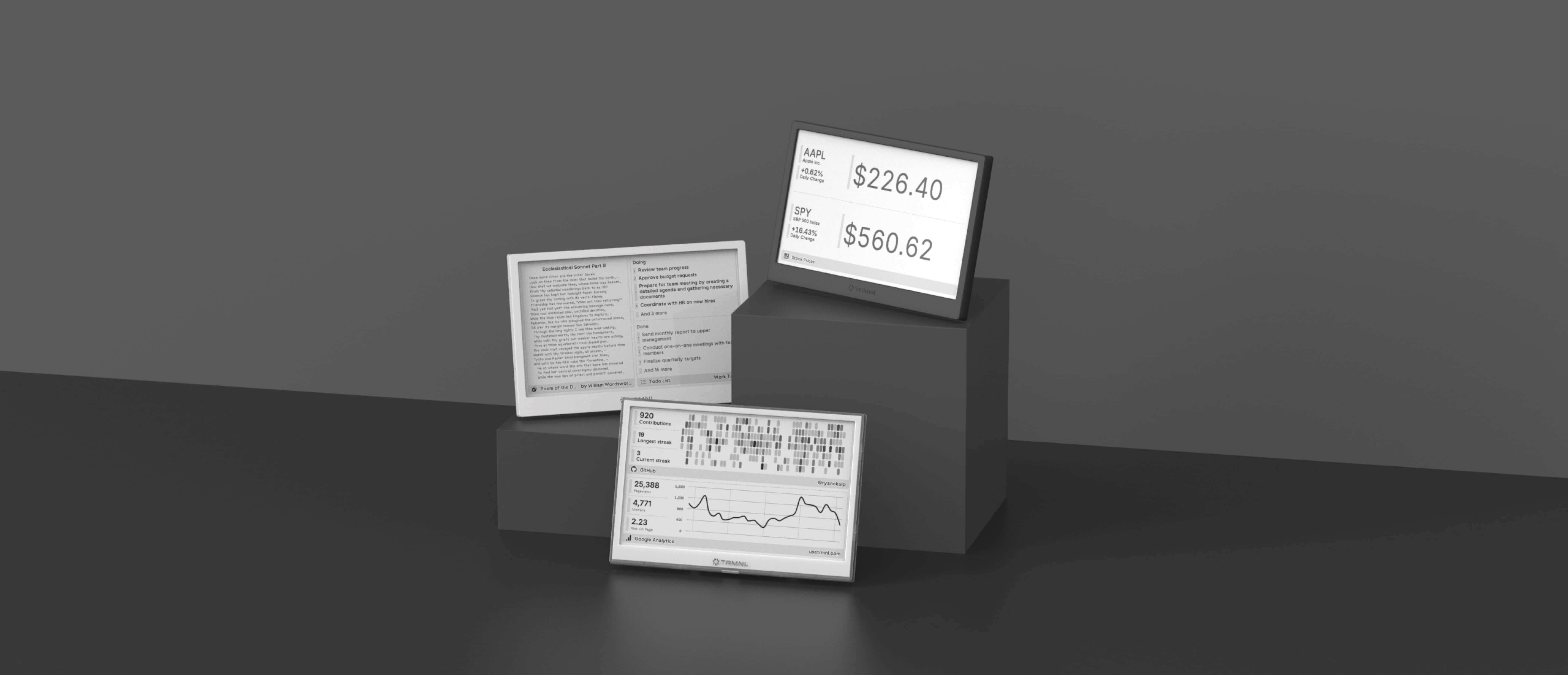
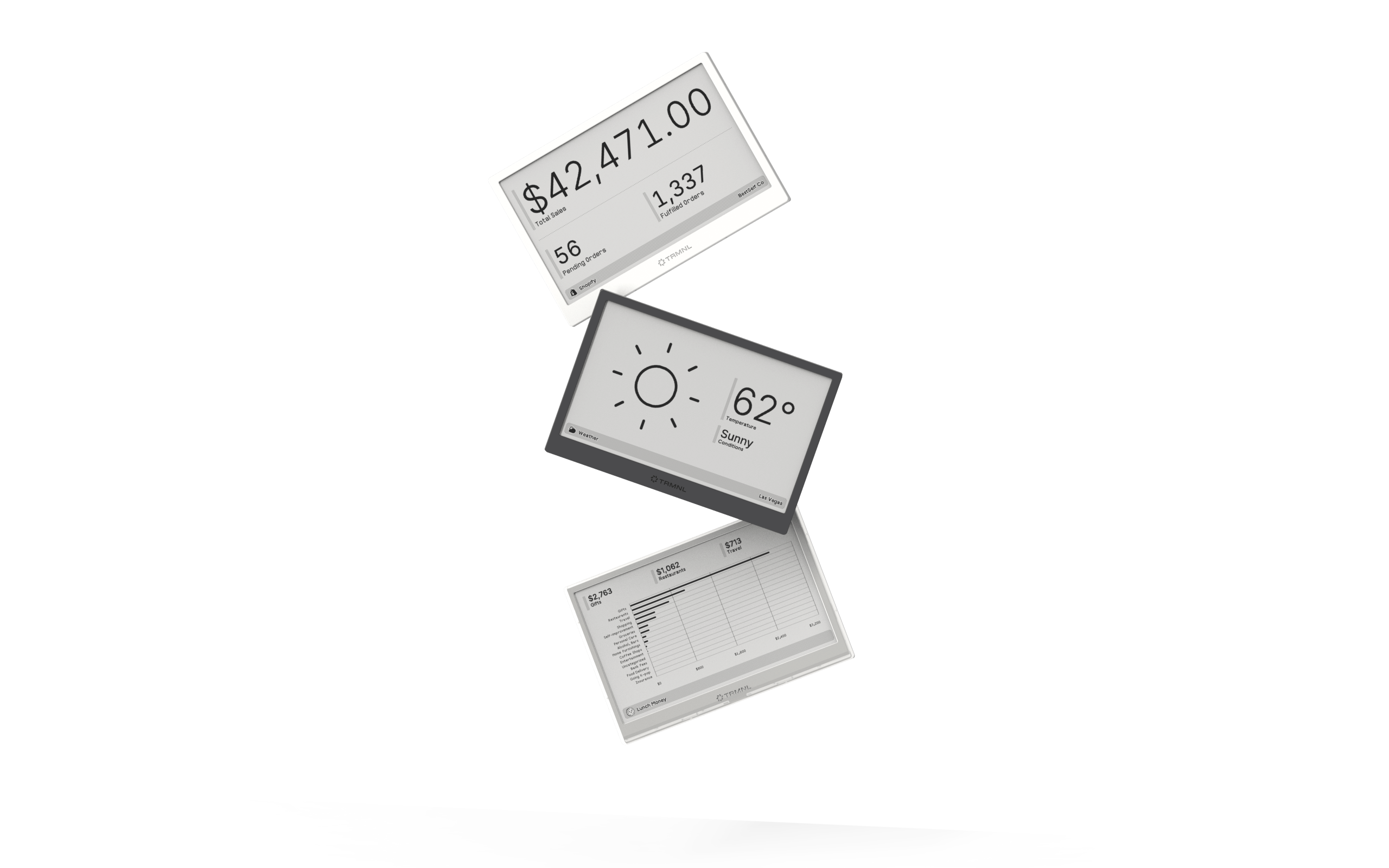
Connect your favorite apps
Our growing library supports work and personal needs, from your daily calendar to upcoming movies. New tools are added weekly.
