

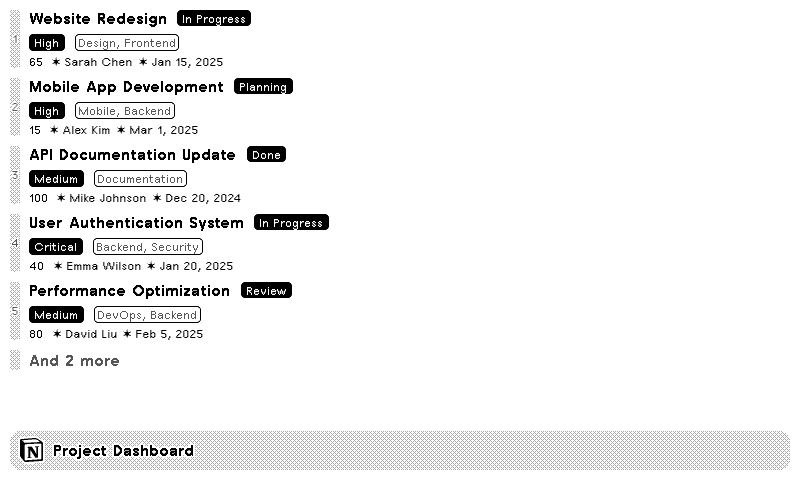
Database
Page

Notion
Display Notion databases and pages
Customizable options
Content Type
What type of content to display from Notion
Database
Search and select a Notion database
Example: Select or search databases...
Page
Search and select a Notion page
Example: Select or search pages...
Item Limit
Maximum items to fetch from Notion
Image Height
Maximum height for images in pixels
Show all 17 options
Title Field
Which property to use as the displayed item title
Example: Name
Status Field
Which property to use as the primary status next to the title
Example: Status
Labeled Properties
List of properties to display as label badges with alternating styles
Example: Status, Priority, Due Date
Listed Properties
List of properties to display as a standard list text below the title and badges
Example: Description, Tags, Author
Use Sorts (JSON)
Use advanced multi-level sorting using Notion API syntax instead of the "Sort By" field
Sort By
Primary property to sort Notion data by
Example: Name
Sort Direction
Sort direction for primary Notion property
Sorts (JSON)
Advanced multi-level sorting using Notion API syntax
Example: [
{"property": "Priority", "direction": "descending"},
{"property": "Due Date", "direction": "ascending"}
]
Multi-Column Display
Display items in multiple columns (for half_horizontal and full layouts)
Item Size
Row size for database items
Show Icon
Display the Notion page icon next to each database item
Filter (JSON)
Filter database results using Notion API filter syntax
Example: {
"and": [
{"property": "Status", "select": {"equals": "In Progress"}},
{"property": "Due Date", "date": {"on_or_after": "{{now+7*UTC-10}}"}}
]
}
Your Notion databases and pages, on a TRMNL ePaper display. Connect Notion with read-only access, choose which content TRMNL can see, then pick 1 database or 1 page to show.
For a database, choose which property is the title, which one shows as a big status badge, and which show as smaller labels or plain details below. Sort by any property, filter with Notion's own filter syntax (dynamic dates like "today plus 7" work too), set how many items to show, and use 1 or 2 columns. For a page, the screen shows its content in order: text, headings, lists, images and more.










Knowledge base Learn about this plugin in our knowledge base
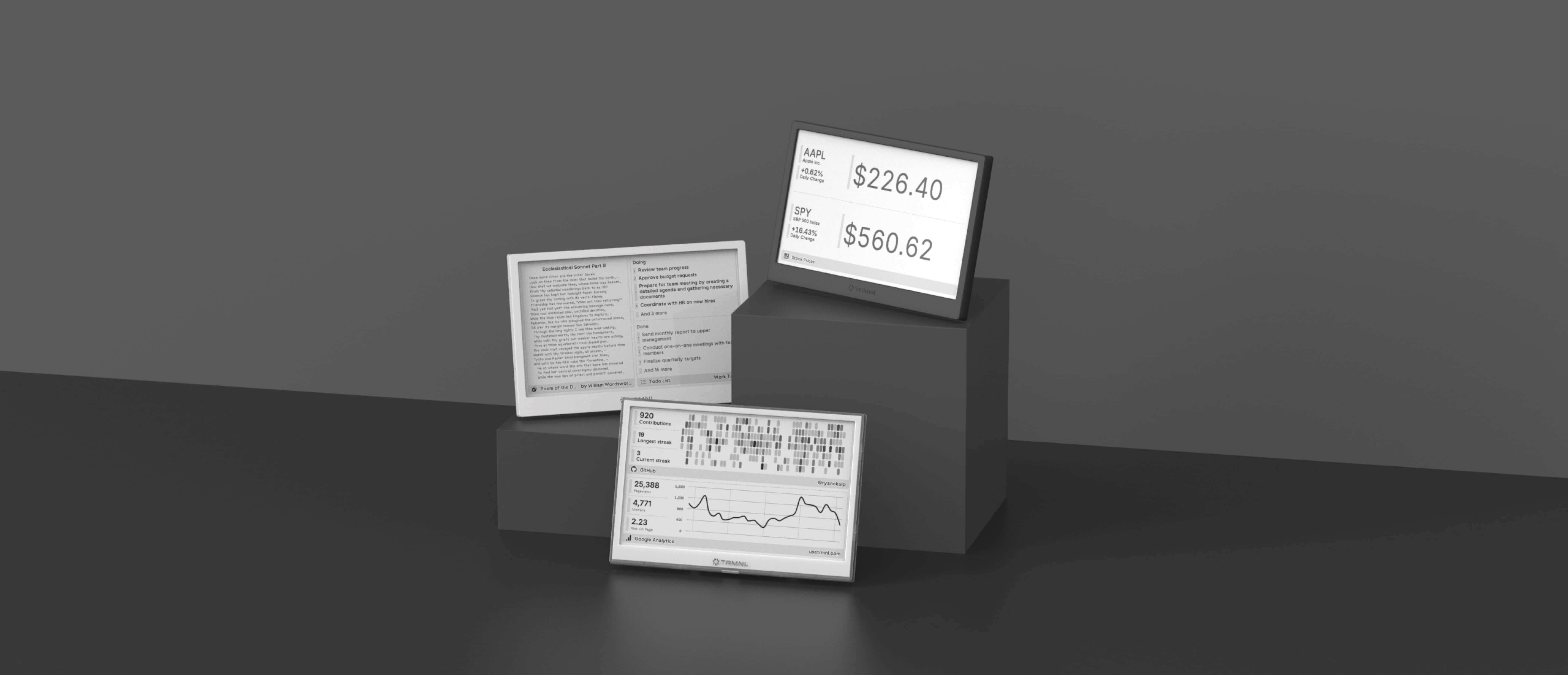
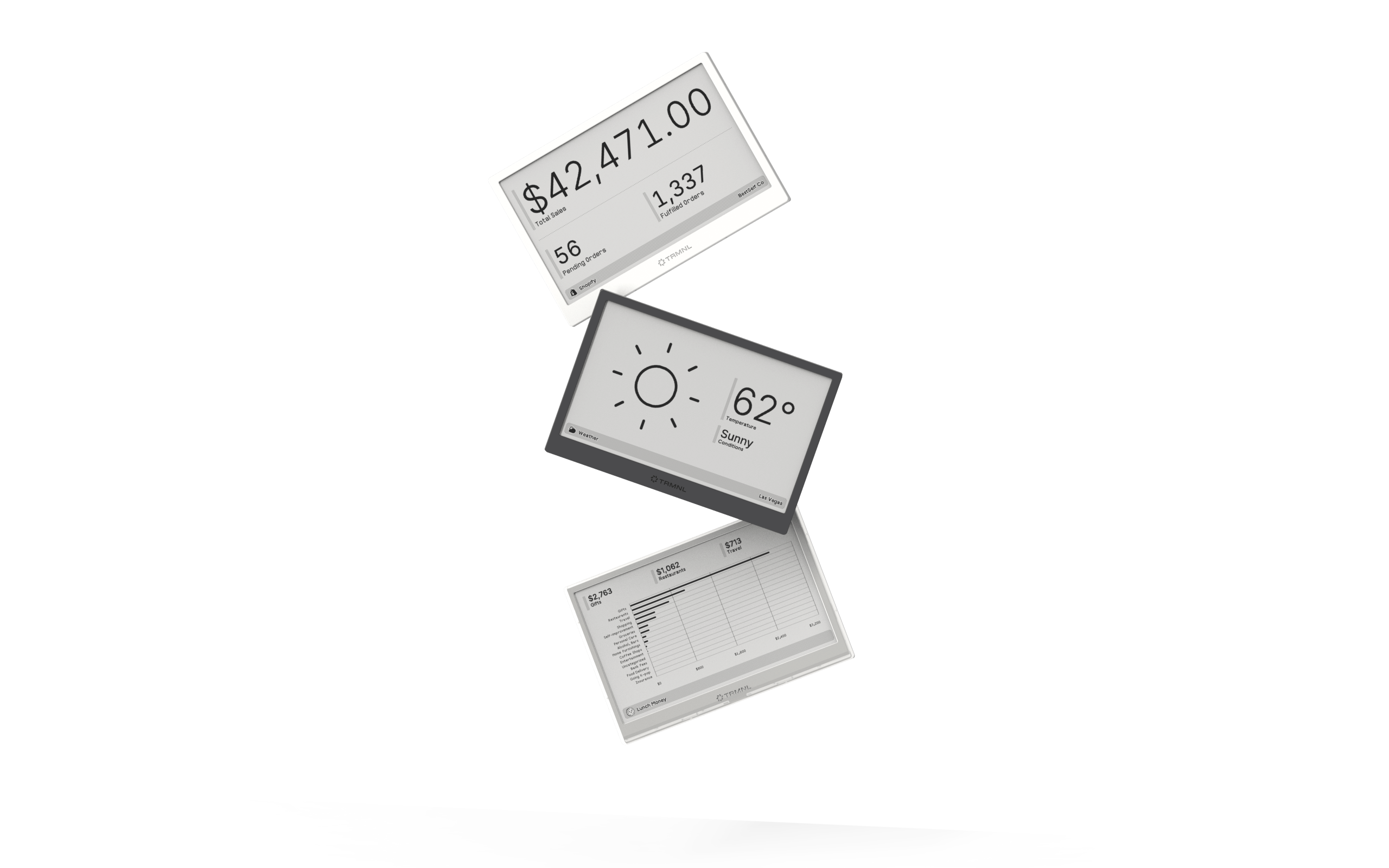
Connect your favorite apps
Our growing library supports work and personal needs, from your daily calendar to upcoming movies. New tools are added weekly.
