


Huckleberry
Baby tracking
Customizable options
Mobile app login email
Example: parent@home.com
Password
Mobile app login password
Example: s3cret!
Child
Which child to display
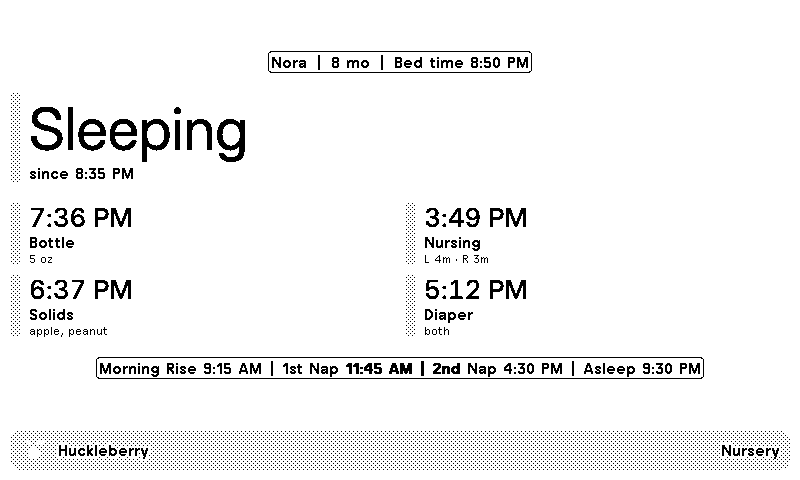
Your baby's day from Huckleberry, on a TRMNL ePaper display. The screen shows your child's name and age, whether they're asleep or awake and since when, and the next SweetSpot nap or bedtime. Below that come the last bottle, nursing, solids and diaper, plus the day's planned schedule.
Sign in with the same email and password you use in the Huckleberry app, save, then pick which child to show. Huckleberry has no official API, so we sign in the way the app does and read the same data it shows you. Tracking 2 kids? Add the plugin once per child and put them side by side in a mashup.









Knowledge base Learn about this plugin in our knowledge base
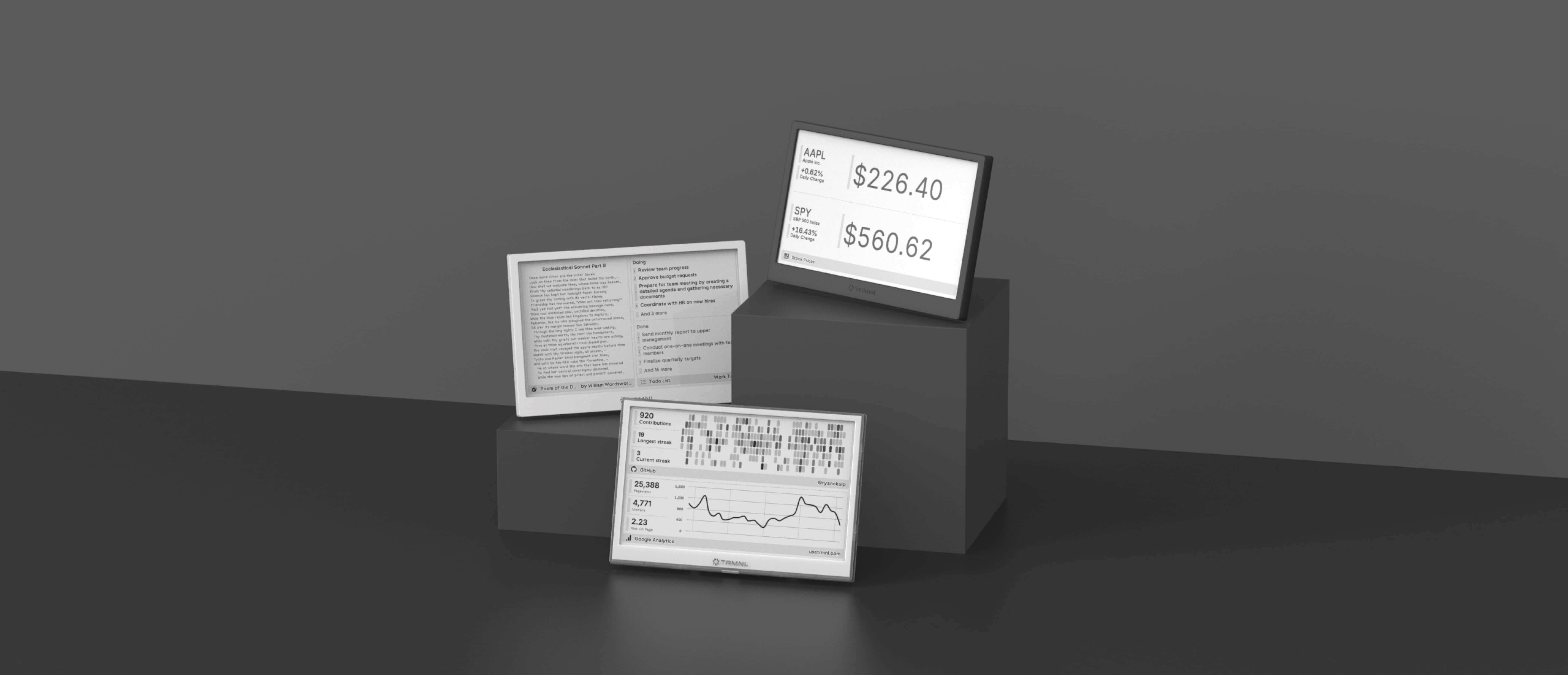
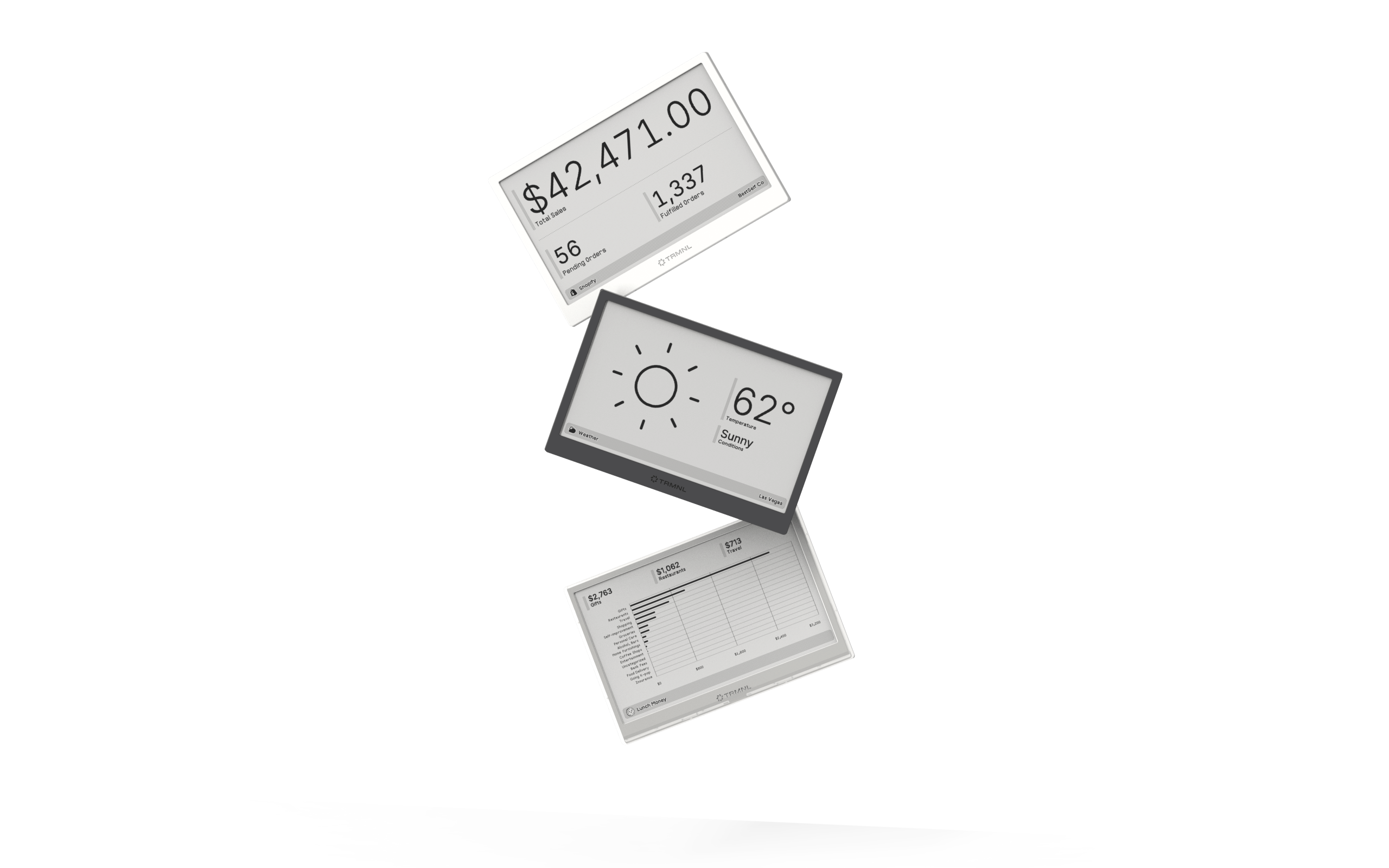
Connect your favorite apps
Our growing library supports work and personal needs, from your daily calendar to upcoming movies. New tools are added weekly.
