


Asana
Asana Task management
Customizable options
Workspace
Select your Asana workspace
Sections
Select sections from My Tasks (3 visible in full view, 2 in all other views)
Show Project Name
Display which project each task belongs to
Show Completed Tasks
Include completed tasks in the display
Sort Order
How to order tasks within each section
Show all 6 options
Date Format
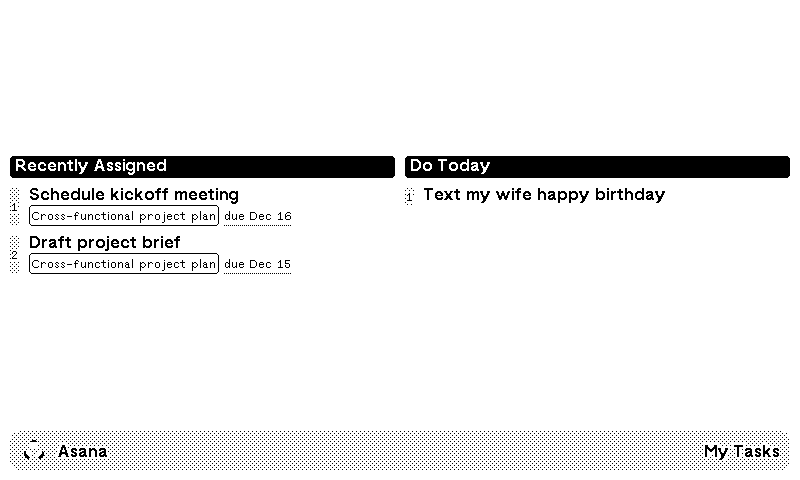
Your Asana tasks, on a TRMNL ePaper display. Connect your Asana account, pick a workspace, then choose which sections of My Tasks to show, like "Do today" or "Do later". The full screen fits 3 sections side by side; smaller layouts fit 2.
Each task shows its name and due date. Sort by due date, A to Z, or Asana's own order, and show due dates as "Today", "Tomorrow" and weekday names, or as short dates. You can also show which project each task belongs to and include completed tasks. Project views, shared team lists and subtasks are not supported, only My Tasks.












Knowledge base Learn about this plugin in our knowledge base
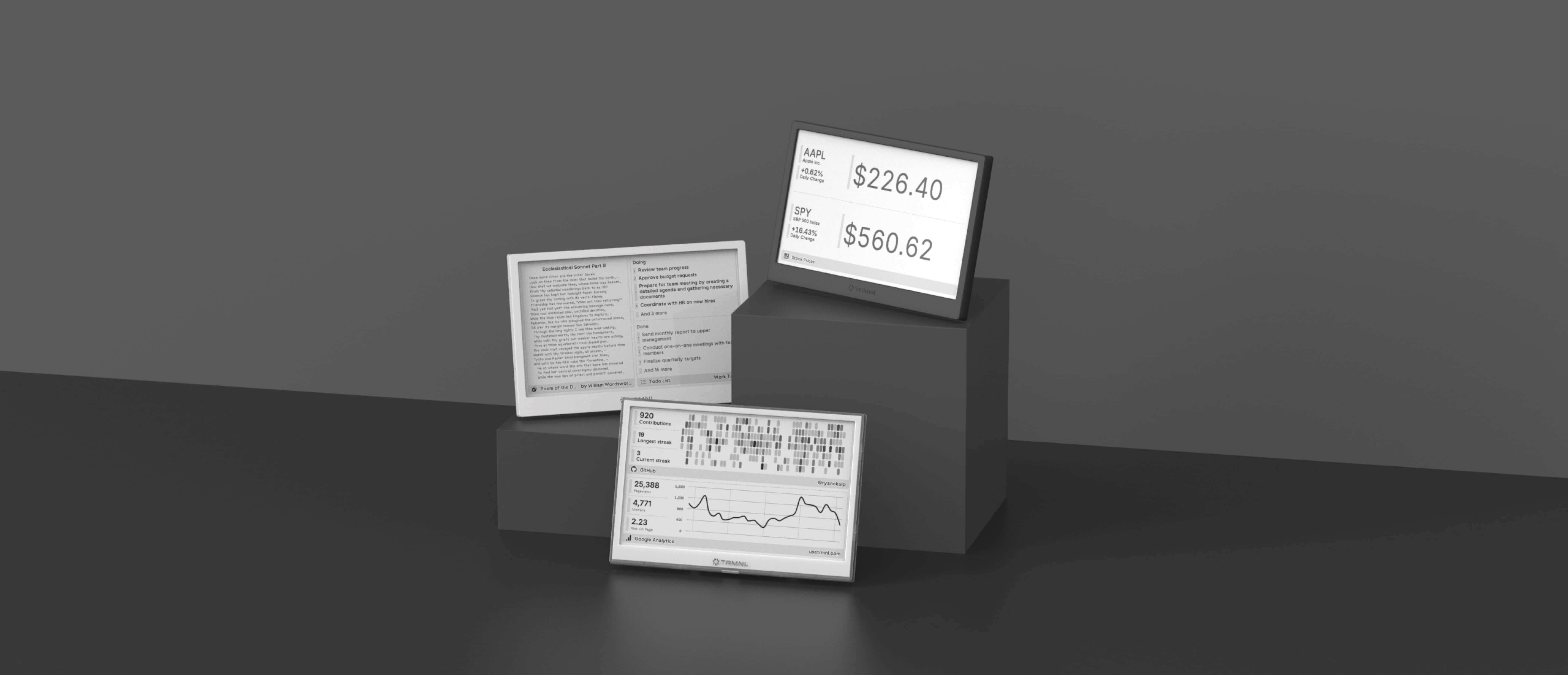
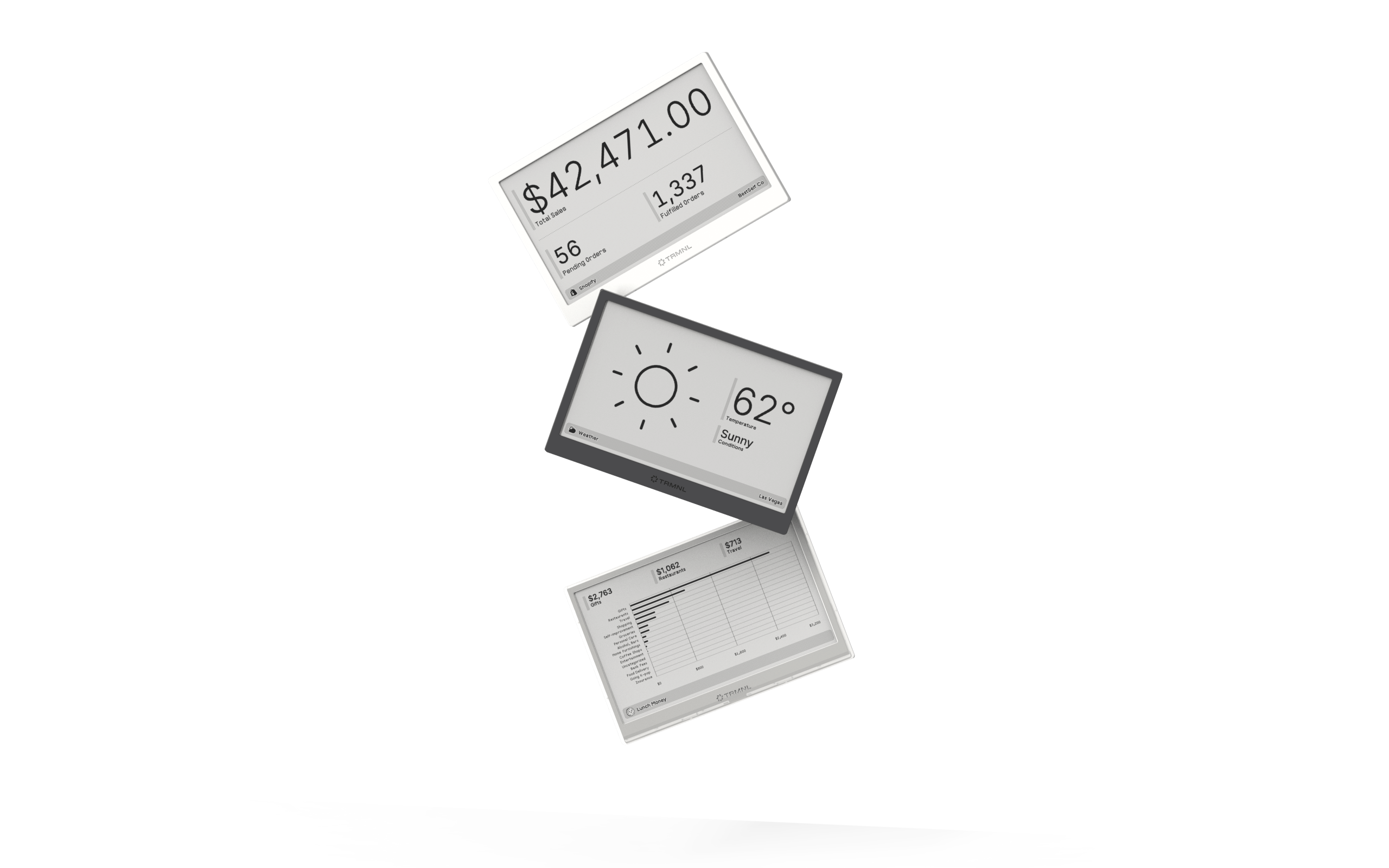
Connect your favorite apps
Our growing library supports work and personal needs, from your daily calendar to upcoming movies. New tools are added weekly.
