

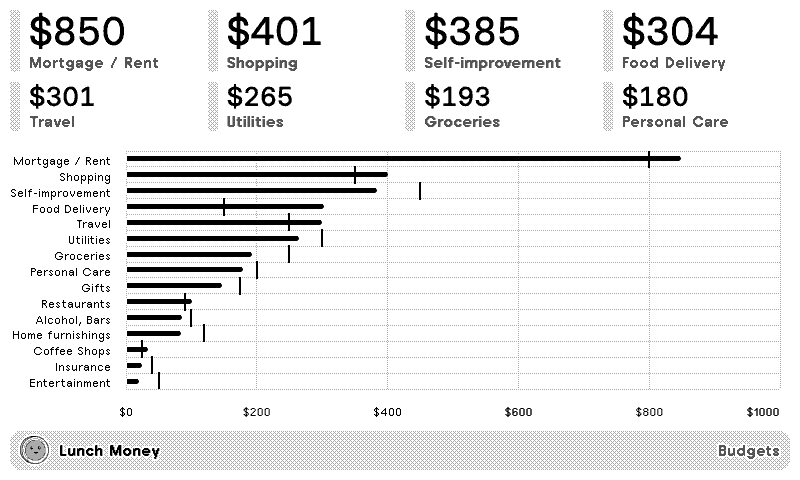
Budgets
Accounts
Net Worth

Lunch Money
Personal finances dashboard
Customizable options
Developer Access Token
Find this at https://my.lunchmoney.app/developers.
Example: 80bd14zzec3d10f167327957BdjS5Aj2kdDA
What financials do you want to see?
If "budgets" is selected, per-category spending will be scoped month to date.
For grouped categories, show...
Lunch Money rolls child-category spending up into parent groups. Choose which level to display so amounts aren't double-counted. Only affects categories that belong to a group.
How far back?
How many months of account balances to chart.
Your Lunch Money finances, on a TRMNL ePaper display. Create an access token in Lunch Money's developer settings, paste it in, then pick what to see.
Budgets shows this month's spending so far per category, biggest first, with a chart of spending against what you budgeted. Choose parent or child categories so grouped spending isn't counted twice. Accounts lists the balances of your linked accounts and assets, liabilities included. Net Worth shows where you stand today, how much that changed, and a chart of assets and liabilities over the last 3, 6, 9 or 12 months. Amounts show in your Lunch Money primary currency.











Knowledge base Learn about this plugin in our knowledge base
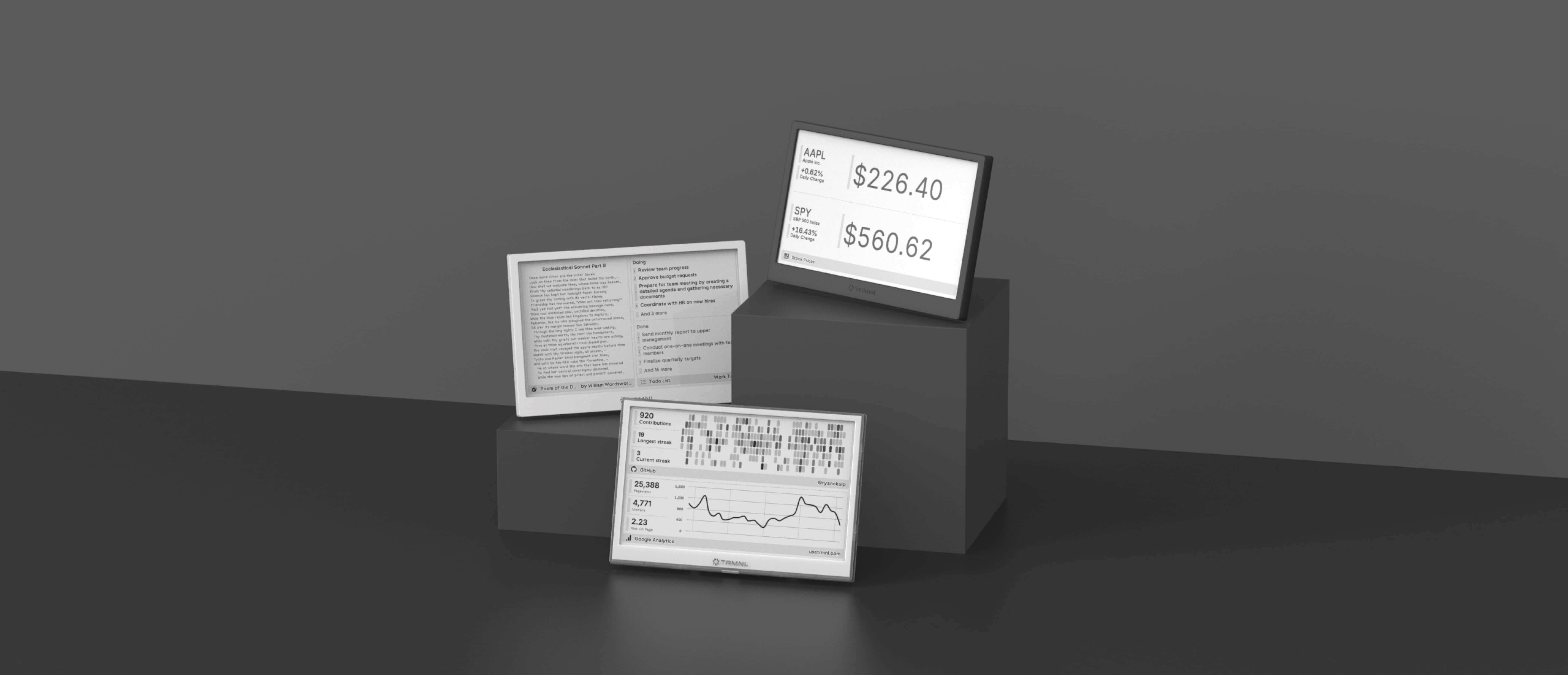

Connect your favorite apps
Our growing library supports work and personal needs, from your daily calendar to upcoming movies. New tools are added weekly.
