

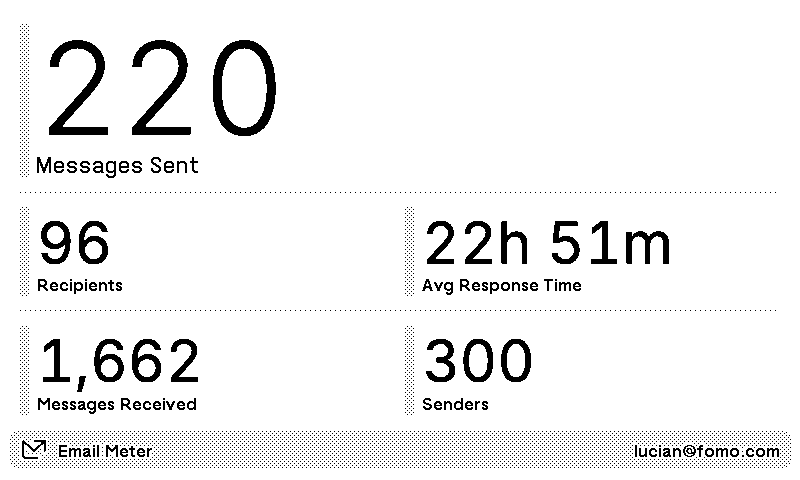

Email Meter
Inbox analytics for Gmail
Customizable options
Session Token
Log in to Email Meter, open the browser console and run localStorage.getItem("userToken")
Example: 80bd14zzec3d10f167327957
Lookback Period
Time span of displayed data
Inbox analytics for your Gmail, from Email Meter, on a TRMNL ePaper display. See how many messages you sent and to how many recipients, how many you received and from how many senders, and your average response time.
Pick a window of the last 1, 7 or 30 days. Setup takes a small trick: log in to Email Meter, open your browser's console, and copy your session token with the line the settings form gives you (no coding needed). Email Meter expires that token when your session ends. When the screen says it was rejected, grab a fresh one and paste it in.















Knowledge base Learn about this plugin in our knowledge base
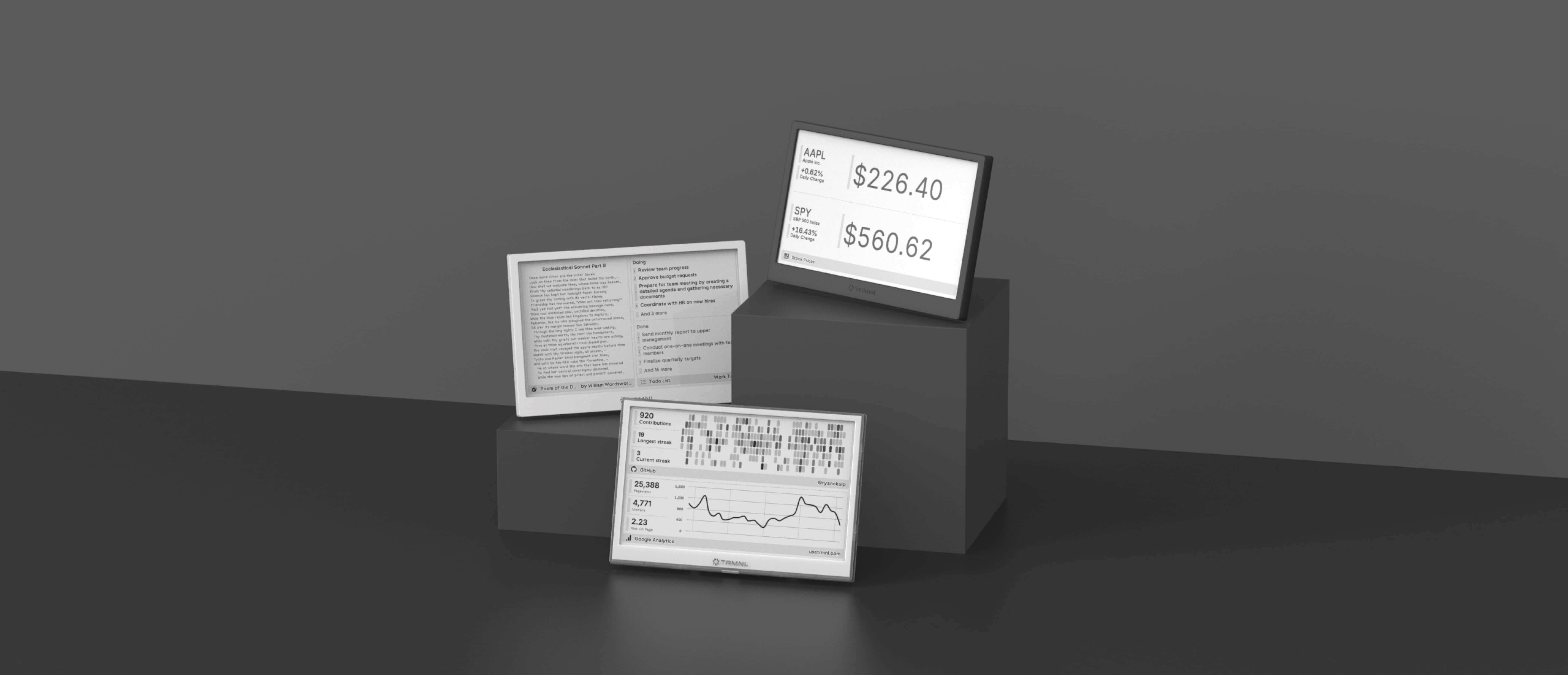
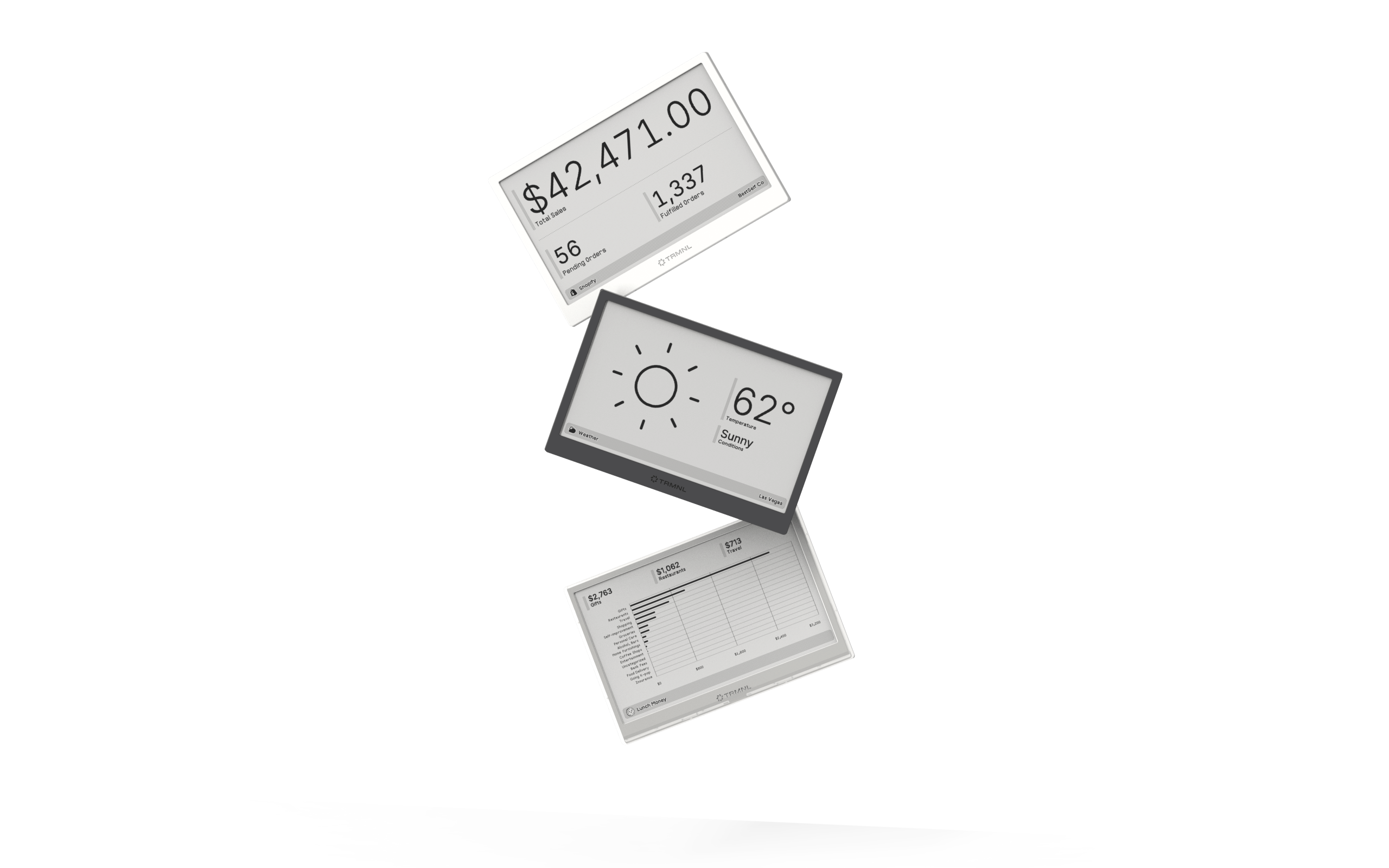
Connect your favorite apps
Our growing library supports work and personal needs, from your daily calendar to upcoming movies. New tools are added weekly.
