

Comparison: OG vs X
so you're interested in buying (or building) your own ePaper dashboard.
below is a comparison of our 2x primary device models, from raw specs to anecdotal angles.
OG vs X Specs
you'll notice that X numbers are all bigger. but bigger is not necessarily better. it depends where the device will live and how you'll use it.
Screen Size | Grayscale | Mounting options | Partial Refresh? | Wi-Fi Bands | Rechargeable Battery | |
|---|---|---|---|---|---|---|
OG | 7.5" | 1-4 | kickstand, wall | yes | 2.4 GHz | 3-6 months |
X | 10.3" | 1-16 | kickstand, wall, fridge (built-in magnet) | yes | 2.4 / 5 GHz | 3-6 months |
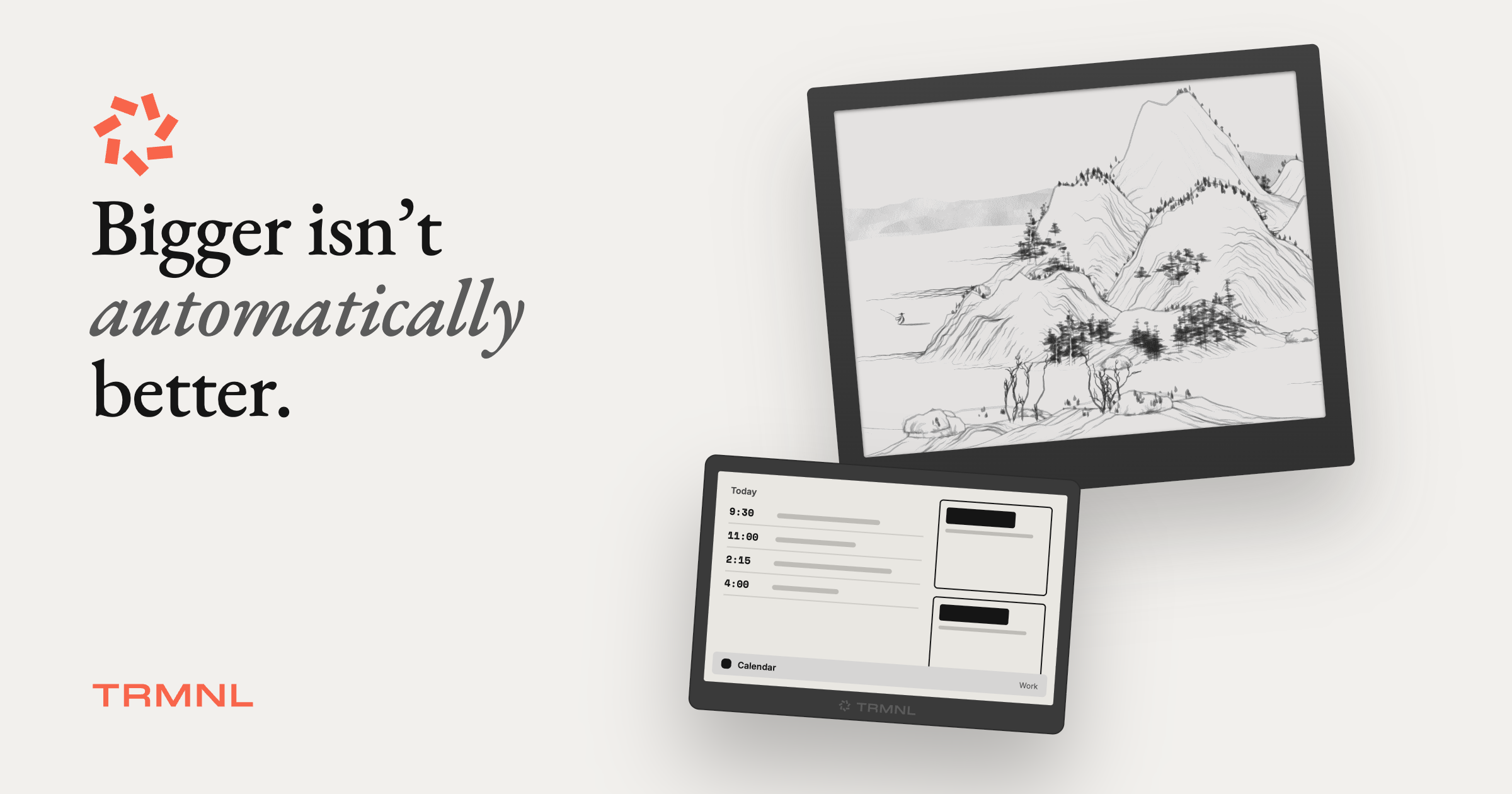
i personally have an OG on my desk and an X on my fridge. the OG has work stuff (meetings, KPIs) while our X has a family calendar and movie trivia. in my opinion the X feels crowded beside a computer monitor.
also worth noting: both models offer soft-touch ABS as well as plain, polycarbonate finishes. but the OG has an engraved TRMNL logo on the front, while the X does not. if you want to redesign or 3D print your own OG enclosure, we open sourced the CAD model.
OG vs X Vibes
TRMNL OG is hackable and personal. with just a single button on the back, it's great for set-and-forget content like the weather or your calendar. our marketplace had ~1,000 plugins before the X was available, so arguably the TRMNL ecosystem is more OG-friendly than X-friendly.
TRMNL X is for sharing and open spaces, like kitchen counters or the wall by your front door. it has a touchbar with a menu system for interactivity, which is great for kids or significant others. X is also ideal for smart home dashboards with Home Assistant or Homey.
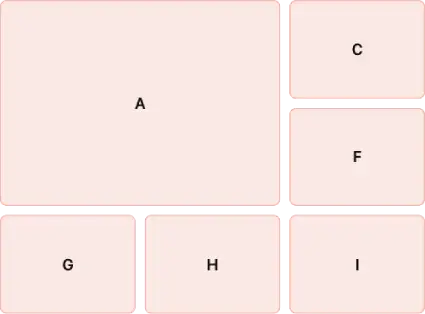
both devices support 95% of all features on the TRMNL platform, from playlist scheduling to showing multiple plugins on the same screen, which we call Mashups. but only TRMNL X supports Fluid Mashups, a "bento grid" builder that offers an additional 300+ layout combinations.
another hardware spec stands out here -- if you're interested in art, photos, movie posters, and more graphical (vs text-based) content generally, the X's 16 grayscale provides a richer experience. but even the OG does a pretty good job at grayscale, thanks to how dithering tricks our eyes into seeing colors that don't exist.
for a "best of both worlds" approach, our 4-color BWRY device offers dithering and color for decent family photo albums and artwork. see examples here or get one here (same price as OG).
OG vs X Functionality
as i mentioned, nearly every feature on the web app (+ open source servers) works on all device models.
however! a few things are coming out that will further differentiate the OG vs X user experience. here's a preview.
Orientation | Environment Sensors | Power "Out" | Data / Power Source | |
|---|---|---|---|---|
OG | Landscape, Portrait | Temp, Humidity, CO2 | N/A | Wi-Fi / Battery / USB-C |
X | Landscape, Portrait | Temp, Humidity, CO2, Pressure, etc | Power other devices | Wi-Fi / Battery / USB-C / Ethernet |
X is also going to dabble in arcade games, although Chess and others are available for all devices.
which is best?
in the words of Malcolm Gladwell: there is no such thing as perfect spaghetti sauce, only perfect spaghetti sauces.
the OG was our first device and its internals will be redesigned over time to incorporate more features (hint: 5 GHz Wi-Fi). it is not an "old model" and will never be discontinued.
the X is our 2nd device and it packs more punch for specific applications, but it is also more expensive.
if you're still having trouble deciding, consider getting both? that's what i did. but i also work here.
