
Loading…
Pick the best fit for your device and preferences.
Want to earn $25?
Set up your device
Flash our open-source firmware, use a BYOD app, or follow one of the device-specific guides in the wizard above.
Take a photo
Photograph your device running TRMNL. A note on what you're displaying is appreciated.
Submit & get paid
Fill out the form. The first 3 approved photos per device type receive $25 back on their BYOD license.
Amazon Kindle
Amazon ended store access for older Kindle models in May 2026. Repurpose yours as an always-on TRMNL display via KOReader.
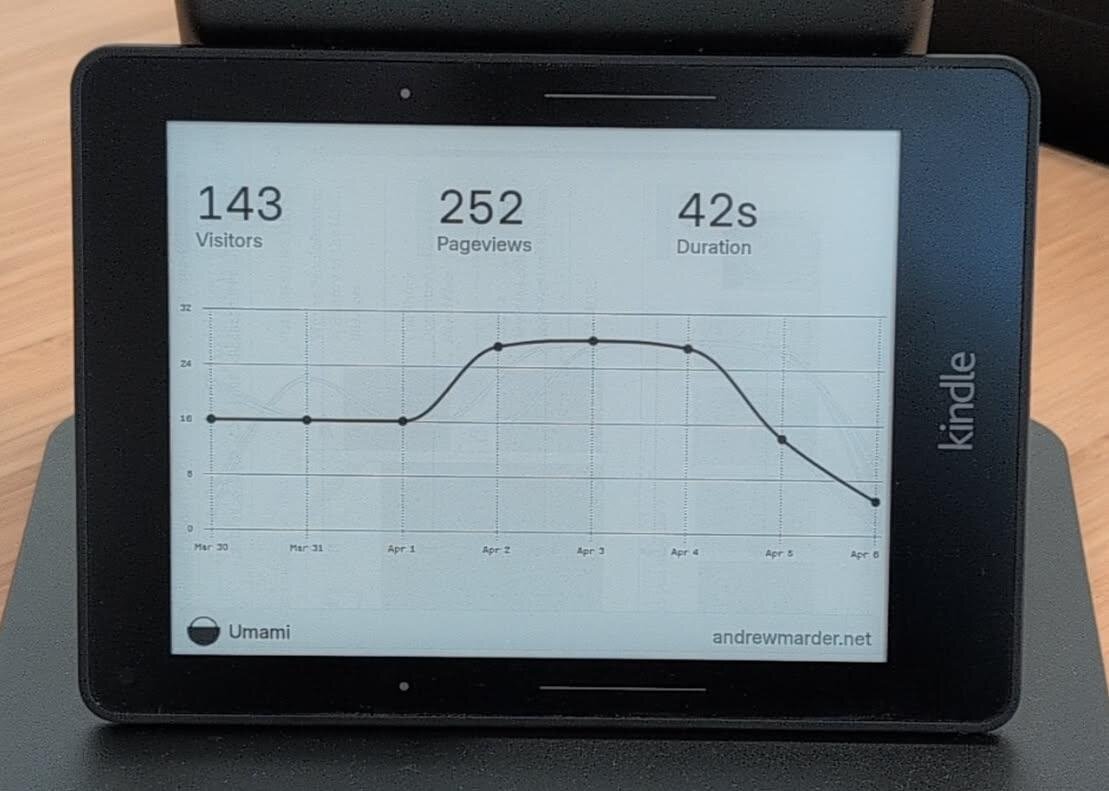
Kindle 7
800×600 · 256 grays
Kindle 2024
1400×840 · 256 grays
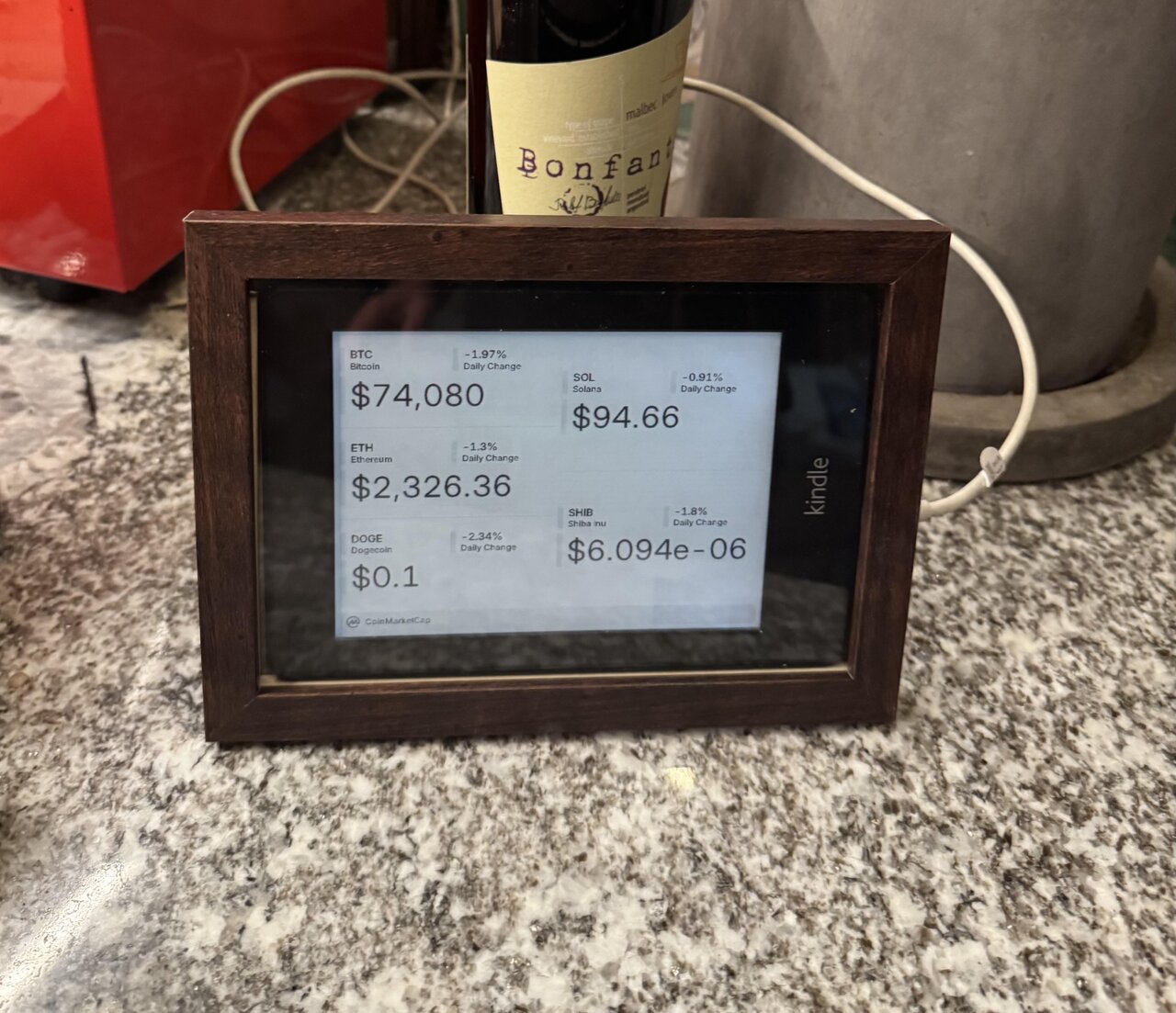
Kindle PW 6th Gen
1024×768 · 256 grays
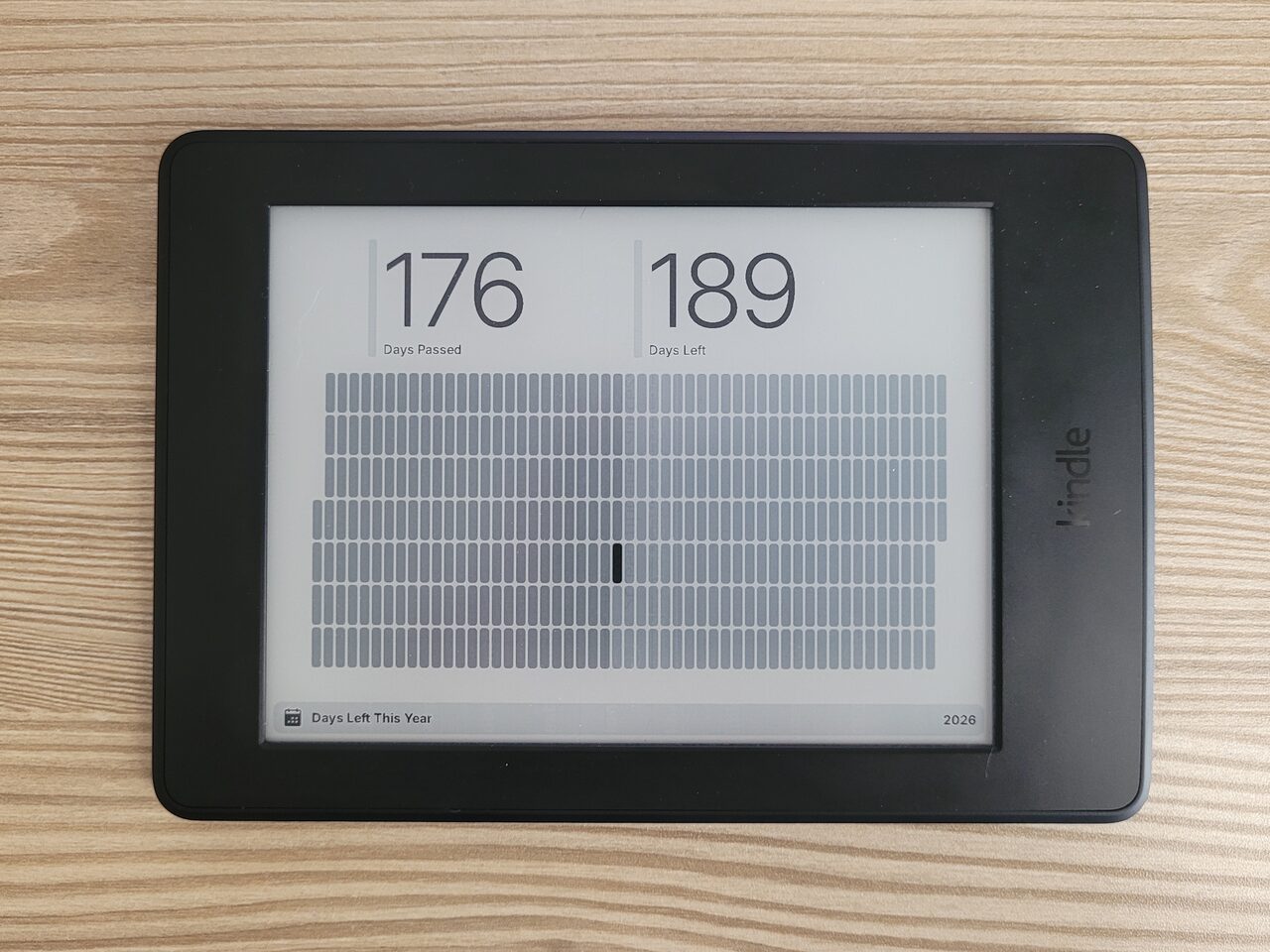
Kindle PW 7th Gen
1448×1072 · 256 grays
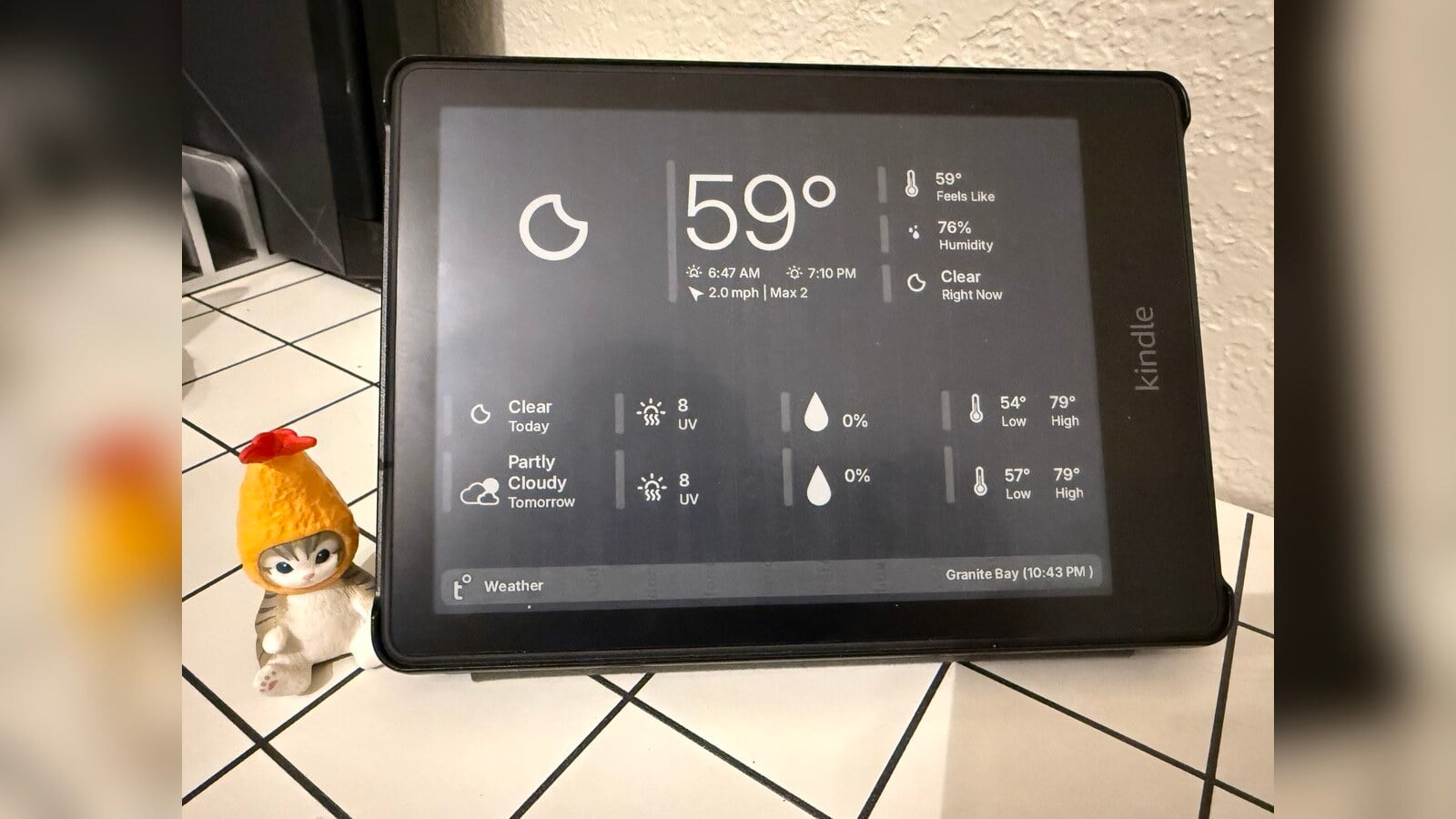
Kindle PW Signature 11th Gen
1648×1236 · 16 grays
Kindle Oasis 2
1680×1264 · 256 grays
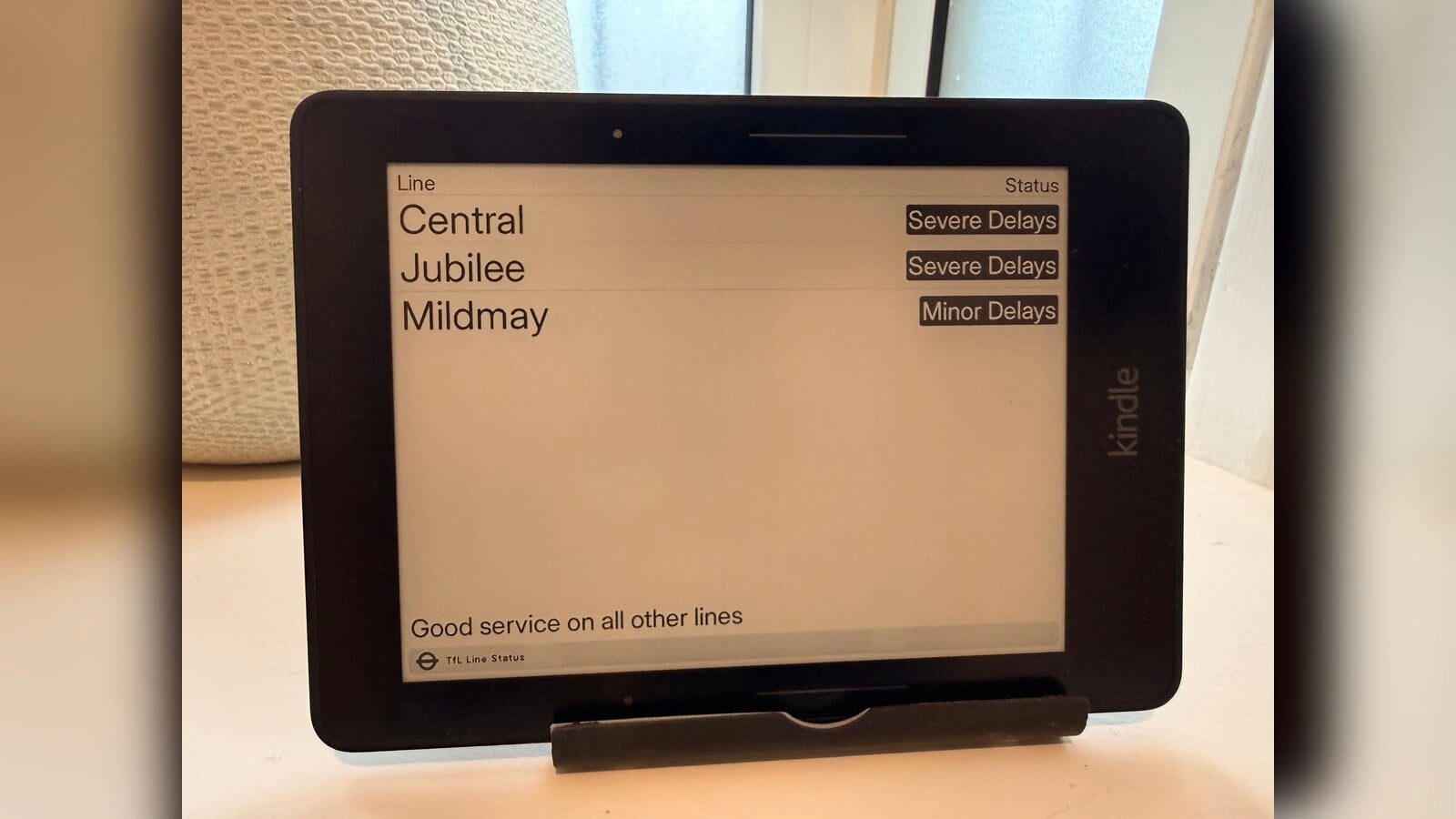
Kindle Voyage
1448×1072 · 256 grays
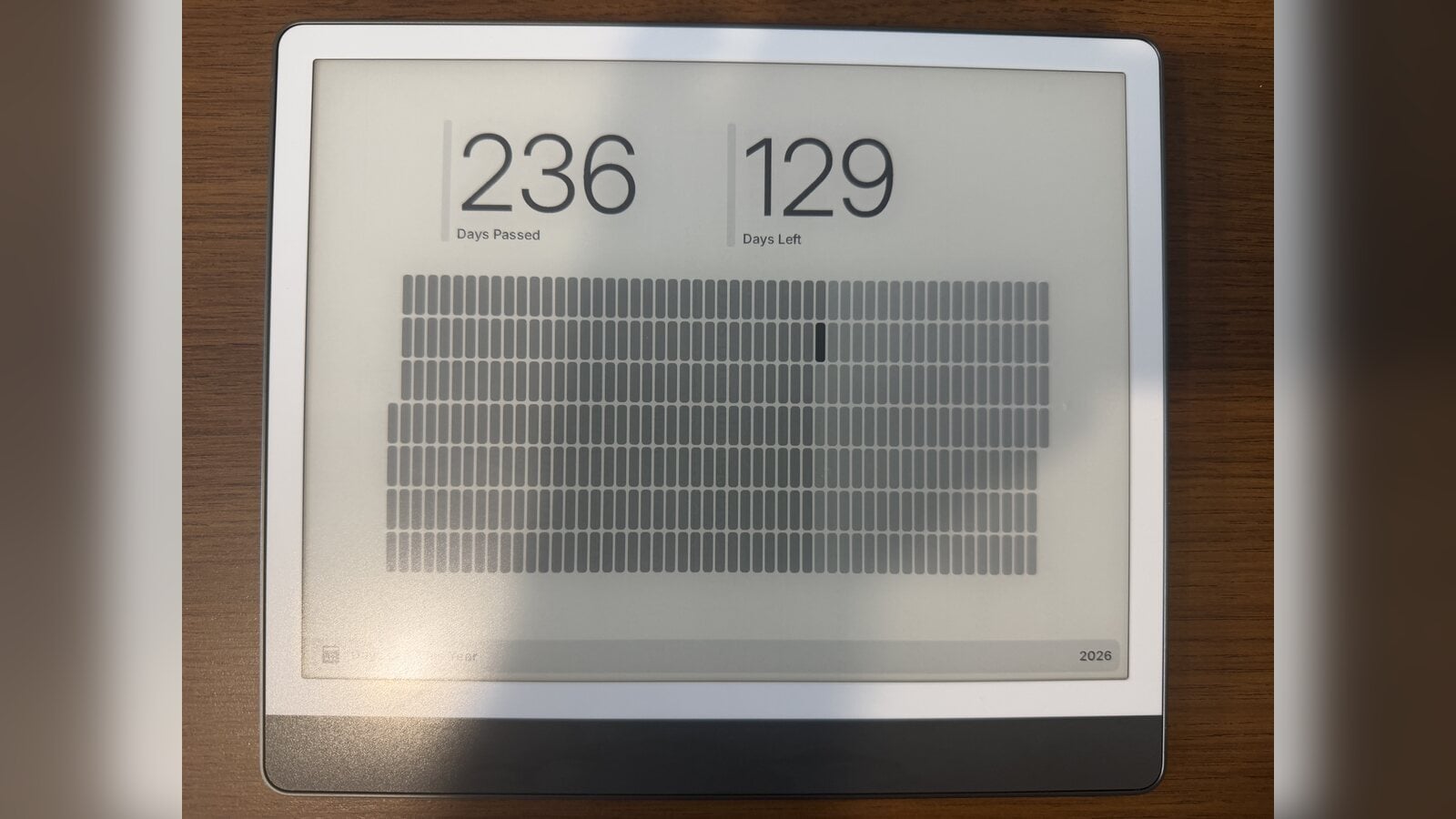
Kindle Scribe
2480×1860 · 256 grays
"Installed on my old Kindle Paperwhite device. Works perfectly and enjoyed tweaking the code. Written a couple of custom plugins too now. Great, useful device and can still use my kindle as normal if I want."
— Chris S., Kilkeel, UK
Kobo
Kobo readers running TRMNL via the community-maintained trmnl-kobo firmware. Works alongside Kobo's native reading functionality.
Kobo Touch
800×600 · 16 grays
Kobo Glo
1024×768 · 16 grays
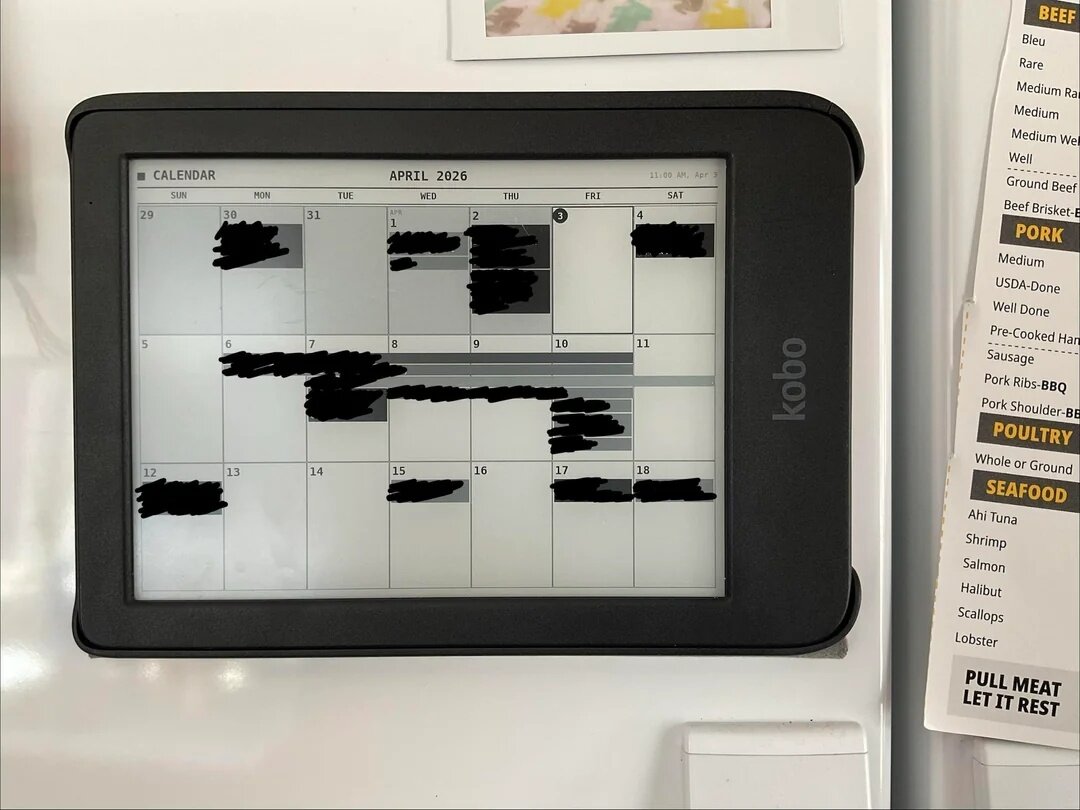
Kobo Libra 2
1680×1264 · 256 grays
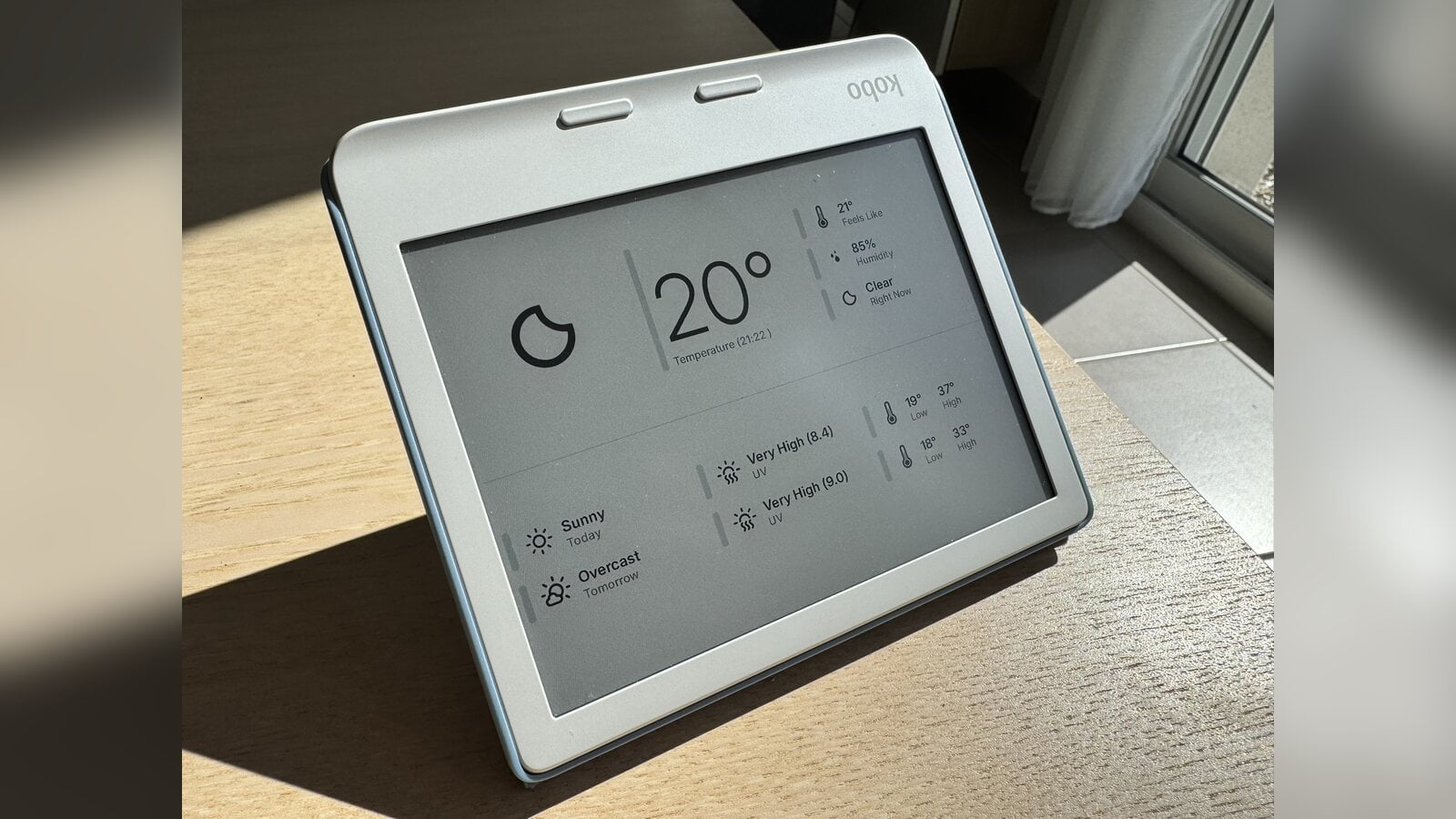
Kobo Libra Color
1264×1680 · 4096 colors
Kobo Aura One
1872×1404 · 256 grays
Kobo Aura HD
1440×1080 · 16 grays
Kobo Aura H2O Ed. 2
1430×1080 · 16 grays
Kobo Sage
1920×1440 · 16 grays
Kobo Forma
1920×1440 · 16 grays
"The TRMNL UX is so much better than hacking a solution by myself"
— Thibault D.
Waveshare
Bare ePaper panels paired with a microcontroller running TRMNL firmware. More setup involved, but you choose the exact panel size and color depth.
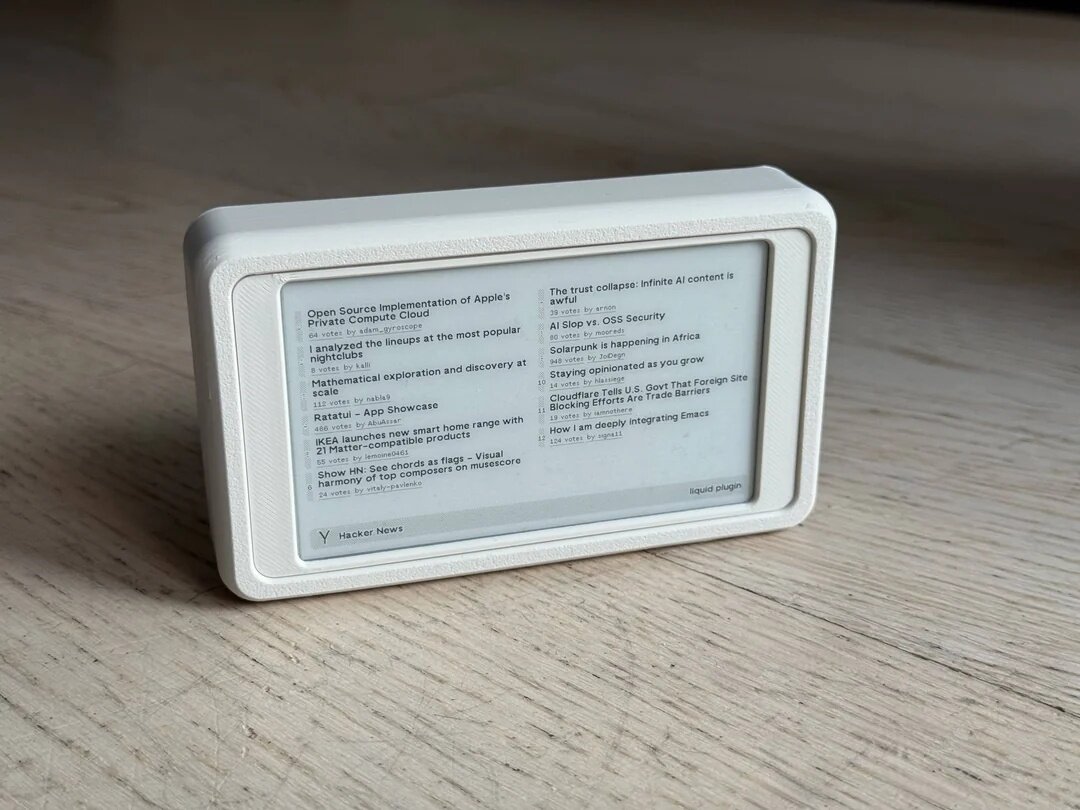
Waveshare 4.26"
800×480 · 4 grays
Waveshare 7.5" B/W
800×480 · 1-bit
Waveshare 7.5" B/W/R
800×480 · 3-color
Waveshare 7.5" B/W/R/Y
800×480 · 4-color
Seeed Studio
Seeed's reTerminal E-series ePaper boards — the E1001/E1002 run at 800×480, TRMNL's native resolution. One of the more straightforward BYOD builds.
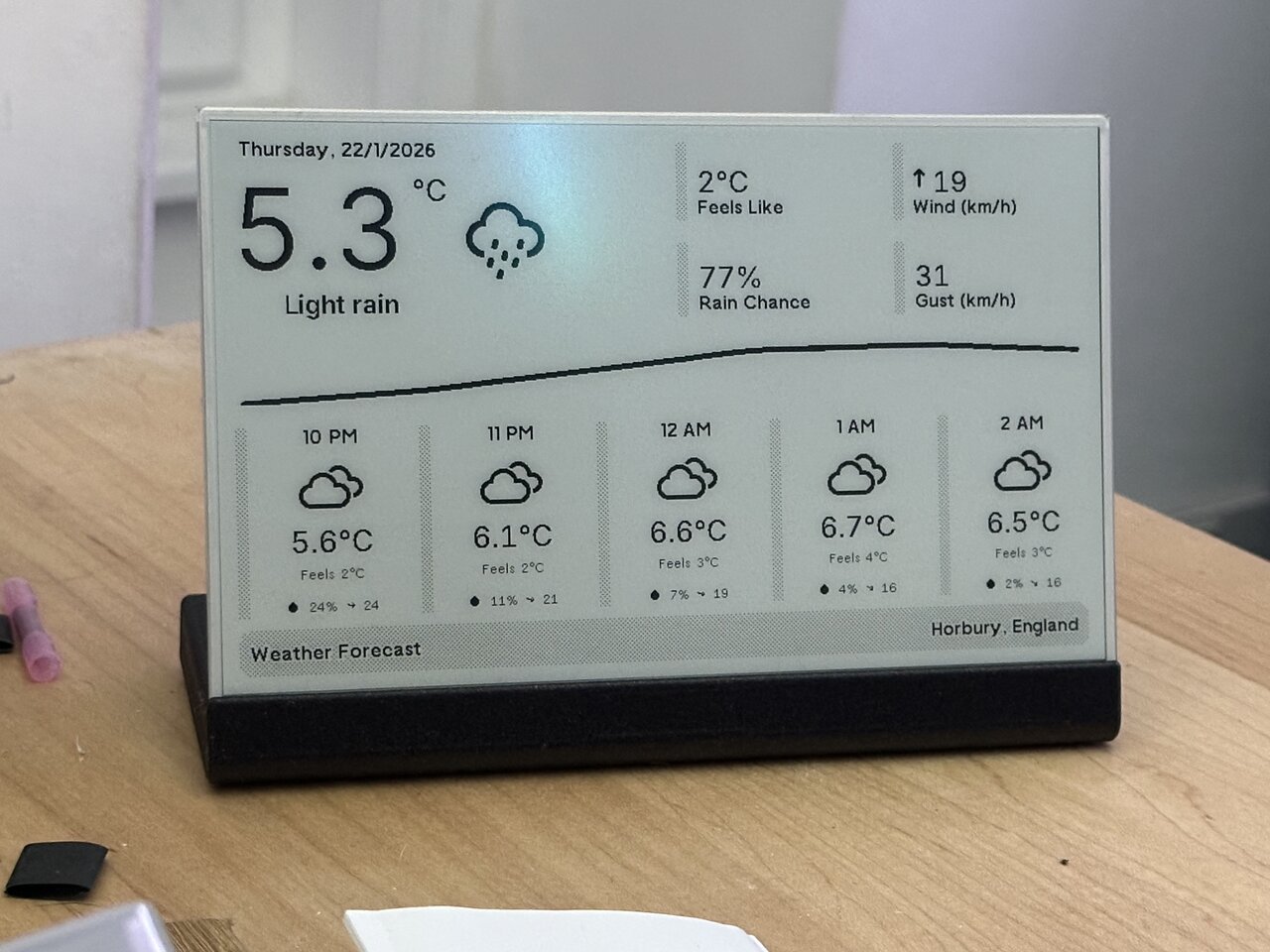
Seeed DIY Kit
800×480 · 1-bit
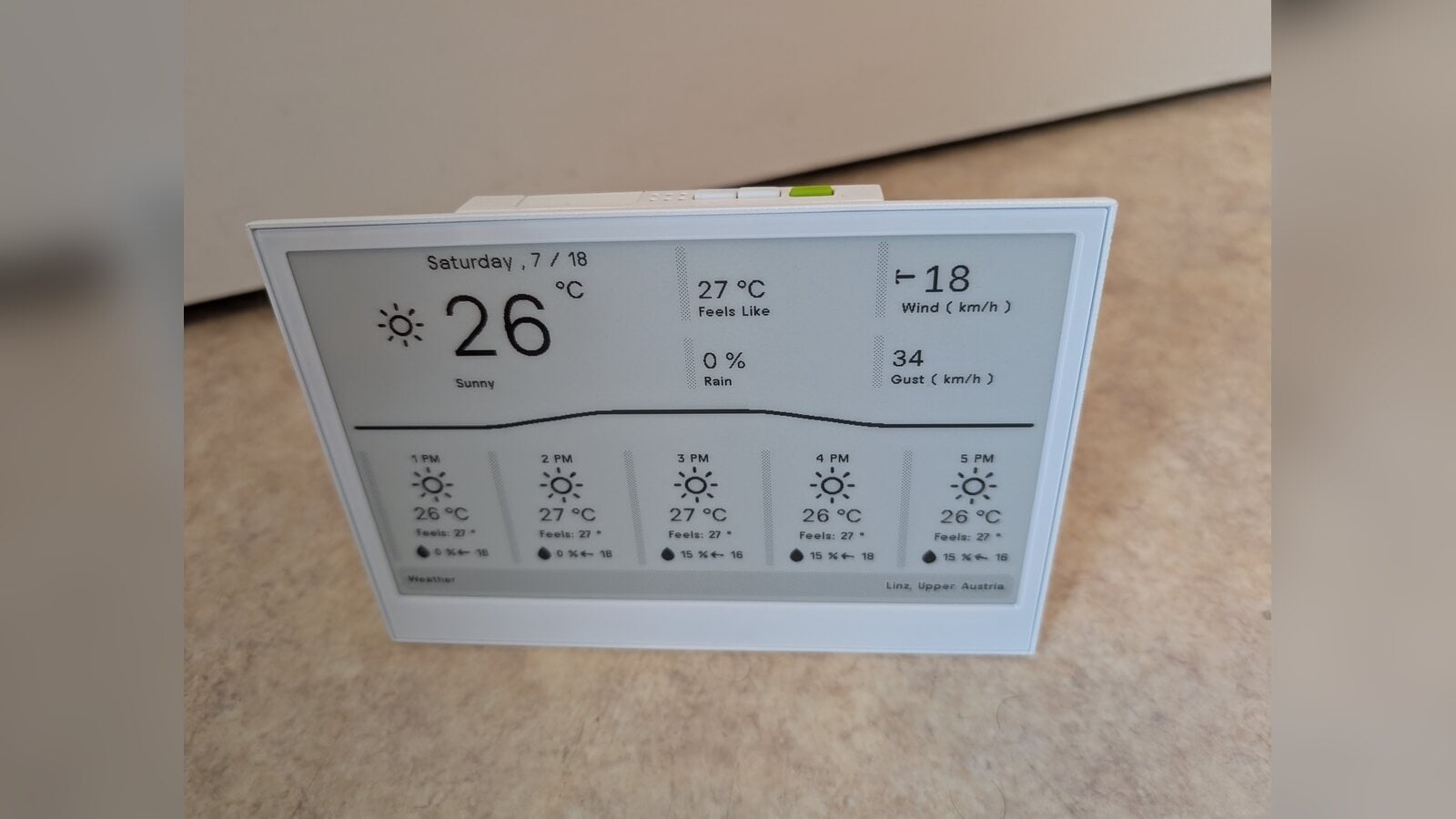
Seeed E1001 Monochrome
800×480 · 4 grays
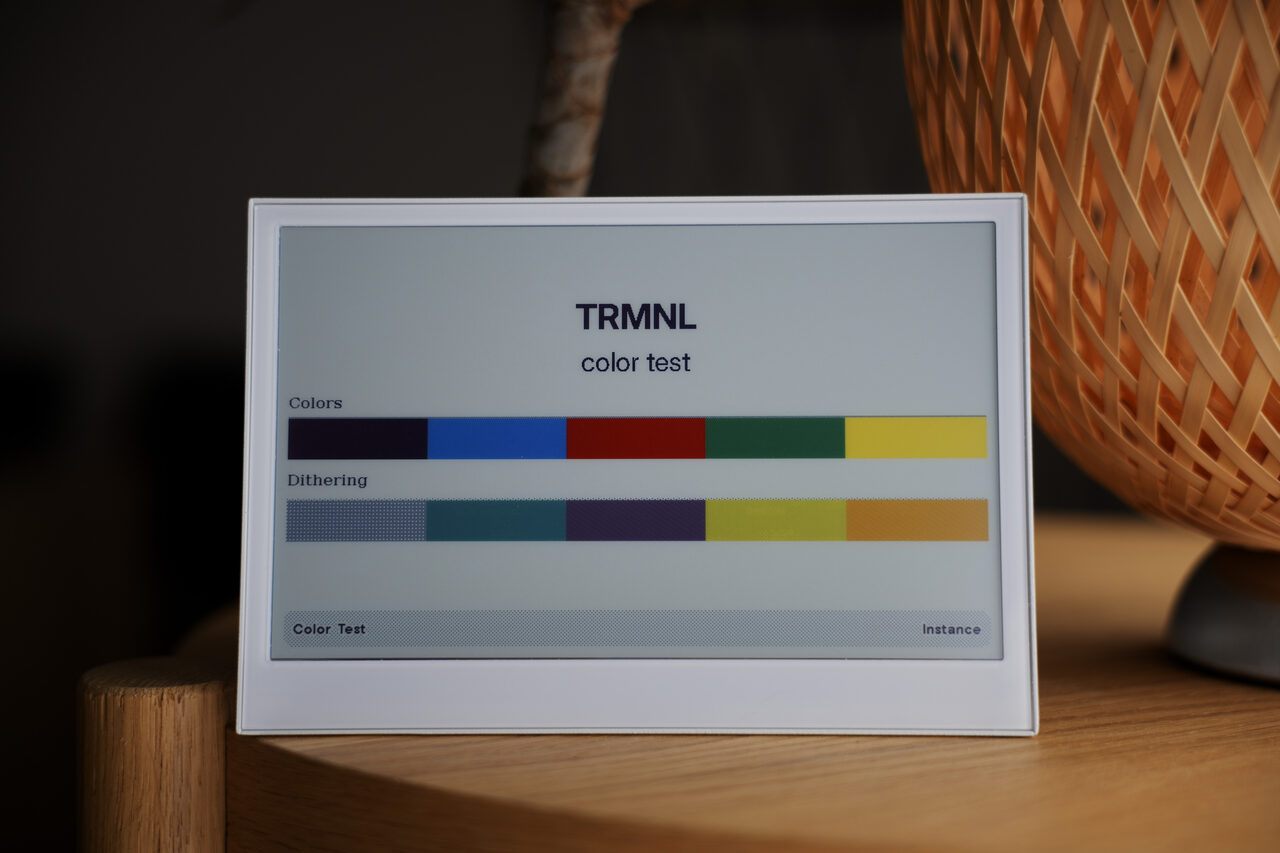
Seeed E1002
800×480 · 6-color
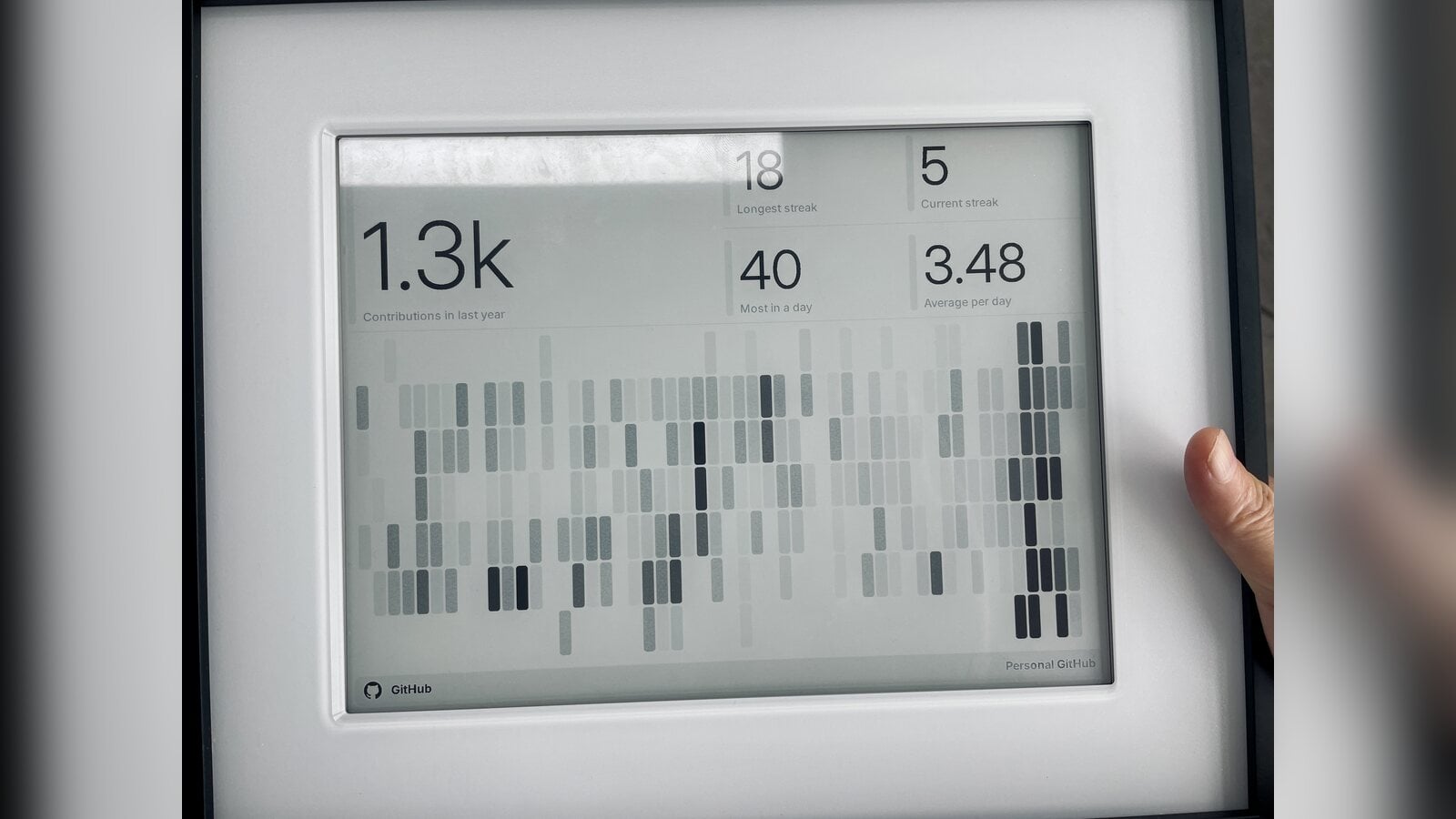
Seeed E1003
1872×1404 · 16 grays
Seeed E1004
1600×1200 · 6-color
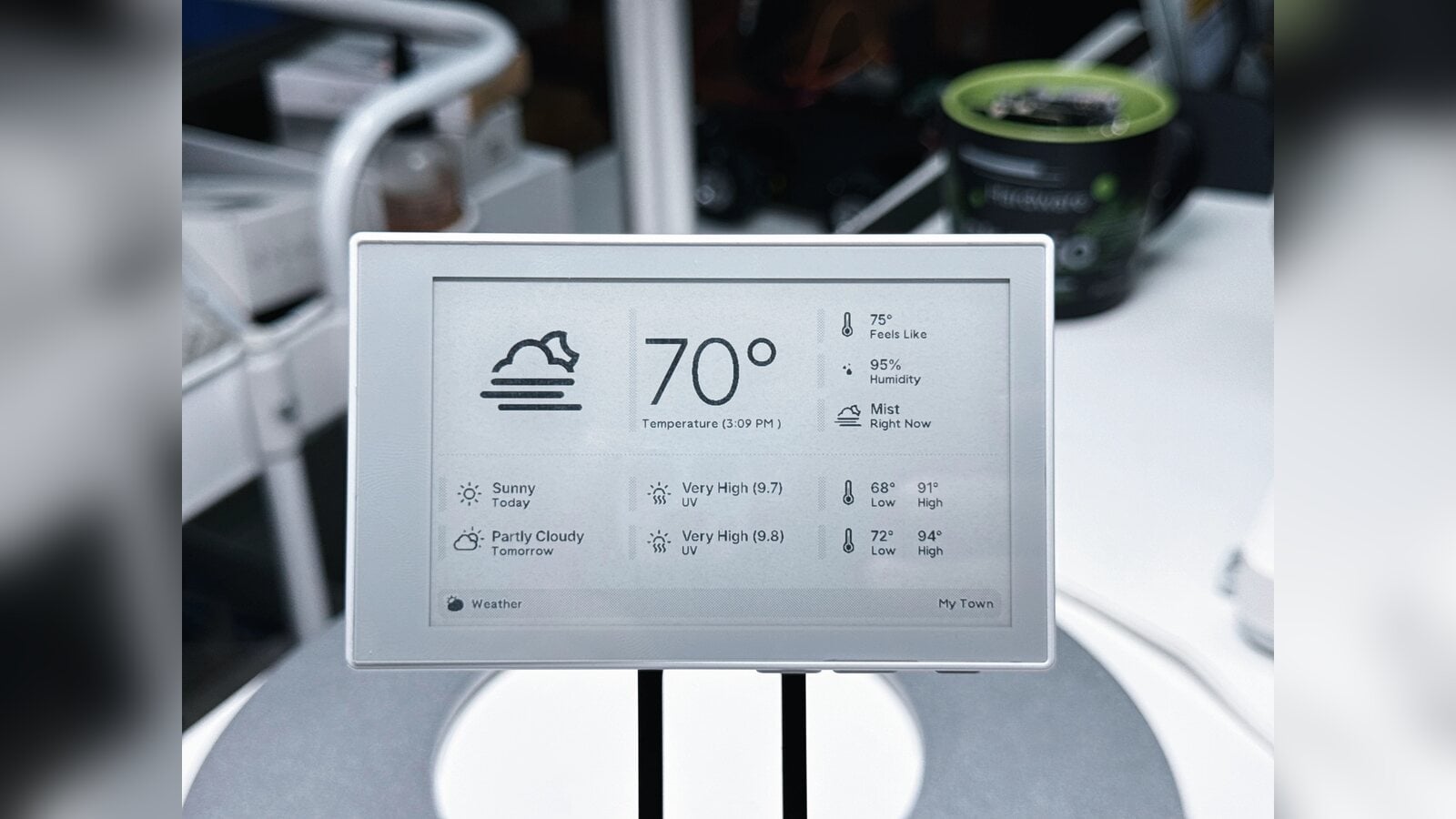
Seeed Sticky
800x480 · 4 grays
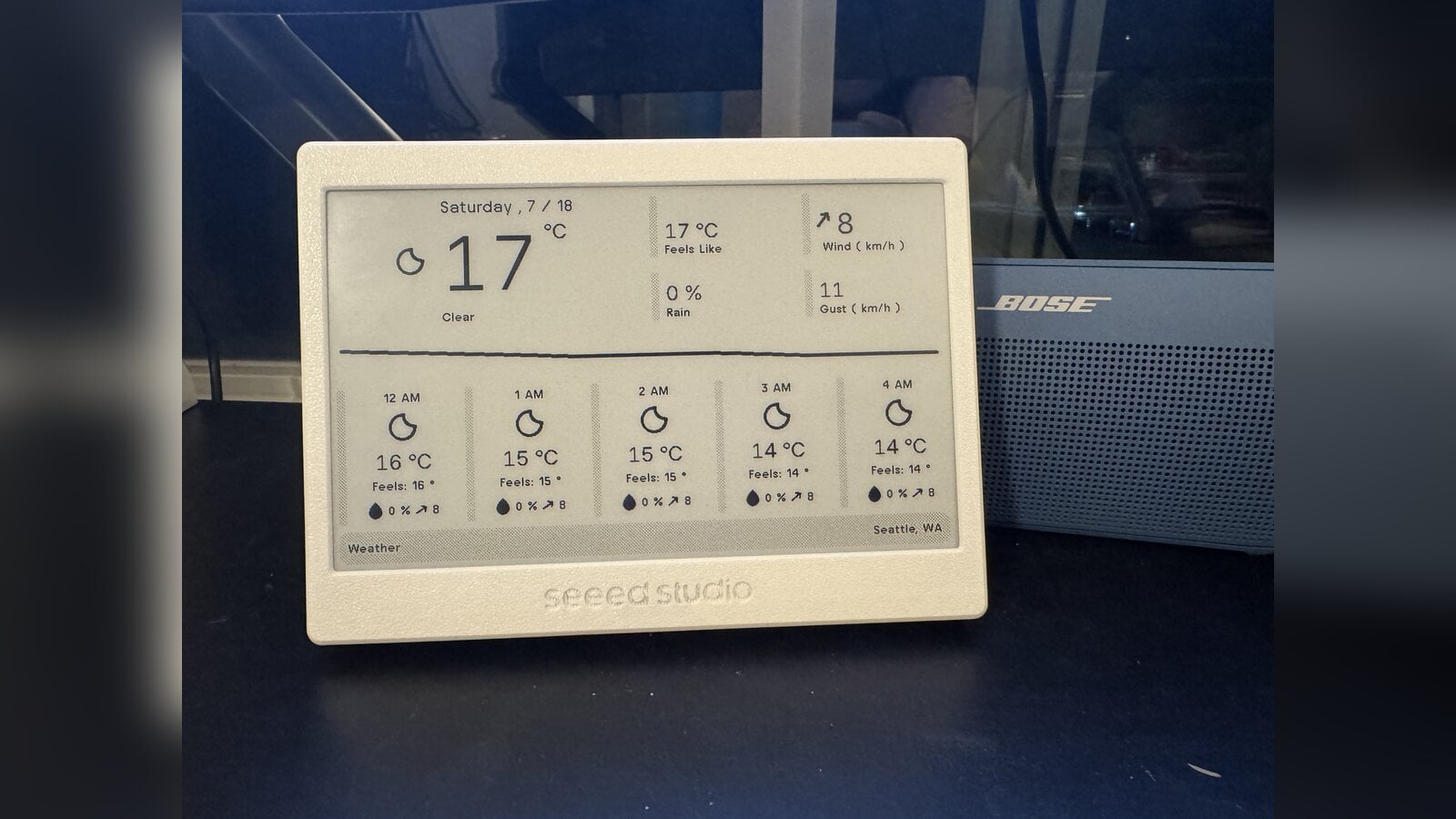
XIAO 7.5" ePaper Panel
800×480 · 1-bit
"I bought it before knowing anything about TRMNL. I did not like the default Seeed interface or functionality. TRMNL made it a usable device."
— Joshua M.
Inkplate
All-in-one WiFi + ePaper boards. No breadboard or soldering required — just power, connect to WiFi, and flash.
Inkplate 10
1200×825 · 8 grays
Inkplate 5.2
1280×720 · 16 grays
Inkplate 6 Plus
1024×758 · 4 grays
Inkplate 6COLOR
600×448 · 7-color
Onyx BOOX
Android ePaper devices that run the TRMNL app directly. No firmware modification required.
BOOX Palma
1648×824 · 256 grays
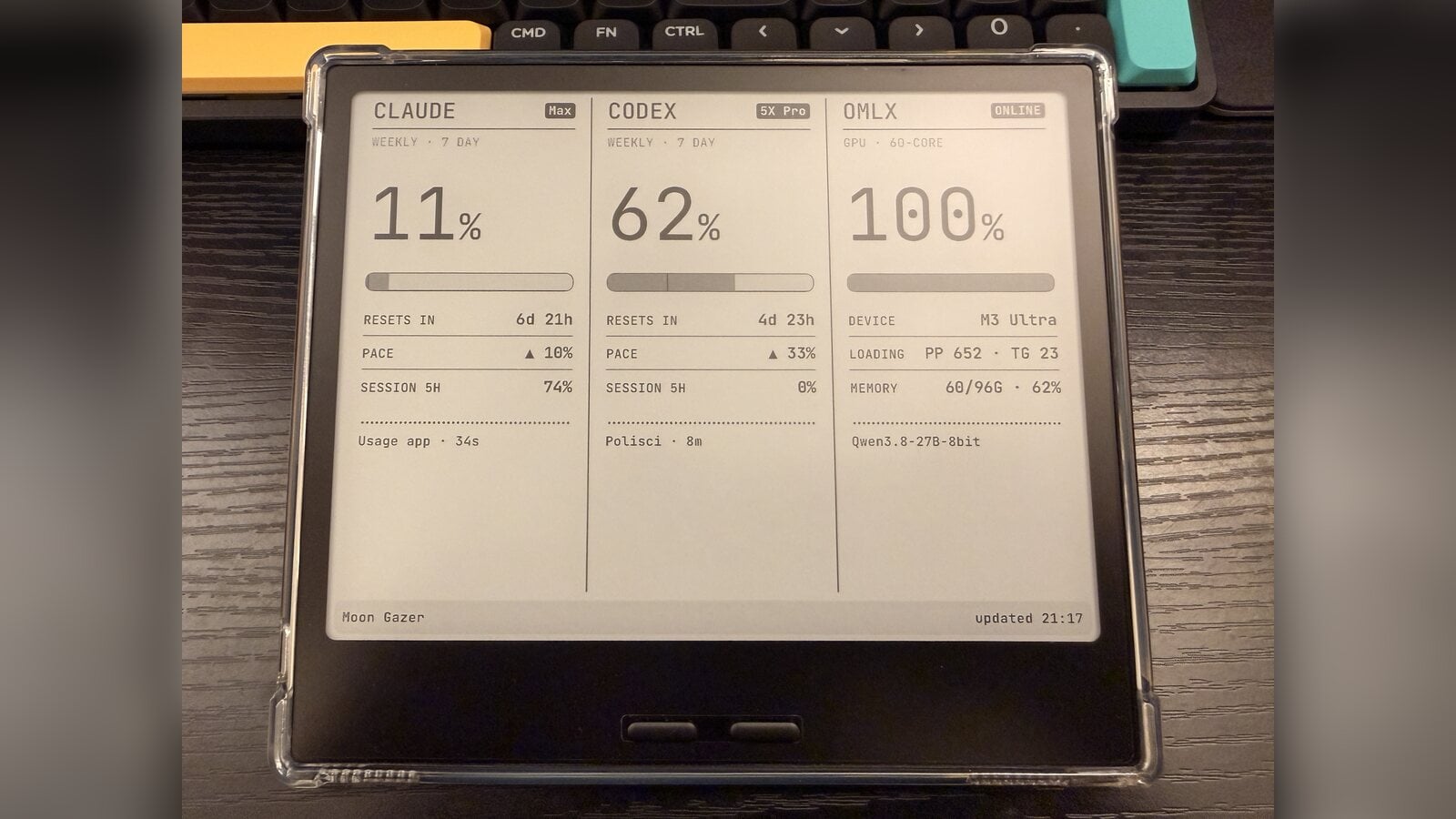
BOOX Go 7
1880×1264 · 16 grays
BOOX Nova Air C
1872×1404 · 12-bit color
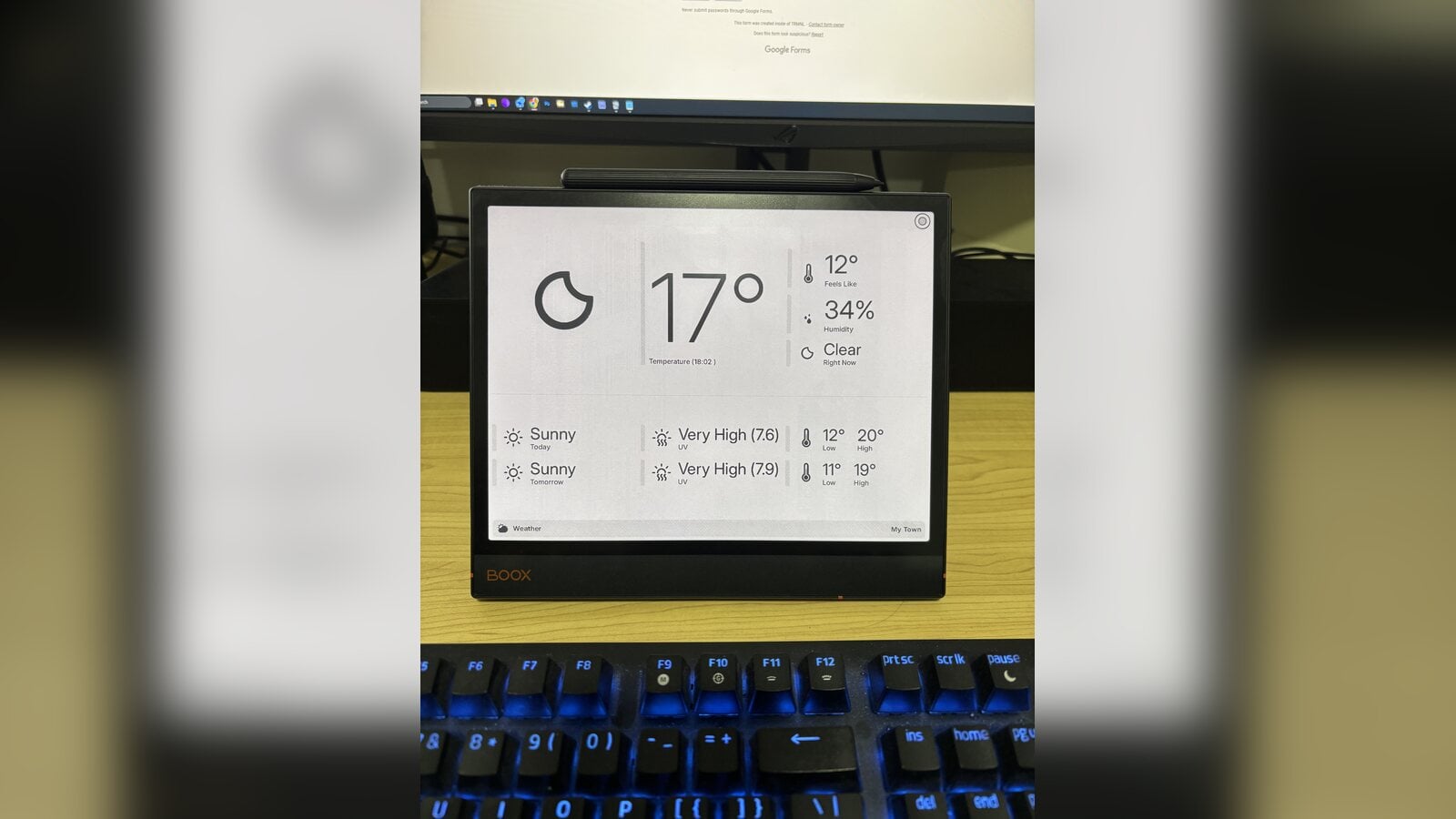
BOOX Noteair 3C
1404×1872 · 4096 colors
"I get to utilize TRMNL on my boox and eink devices I already own. Super fun to diy."
— Jason S., Gahanna, OH
Inky Impression
Pimoroni's color ePaper HATs for Raspberry Pi. Runs TRMNL alongside other Pi workloads if needed.
Inky Impression 7.3"
800×480 · 7-color
Inky Impression 13.3"
1600×1200 · 6-color
Everything Else
Other hardware running TRMNL in various configurations — LCD panels, LED matrices, commercial ePaper displays.
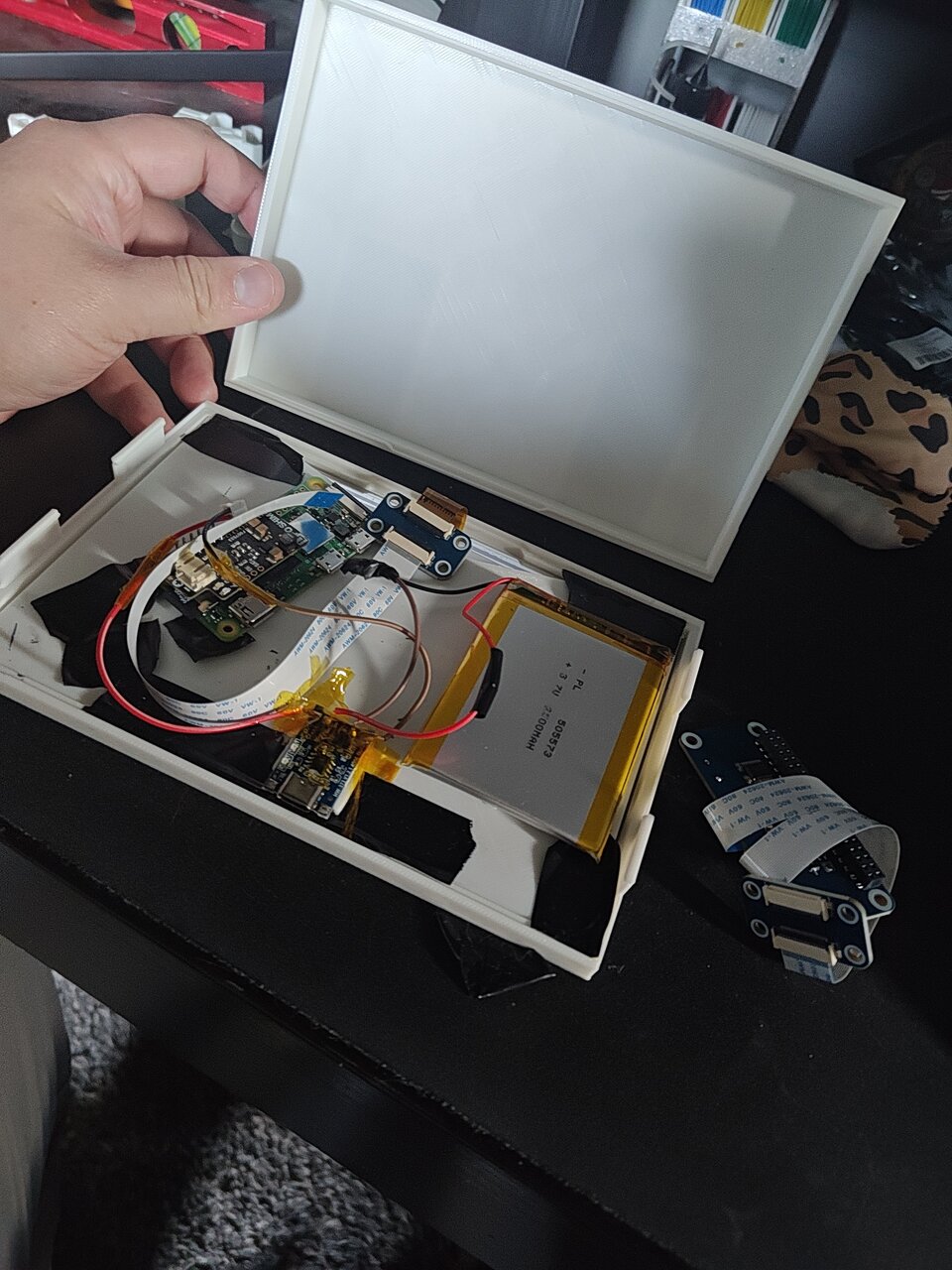
Raspberry Pi Touch 2
1280×720 · 16.7M colors
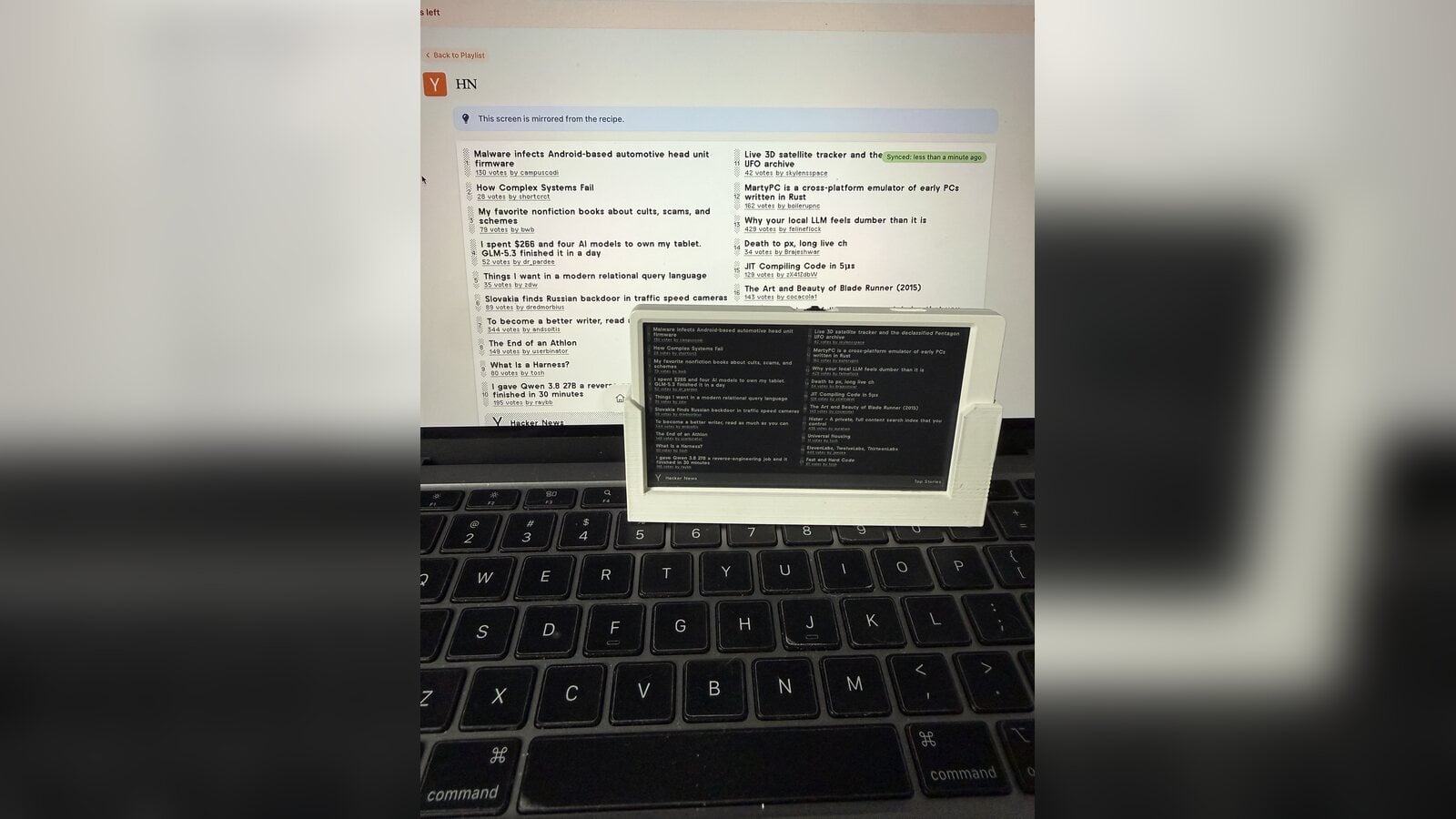
M5Paper
960×540 · 16 grays
M5PaperS3
960×540 · 16 grays
Tidbyt
64×32 · 16.7M colors
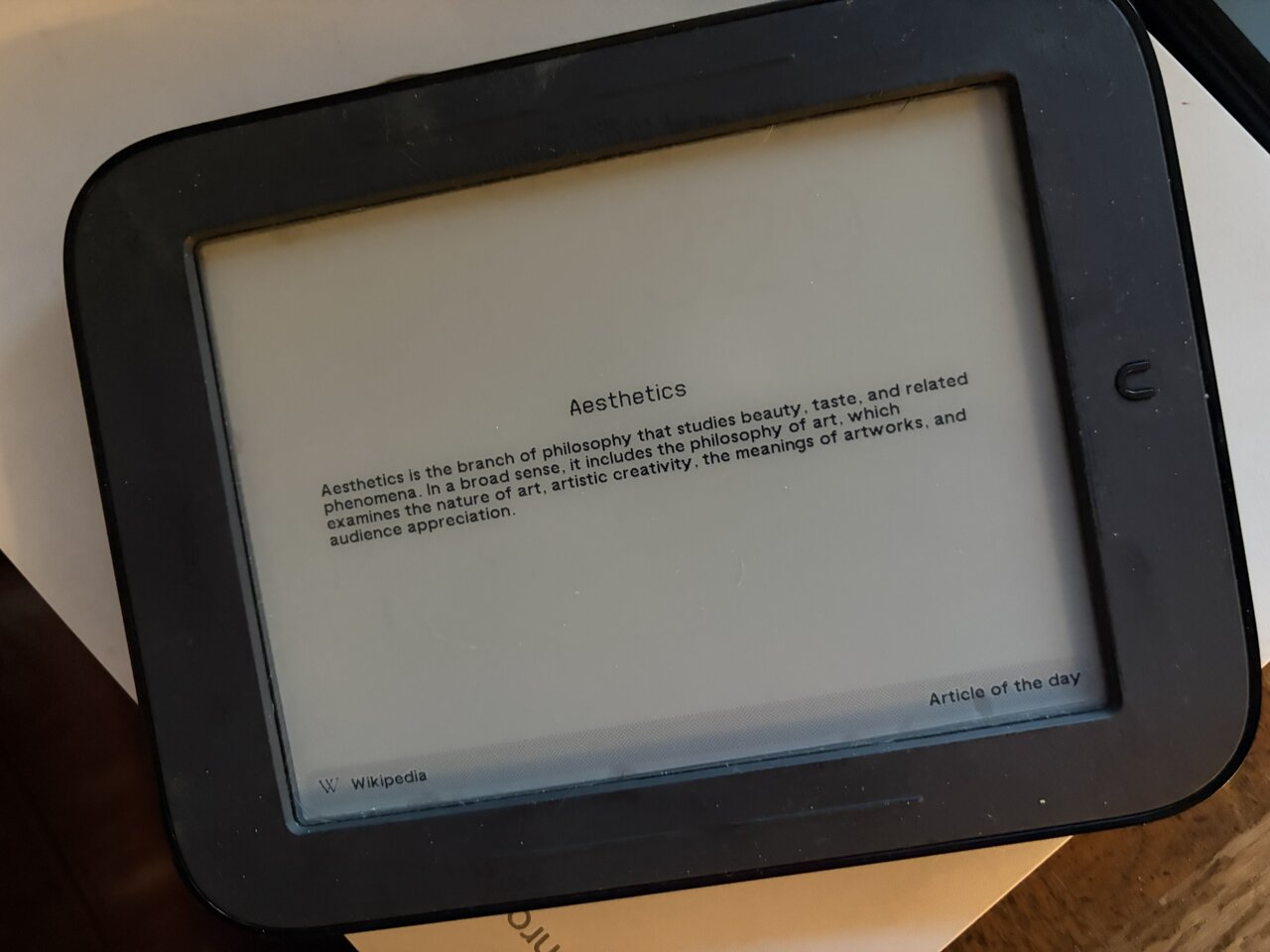
Nook Simple Touch
800×600 · 256 grays
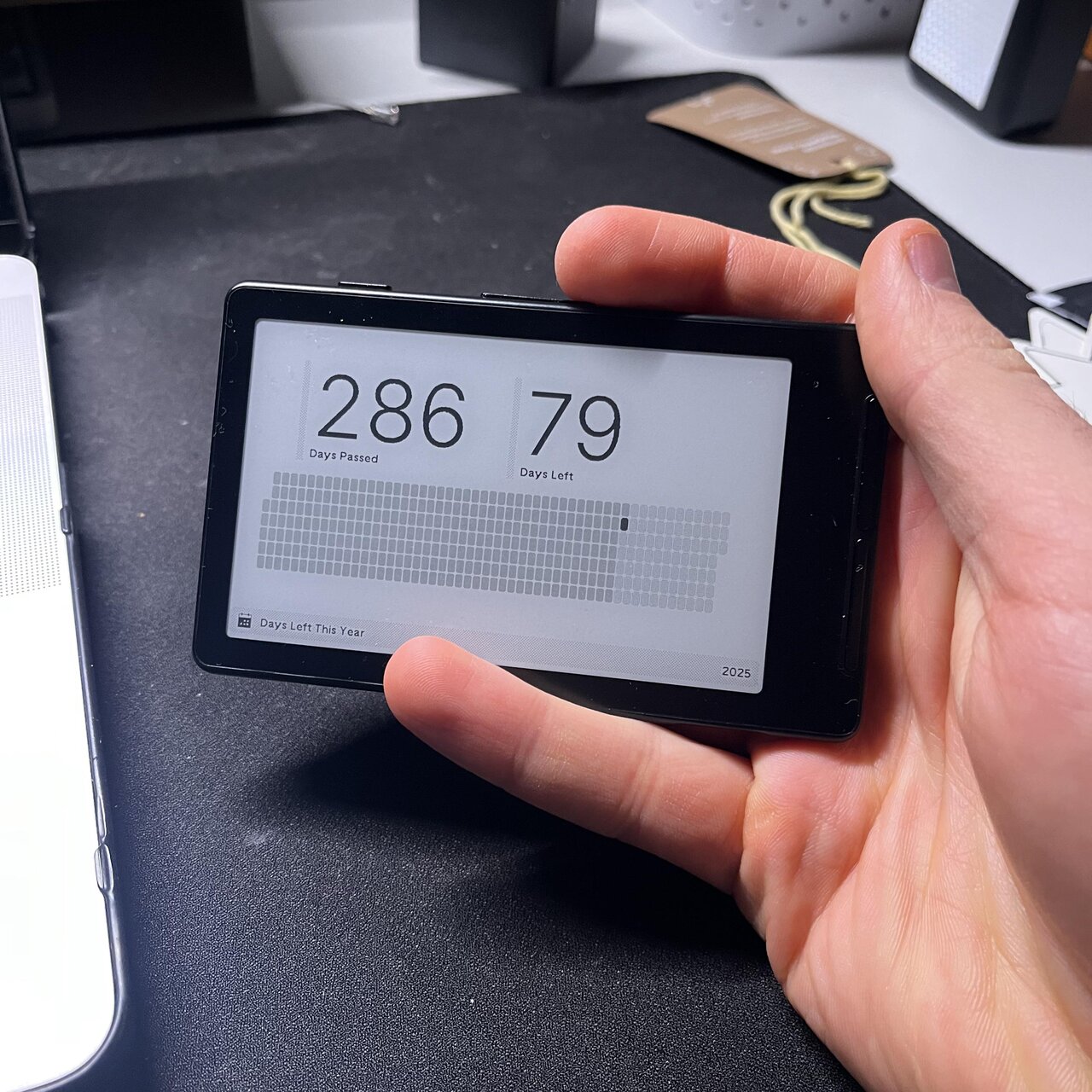
Xteink X4
800×480 · 1-bit
OpenPeak OpenFrame
800×480 · 16.7M colors
ED133UT2 Active Matrix
1600×1200 · 16 grays
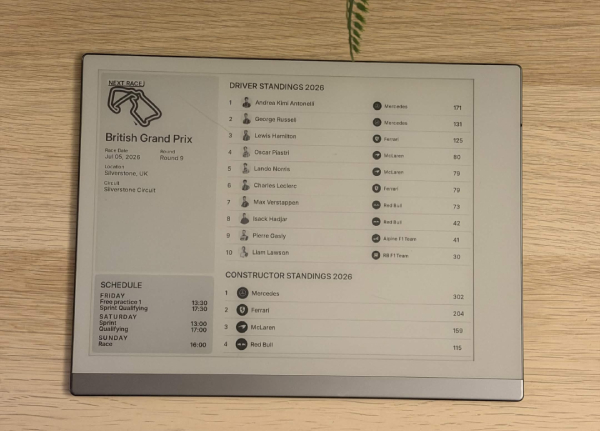
reMarkable 2
1404x1872 · 16 grays
Avalue EPD-42S 42"
2880×2160 · 16 grays
Generic 16:9 Display
1920×1080 · 256 grays
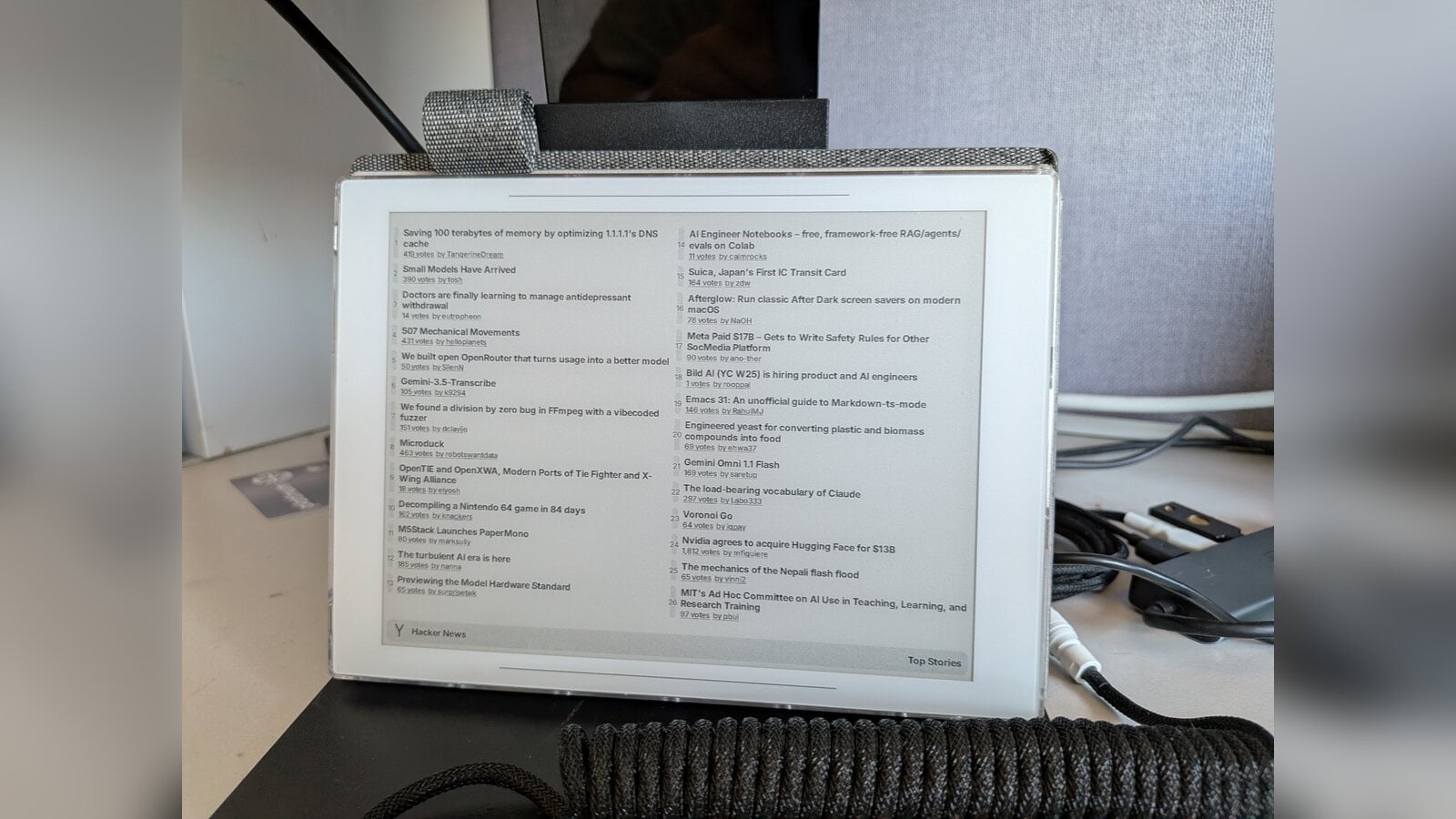
Supernote Manta
2160×1620 · 4096 colors
"reMarkable was gathering dust. Nice to give it a new purpose :)"
— Alex P.
Don't see your device?
Send us a photo anyway. We'll review your submission and, if we love your setup, pay you $25 too.
Daylight Computer DC-1
2480×1860
LivePaper reflective display running Android. Compatible with the BOOX app path in theory.
Submit anywayPineNote
1404×1872
Open hardware with a Linux-based OS. TRMNL would run as a scheduled image fetcher.
Submit anywayYour Device
???×???
Running TRMNL on something not on this list? Submit your setup for review — if we love it, we'll pay the $25 too.
Submit anyway