

Image
Place images on a screen and control their size, object fit, and inversion. On 1-bit displays, dithering arranges black and white pixels so an image still reads as shades of gray.
#
Dithering
Use the class image-dither to dither an image.
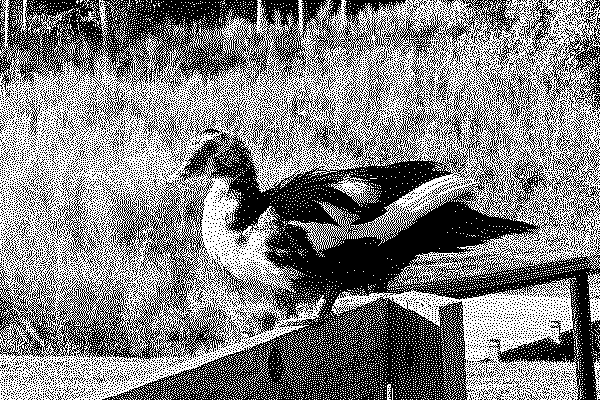
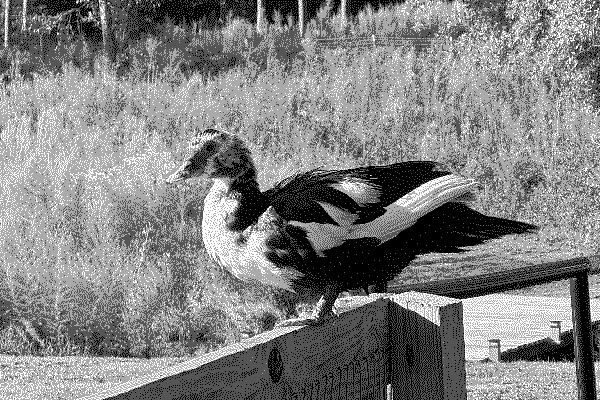
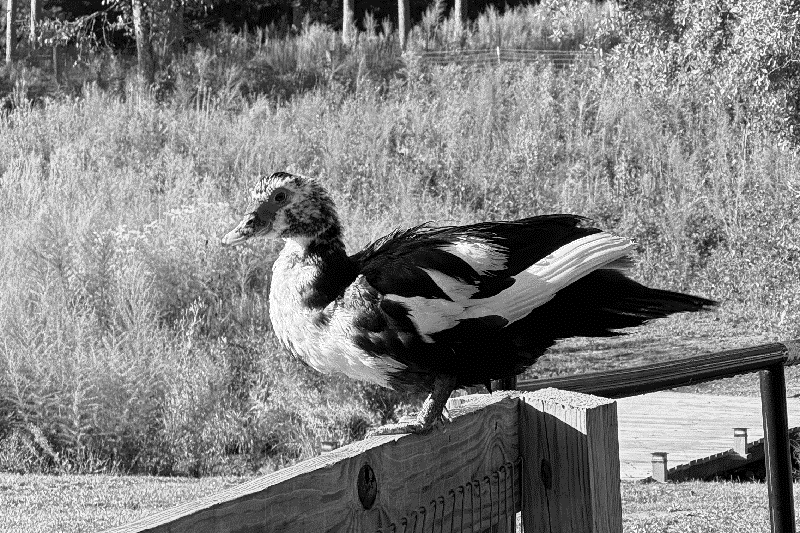
 Image
Image
<img class="image image-dither rounded" src="path to the image file">#
Object Fit
Control how images are displayed when not shown in their original aspect ratio.
#
Options
- Fill: The image is resized to fill the given dimension. If necessary, the image will be stretched or squished to fit.
- Contain: The image keeps its aspect ratio, but is resized to fit within the given dimension.
- Cover: The image keeps its aspect ratio and fills the given dimension. The image will be clipped to fit.
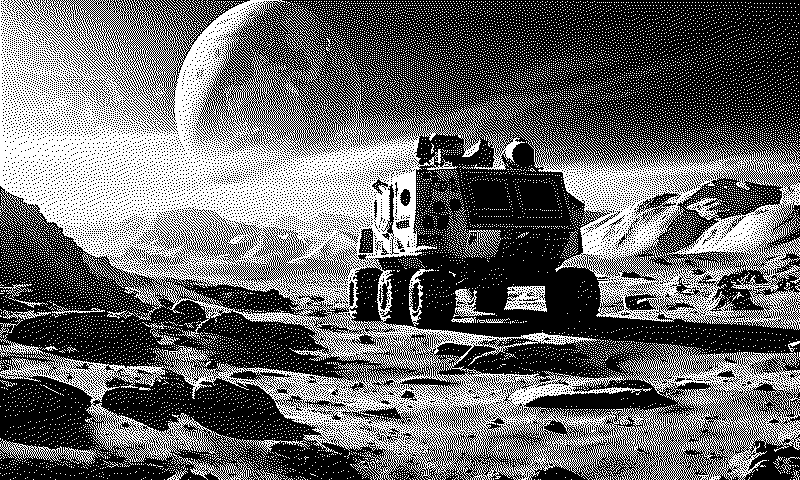
Fill
Contain
Cover
Object Fit Options
<img class="image image--fill" src="path to image">
<img class="image image--contain" src="path to image">
<img class="image image--cover" src="path to image">