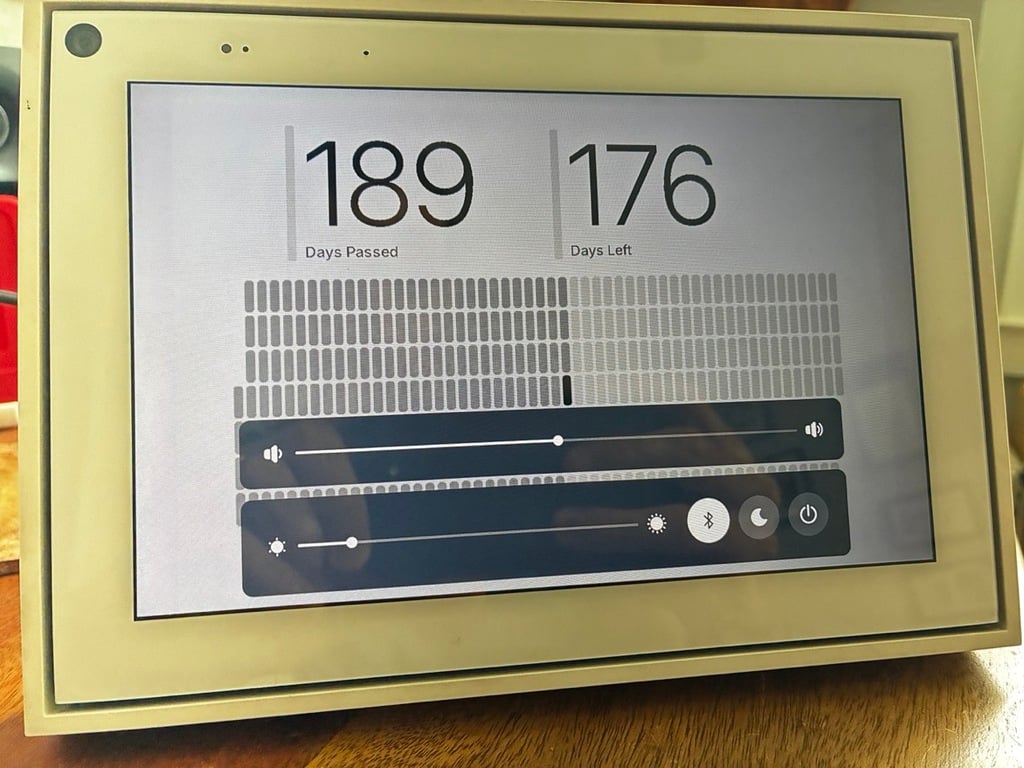
Meta Portal is now TRMNL
Meta ended support for 1,000,000+ of their "Portal" devices, a modified Android tablet designed for video calls through Messenger and WhatsApp.
thankfully they announced support for Android Debug Bridge, which lets owners build and share apps, unlocking value from the underlying hardware.
in TRMNL tradition we picked up a used Portal for just $19 (+ shipping) on eBay and made it a personal dashboard. shout out to community member JackR for the suggestion and assistance.
how it works
- Meta Portals run Android
- the TRMNL community, specifically Hossain Khan, maintains a TRMNL Android app
- you can install these apps on a Meta Portal with a USB-C cable, no coding required
get started
the guide below should take no more than 10 minutes.
step 1 - buy a Portal
any model / generation will work, in this post we'll showcase a Gen2, 10" display. if you get something else we may need to adjust the available device models, just send us a live chat or email support@trmnl.com.
step 2 - set up the Portal
go through the normal onboarding, connecting WiFi and logging into either a Facebook or WhatsApp account. you cannot access Settings unless you log into a social network (i know, i know...).
if your device does not arrive in "setup mode," it's easy to perform a factory reset.
step 3 - enable Android Debug Bridge
from your Portal's home screen, navigate to the Apps tab, then tap the Settings icon, scroll to the Debug section, and tap again to Enable ADB.
you will likely be asked to provide your 4-digit pin from Step 1.
step 4 - connect the Portal to your computer
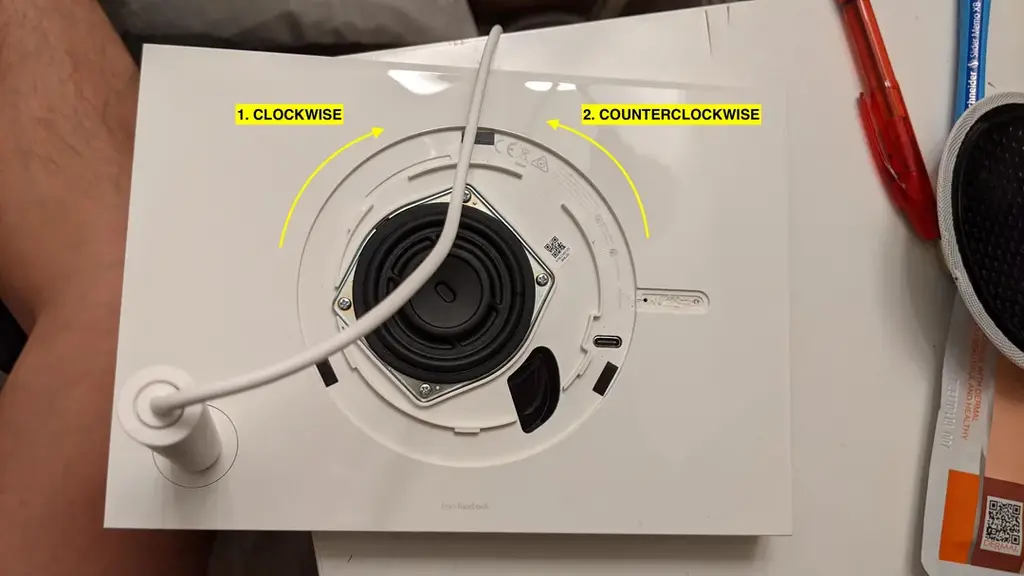
plug a USB-C cable into your Meta Portal. i spent 10 minutes finding my port on the Gen2 -- it's behind the speaker. each Portal is different.
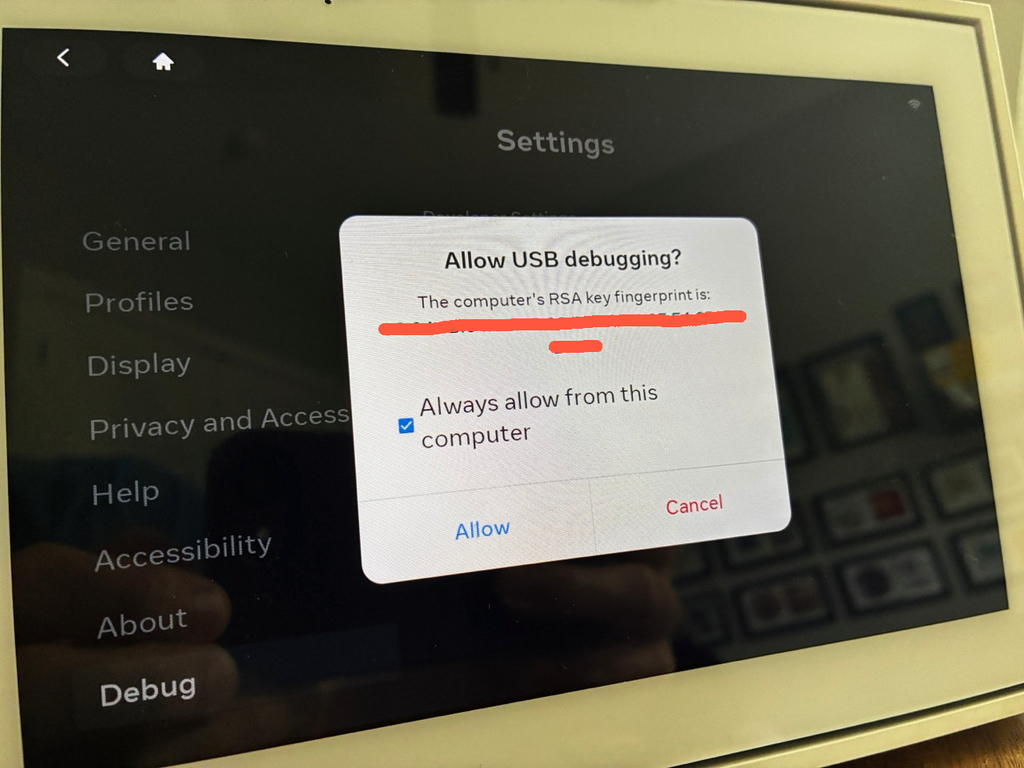
you should see a prompt on your Portal, asking you to "Allow USB debugging." tap to allow. if you don't see this prompt, or it disappears, or you accidentally hit cancel, just turn off your Meta Portal (disconnect power), remove the USB-C cable, and plug it back in + try again from Step 3.
step 5 - install Android Platform Tools
if you're on a Mac and you regularly write code, you may have Homebrew installed, in which case you can brew install --cask android-platform-tools .
if you're not on Mac, or you do not use Homebrew, download the dev tools here under Downloads:
https://developer.android.com/tools/releases/platform-tools
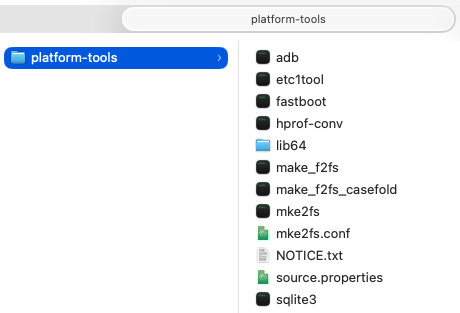
this is a relatively small (16mb) zip file. double click to expand it on your computer and you should see a short list of executable files inside:
step 6 - download the TRMNL android app
TRMNL has a couple Android apps developed by community member Hossain Khan. one is for turning a tablet into a device, the other is for managing multiple devices. we want the first app called TRMNL Display.
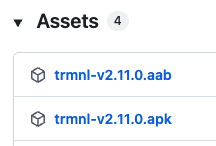
download the latest release's "APK" file, which is a bundle of the TRMNL Display application, here:
https://github.com/usetrmnl/trmnl-android/releases
at the time of writing i'm downloading the file called "trmnl-v2.11.0.apk" from the v2.11.0 release.
step 7 - install TRMNL on Meta Portal
it's time to open up a terminal (console) on your computer. if you're on Mac, hit cmd+space and search for "terminal," then hit enter.
if you installed the Android Platform Tools via Homebrew...
- navigate to wherever you downloaded the APK file (e.g.
cd ~/Downloads) - run
adb install trmnl-v2.11.0.apk
if you installed the Android Platform Tools by downloading the zip file...
- navigate to wherever you un-zipped the "platform-tools" folder (see picture in Step 5)
- copy or move the
trmnl-v2.11.0.apkfile you downloaded to the same folder - open your terminal/console and navigate to that folder (containing APK + executable files)
- run
./adb install trmnl-v2.11.0.apk
you should see output like this:
Ryans-Mac-mini:Downloads ryanckulp$ adb install trmnl-v2.11.0.apk
Performing Streamed Install
Success
see Troubleshooting below if you don't get a success message.
when the installation succeeds, your Meta Portal will go black for a brief moment, then blink back on. from the Apps tab you should see TRMNL installed.
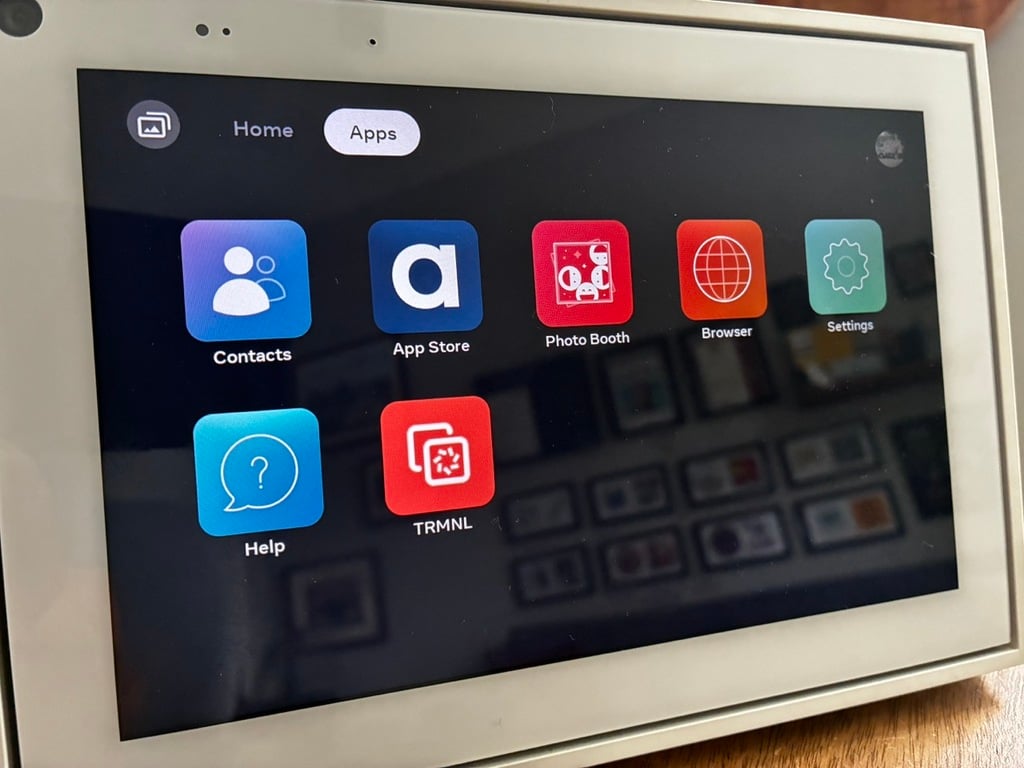
tap to open the app, then set it up as a regular TRMNL or BYOD device (free trial, then $50 lifetime license), pending your preferences.
you may also point your Meta Portal to a self-hosted server for a completely free experience. simply select BYOS from the TRMNL app home screen and follow along the instructions.
step 8 - enjoy
there's no reason 1 million Meta Portals need to visit a landfill. for $0-50 you can bring it back to life with TRMNL.
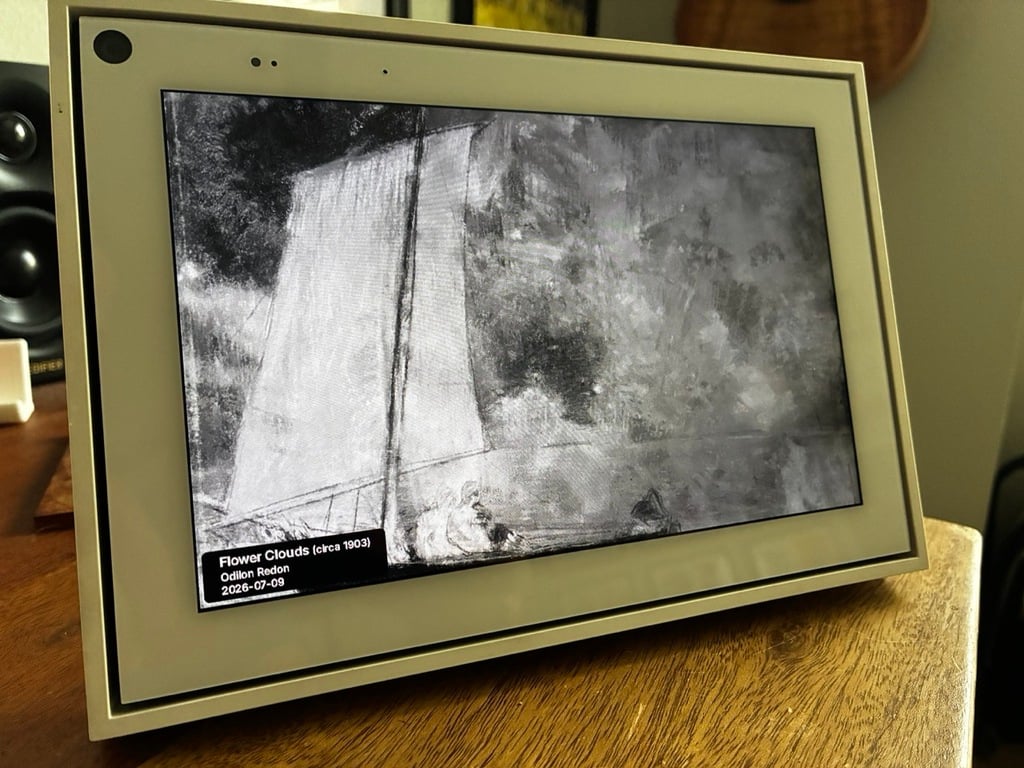
(full color also supported, just change your Presentation from the device settings tab)
troubleshooting
while installing the TRMNL Display Android app, if you get a failure message, it's possible you didn't yet enable the Debug tools. additionally, any time you restart a Portal the ADB debugger is disabled. repeat Step 4 to be sure.
to confirm your device is detected by your computer, run adb devices (or ./adb devices if using the zip folder contents) to confirm it appears:
Ryans-Mac-mini:Downloads ryanckulp$ adb devices
List of devices attached
819LCM01Z0944N04 device
to go back to your Meta Portal's home screen or use other apps, swipe "up" from the bottom, then tap the power off button. this will not actually turn off your Portal, it will just shut down the TRMNL Display app.