# Image
Image creates the illusion of grayscale through carefully designed dither patterns. When rendered on 1-bit (black and white only) displays, these patterns create an illusion of different shades of gray by using specific arrangements of black and white pixels.
### Dithering
Use the class `image-dither` to dither an image.
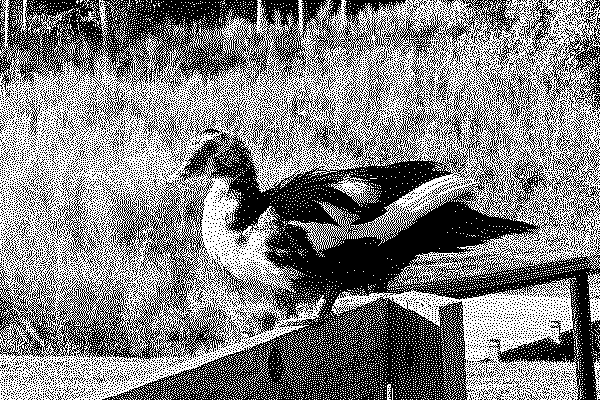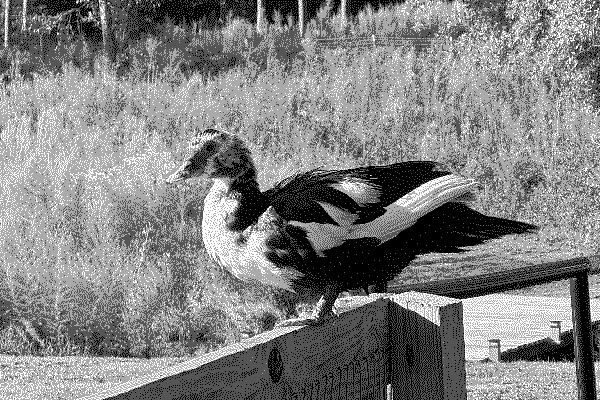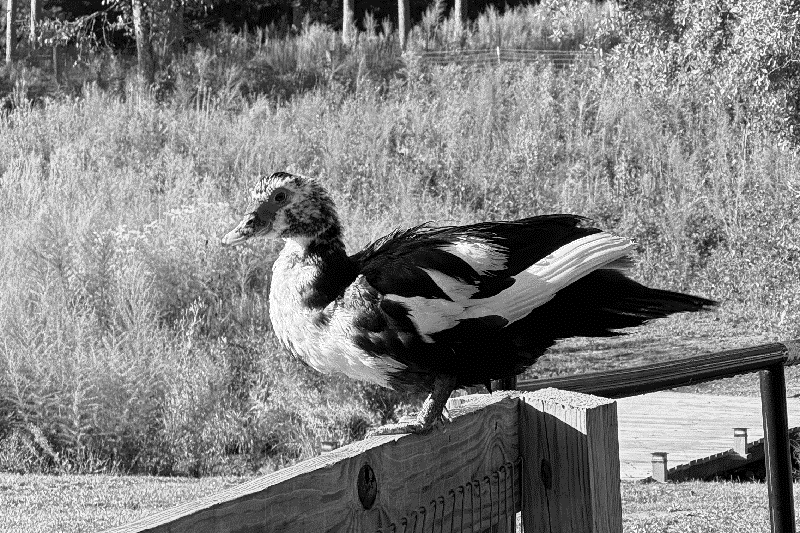
Image
 ### Object Fit
Control how images are displayed when not shown in their original aspect ratio.
#### Options
- **Fill:** The image is resized to fill the given dimension. If necessary, the image will be stretched or squished to fit.
- **Contain:** The image keeps its aspect ratio, but is resized to fit within the given dimension.
- **Cover:** The image keeps its aspect ratio and fills the given dimension. The image will be clipped to fit.
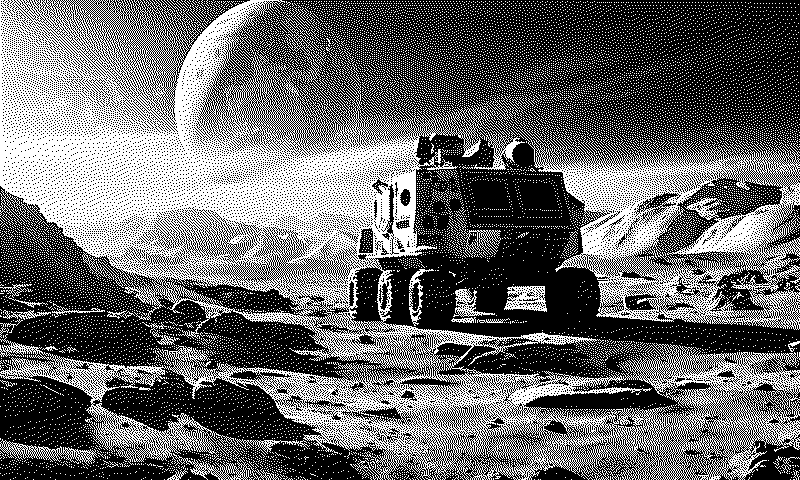
Fill

Contain

Cover
Object Fit Options
### Object Fit
Control how images are displayed when not shown in their original aspect ratio.
#### Options
- **Fill:** The image is resized to fill the given dimension. If necessary, the image will be stretched or squished to fit.
- **Contain:** The image keeps its aspect ratio, but is resized to fit within the given dimension.
- **Cover:** The image keeps its aspect ratio and fills the given dimension. The image will be clipped to fit.

Fill

Contain

Cover
Object Fit Options
 Previous
[Outline Pixel-perfect rounded borders using border-image for 1-bit displays](/framework/docs/3.0/outline)
Next
[Image Stroke Legible images when displayed on shaded backgrounds](/framework/docs/3.0/image_stroke)
Previous
[Outline Pixel-perfect rounded borders using border-image for 1-bit displays](/framework/docs/3.0/outline)
Next
[Image Stroke Legible images when displayed on shaded backgrounds](/framework/docs/3.0/image_stroke)